







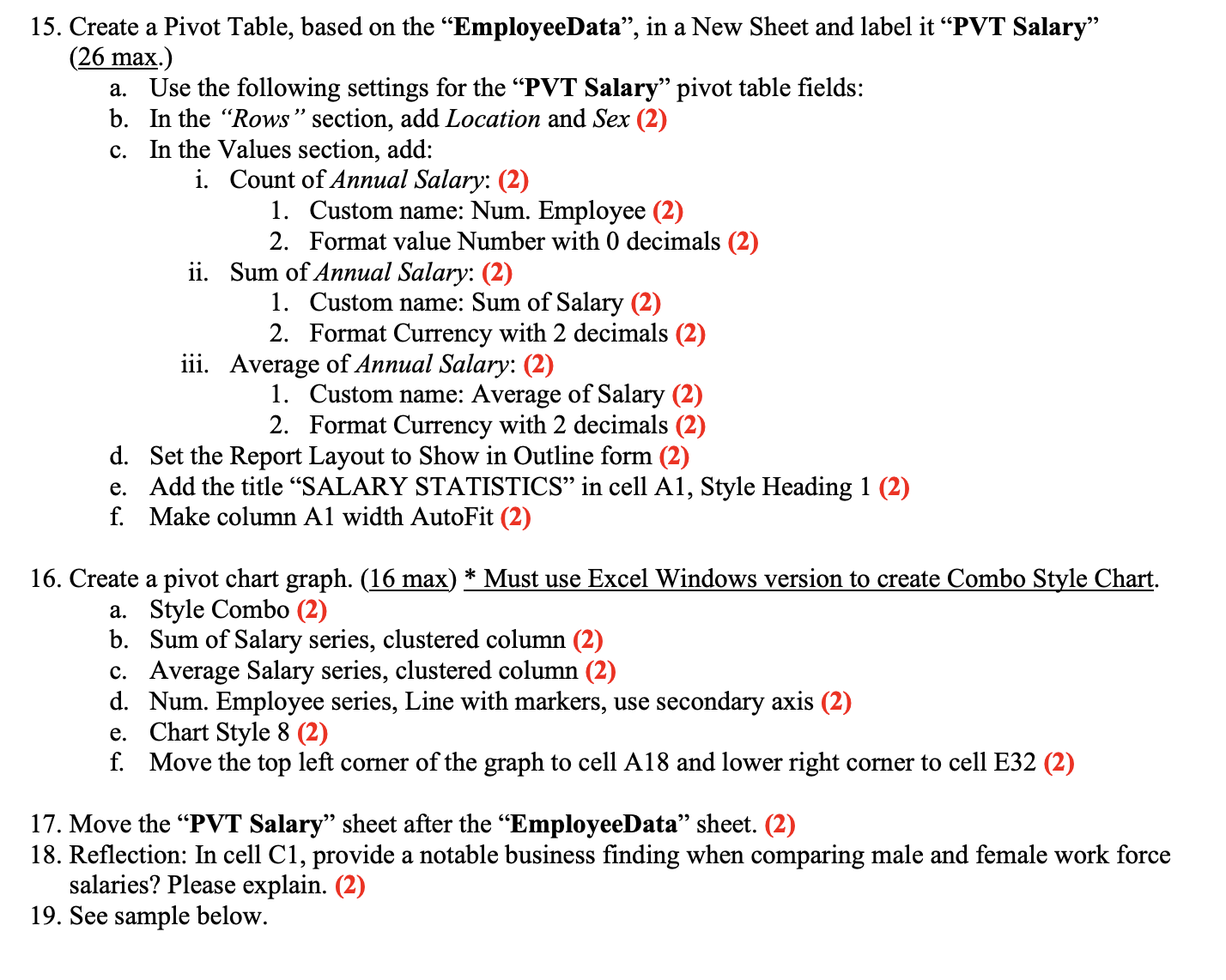
Question: Create a Pivot Table, based on the EmployeeData, in a New Sheet and label it PVT Salary ( 2 6 max. ) a .
Create a Pivot Table, based on the "EmployeeData", in a New Sheet and label it PVT Salary"
max.
a Use the following settings for the PVT Salary" pivot table fields:
b In the "Rows" section, add Location and Sex
c In the Values section, add:
i Count of Annual Salary:
Custom name: Num. Employee
Format value Number with decimals
ii Sum of Annual Salary:
Custom name: Sum of Salary
Format Currency with decimals
iii. Average of Annual Salary:
Custom name: Average of Salary
Format Currency with decimals
d Set the Report Layout to Show in Outline form
e Add the title "SALARY STATISTICS" in cell A Style Heading
f Make column A width AutoFit
Create a pivot chart graph. max
Step by Step Solution
There are 3 Steps involved in it
1 Expert Approved Answer
Step: 1 Unlock

Question Has Been Solved by an Expert!
Get step-by-step solutions from verified subject matter experts
Step: 2 Unlock
Step: 3 Unlock
 Study Help