







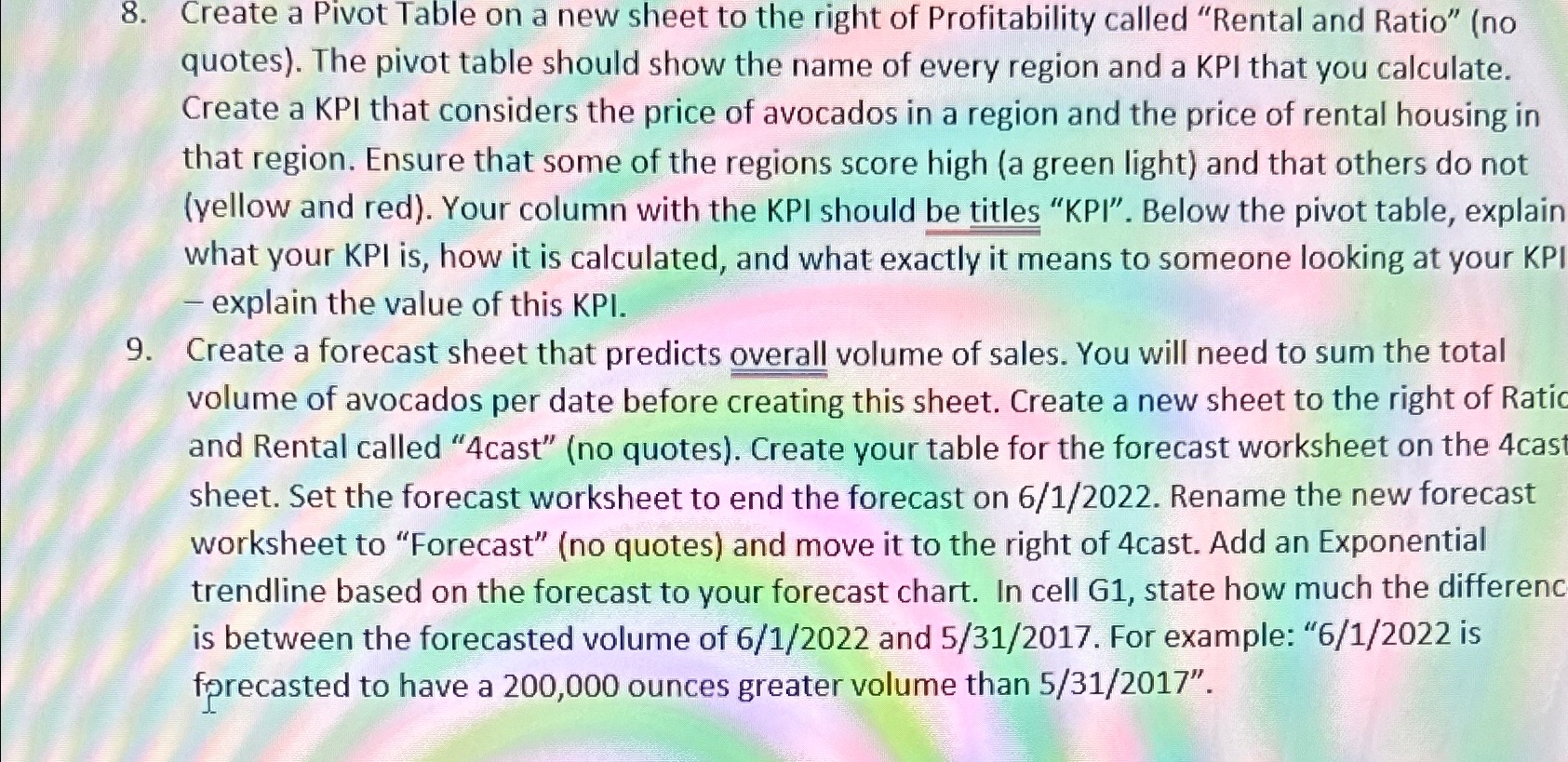
Question: Create a Pivot Table on a new sheet to the right of Profitability called Rental and Ratio ( no quotes ) . The pivot table
Create a Pivot Table on a new sheet to the right of Profitability called "Rental and Ratio" no quotes The pivot table should show the name of every region and a KPI that you calculate. Create a KPI that considers the price of avocados in a region and the price of rental housing in that region. Ensure that some of the regions score high a green light and that others do not yellow and red Your column with the KPI should be titles "KPI". Below the pivot table, explain what your KPI is how it is calculated, and what exactly it means to someone looking at your KPI explain the value of this KPI.
Create a forecast sheet that predicts overall volume of sales. You will need to sum the total volume of avocados per date before creating this sheet. Create a new sheet to the right of Ratic and Rental called cast" no quotes Create your table for the forecast worksheet on the cas sheet. Set the forecast worksheet to end the forecast on Rename the new forecast worksheet to "Forecast" no quotes and move it to the right of cast. Add an Exponential trendline based on the forecast to your forecast chart. In cell G state how much the differenc is between the forecasted volume of and For example: is fprecasted to have a ounces greater volume than
Step by Step Solution
There are 3 Steps involved in it
1 Expert Approved Answer
Step: 1 Unlock

Question Has Been Solved by an Expert!
Get step-by-step solutions from verified subject matter experts
Step: 2 Unlock
Step: 3 Unlock
 Study Help