







Question: Create a program called SpiderLeg.java which parses HTML files from given URLs. Question 1. Create a program called SpiderLeg.java which parses HTML files from given
Create a program called SpiderLeg.java which parses HTML files from given URLs.
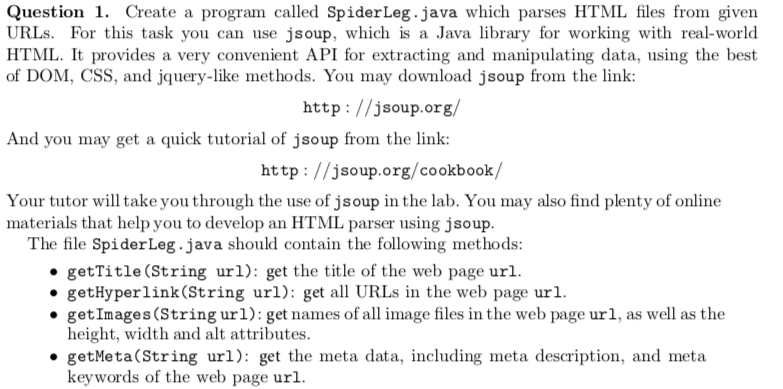
Question 1. Create a program called SpiderLeg.java which parses HTML files from given URLs. For this task you can use jsoup, which is a Java library for working with real-world HTML. It provides a very convenient API for extracting and manipulating data, using the best of DOM, CSS, and jquery-like methods. You may download jsoup from the linlk: http: //jsoup.org And you may get a quick tutorial of jsoup from the link: http://jsoup.org/cookbook/ Your tutor will take you through the use of jsoup in the lab. You may also find plenty of online materials that help you to develop an HTML parser using jsoup. The file SpiderLeg.java should contain the following methods: getTitle (String url): get the title of the web page ur getHyperlink(String url): get all URLs in the web page url getImages(String url): get names of all image files in the web page url, as well as the height, width and alt attributes getMeta(String url): get the meta data, including meta description, and meta keywords of the web page url. Question 1. Create a program called SpiderLeg.java which parses HTML files from given URLs. For this task you can use jsoup, which is a Java library for working with real-world HTML. It provides a very convenient API for extracting and manipulating data, using the best of DOM, CSS, and jquery-like methods. You may download jsoup from the linlk: http: //jsoup.org And you may get a quick tutorial of jsoup from the link: http://jsoup.org/cookbook/ Your tutor will take you through the use of jsoup in the lab. You may also find plenty of online materials that help you to develop an HTML parser using jsoup. The file SpiderLeg.java should contain the following methods: getTitle (String url): get the title of the web page ur getHyperlink(String url): get all URLs in the web page url getImages(String url): get names of all image files in the web page url, as well as the height, width and alt attributes getMeta(String url): get the meta data, including meta description, and meta keywords of the web page url
Step by Step Solution
There are 3 Steps involved in it

Get step-by-step solutions from verified subject matter experts
 Study Help