







Question: Create a program in Matlab that loads an audio signal in 'wav' format and calculates and plots spectrogram of the signal. The input to the
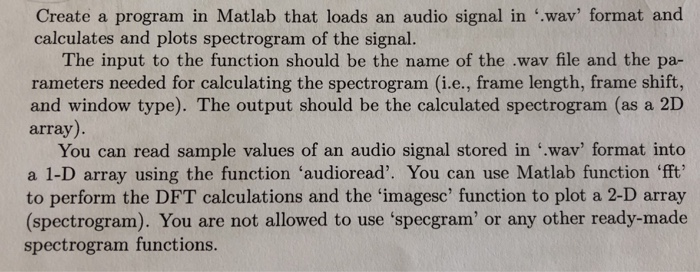
Create a program in Matlab that loads an audio signal in 'wav' format and calculates and plots spectrogram of the signal. The input to the function should be the name of the .wav file and the pa- rameters needed for calculating the spectrogram (i.e., frame length, frame shift, and window type). The output should be the calculated spectrogram (as a 2D array) You can read sample values of an audio signal stored in "wav' format into a 1-D array using the function 'audioread'. You can use Matlab function fft to perform the DFT calculations and the 'imagesc' function to plot a 2-D array (spectrogram). You are not allowed to use 'specgram' or any other ready-made spectrogram functions. Create a program in Matlab that loads an audio signal in 'wav' format and calculates and plots spectrogram of the signal. The input to the function should be the name of the .wav file and the pa- rameters needed for calculating the spectrogram (i.e., frame length, frame shift, and window type). The output should be the calculated spectrogram (as a 2D array) You can read sample values of an audio signal stored in "wav' format into a 1-D array using the function 'audioread'. You can use Matlab function fft to perform the DFT calculations and the 'imagesc' function to plot a 2-D array (spectrogram). You are not allowed to use 'specgram' or any other ready-made spectrogram functions
Step by Step Solution
There are 3 Steps involved in it

Get step-by-step solutions from verified subject matter experts
 Study Help