







Question: Create a responsive pagination, as in Figure 6: The a element within class selector pagination: font color:black Space around content: right and left:16px, top and
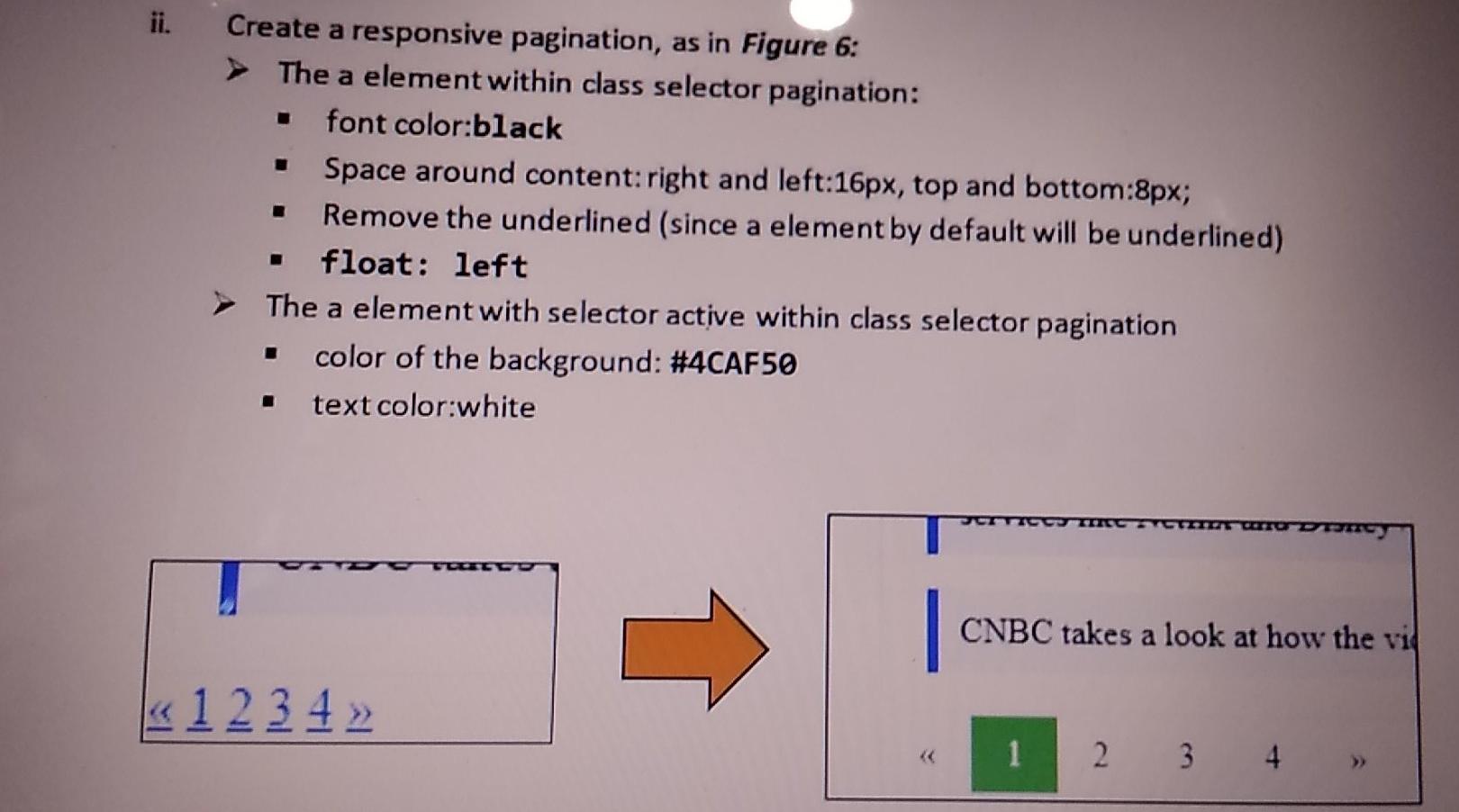
Create a responsive pagination, as in Figure 6: The a element within class selector pagination: font color:black Space around content: right and left:16px, top and bottom:8px; Remove the underlined (since a element by default will be underlined) float: left The a element with selector active within class selector pagination color of the background: #4CAF50 text color:white Wo Dom CNBC takes a look at how the vid 1 2 3 4 1 2 3 4
Step by Step Solution
There are 3 Steps involved in it
1 Expert Approved Answer
Step: 1 Unlock

Question Has Been Solved by an Expert!
Get step-by-step solutions from verified subject matter experts
Step: 2 Unlock
Step: 3 Unlock
 Study Help