





Question: Create a script name guess.sh Place the following comment after the shebang at the top of your script #l, , affirm that | am the
 Create a script name guess.sh Place the following comment after the

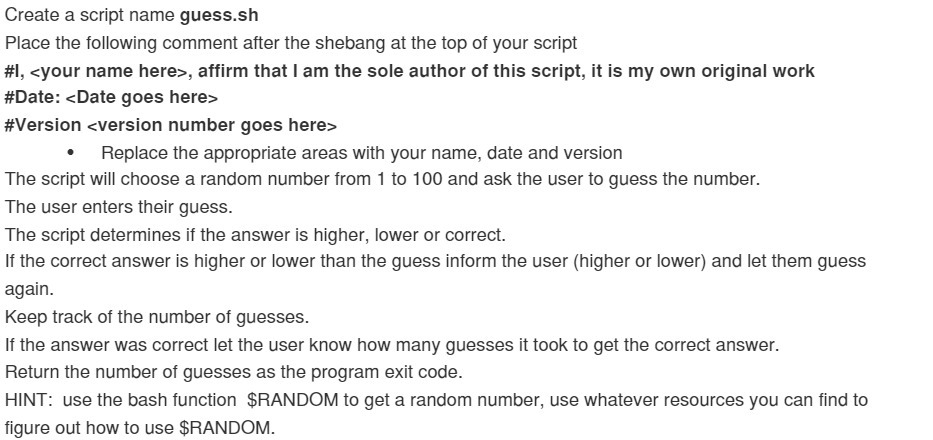
Create a script name guess.sh Place the following comment after the shebang at the top of your script #l, , affirm that | am the sole author of this script, it is my own original work #Date: #Version * Replace the appropriate areas with your name, date and version The script will choose a random number from 1 to 100 and ask the user to guess the number. The user enters their guess. The script determines if the answer is higher, lower or correct. If the correct answer is higher or lower than the guess inform the user (higher or lower) and let them guess again. Keep track of the number of guesses. If the answer was correct let the user know how many guesses it took to get the correct answer. Return the number of guesses as the program exit code. HINT: use the bash function $RANDOM to get a random number, use whatever resources you can find to figure out how to use $RANDOM

Step by Step Solution

There are 3 Steps involved in it

1 Expert Approved Answer
Step: 1 Unlock blur-text-image
Question Has Been Solved by an Expert!

Get step-by-step solutions from verified subject matter experts

Step: 2 Unlock
Step: 3 Unlock

Students Have Also Explored These Related Mathematics Questions!