







Question: Create a stand - alone program that is a JavaFX application. The application should consist of a Canvas where the fractal shapes will be drawn
Create a standalone program that is a JavaFX application. The application should consist of a Canvas where the fractal shapes will be drawn as well as input options buttons sliders, combo boxes, text fields, etc for the user to select the fractal and options for the fractal.
For full credit, the JavaFX application must correctly draw at least one of the fractal types with appropriate settings as listed below.
For the input widgets, the GUI should have at least the following:
If your GUI will draw snowflake fractals, there should be inputs for:
the number of sides for the base polygonthe length of the base polygon sizethe number of levels for the fractal, andthe rotation of the fractal.
If the user selects sides, the base shape should be a EquilateralTriangle. If the user selects sides, the base shape should be a Square, and otherwise the base shape is a NGon. There should be a button that, when clicked, will draw the snowflake canvas with the given settings on the canvas.
If your GUI will draw rectangle fractals, there should be inputs for:
the width of the base shapethe height of the base shapethe number of levels for the fractal, andthe rotation of the fractal.
If the user sets the height and width the same, the base shape should be a Square, and otherwise the base shape is a Rectangle. There should be a button that when clicked, will draw the rectangle fractal to the canvas.
If your GUI will draw triangle fractals, there should be inputs for the coordinates of the three points making up the triangle and for the number of levels. If the user enters points for an equilateral triangle, then the base shape of the fractal should be EquilateralTriangle, and otherwise it is a Triangle. There should be a button that draws the fractal to the canvas.
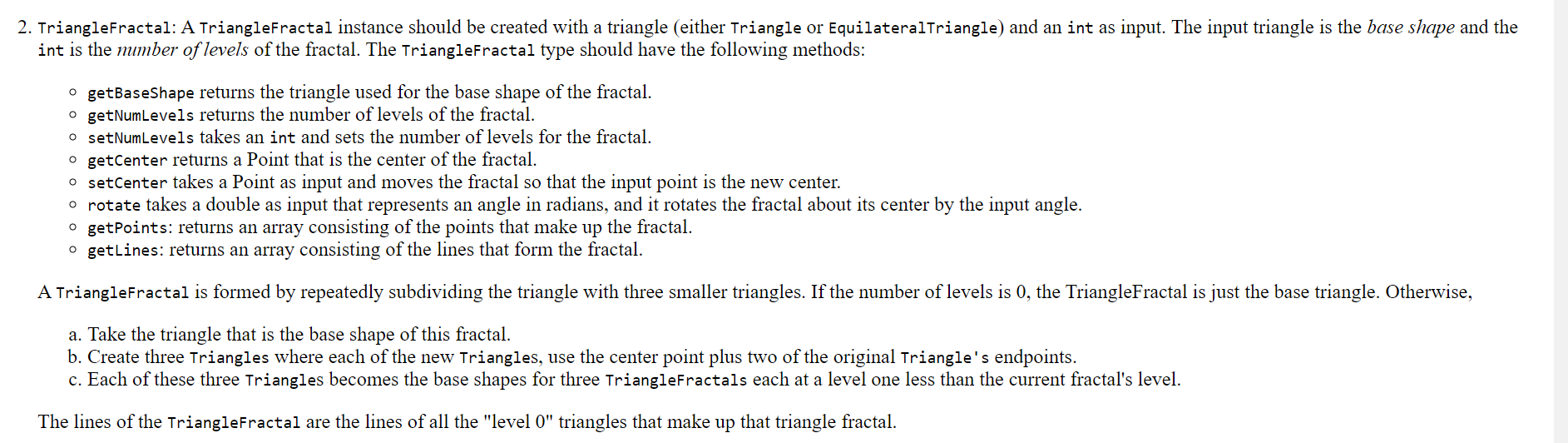
You are welcome to add widgets for other parameters such as color, center location, or to "erase" the canvas, but those are not required. Likewise, you are welcome to add any other features to your application to improve its look or how it works as long as it at least lets the user select the above settings for one of the fractal types and draws it TriangleFractal: A TriangleFractal instance should be created with a triangle either Triangle or EquilateralTriangle and an int as input. The input triangle is the base shape and the int is the number of levels of the fractal. The Trianglefractal type should have the following methods:
getBaseShape returns the triangle used for the base shape of the fractal.
getNumLevels returns the number of levels of the fractal.
setNumLevels takes an int and sets the number of levels for the fractal.
getCenter returns a Point that is the center of the fractal.
setCenter takes a Point as input and moves the fractal so that the input point is the new center.
rotate takes a double as input that represents an angle in radians, and it rotates the fractal about its center by the input angle.
getPoints: returns an array consisting of the points that make up the fractal.
getLines: returns an array consisting of the lines that form the fractal.
A Trianglefractal is formed by repeatedly subdividing the triangle with three smaller triangles. If the number of levels is the TriangleFractal is just the base triangle. Otherwise,
a Take the triangle that is the base shape of this fractal.
b Create three Triangles where each of the new Triangles, use the center point plus two of the original Triangle's endpoints.
c Each of these three Triangles becomes the base shapes for three TriangleFractals each at a level one less than the current fractal's level.
The lines of the TriangleFractal are the lines of all the "level triangles that make up that triangle fractal.
Step by Step Solution
There are 3 Steps involved in it
1 Expert Approved Answer
Step: 1 Unlock

Question Has Been Solved by an Expert!
Get step-by-step solutions from verified subject matter experts
Step: 2 Unlock
Step: 3 Unlock
 Study Help