







Question: Create a subroutine which shows progress bar on Olimex LCD display: First line: centered percentage as a number Second line: progress bar from left
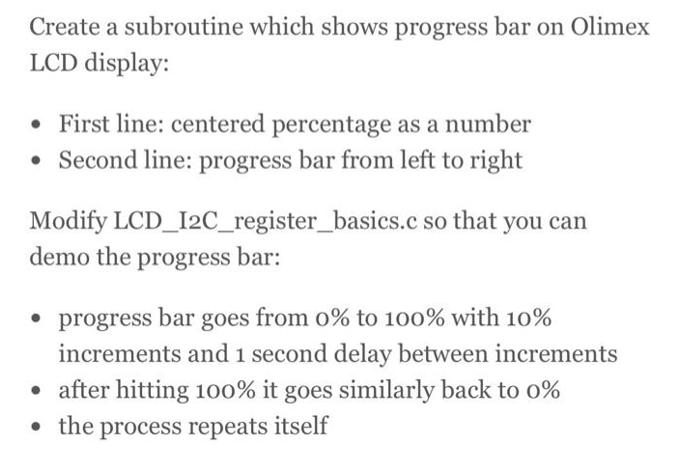
Create a subroutine which shows progress bar on Olimex LCD display: First line: centered percentage as a number Second line: progress bar from left to right Modify LCD_I2C_register_basics.c so that you can demo the progress bar: progress bar goes from 0% to 100% with 10% increments and 1 second delay between increments after hitting 100% it goes similarly back to 0% the process repeats itself
Step by Step Solution
3.42 Rating (149 Votes )
There are 3 Steps involved in it
To create a subroutine that displays a progress bar on an Olimex LCD display with the specified requ... View full answer

Get step-by-step solutions from verified subject matter experts
 Study Help