







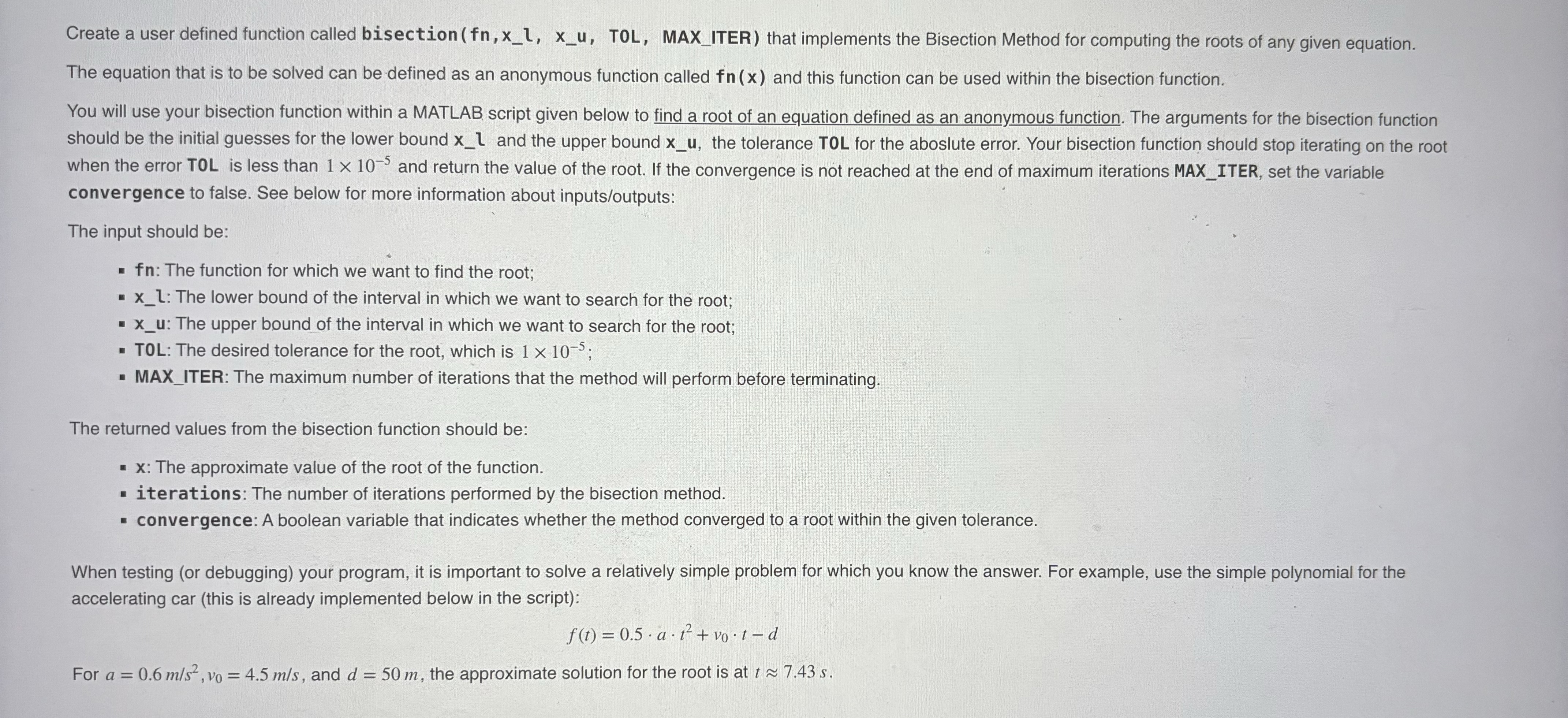
Question: Create a user defined function called bisection ( f n , x - l , x - u , TOL, MAX _ ITER ) that
Create a user defined function called bisection TOL, MAXITER that implements the Bisection Method for computing the roots of any given equation.
The equation that is to be solved can be defined as an anonymous function called and this function can be used within the bisection function.
You will use your bisection function within a MATLAB script given below to find a root of an equation defined as an anonymous function. The arguments for the bisection function should be the initial guesses for the lower bound and the upper bound the tolerance TOL for the aboslute error. Your bisection function should stop iterating on the root when the error TOL is less than and return the value of the root. If the convergence is not reached at the end of maximum iterations MAXITER, set the variable convergence to false. See below for more information about inputsoutputs:
The input should be:
: The function for which we want to find the root;
xl: The lower bound of the interval in which we want to search for the root;
xu: The upper bound of the interval in which we want to search for the root;
TOL: The desired tolerance for the root, which is ;
MAXITER: The maximum number of iterations that the method will perform before terminating.
The returned values from the bisection function should be:
x: The approximate value of the root of the function.
iterations: The number of iterations performed by the bisection method.
convergence: A boolean variable that indicates whether the method converged to a root within the given tolerance.
When testing or debugging your program, it is important to solve a relatively simple problem for which you know the answer. For example, use the simple polynomial for the accelerating car this is already implemented below in the script:
For and the approximate solution for the root is at ~~Create a user defined function called bisection TOL, MAXITER that implements the Bisection Method for computing the roots of any given equation.
The equation that is to be solved can be defined as an anonymous function called and this function can be used within the bisection function.
You will use your bisection function within a MATLAB script given below to find a root of an equation defined as an anonymous function. The arguments for the bisection function should be the initial guesses for the lower bound and the upper bound the tolerance TOL for the aboslute error. Your bisection function should stop iterating on the root when the error TOL is less than and return the value of the root. If the convergence is not reached at the end of maximum iterations MAXITER, set the variable convergence to false. See below for more information about inputsoutputs:
The input should be:
: The function for which we want to find the root;
xl: The lower bound of the interval in which we want to search for the root;
xu: The upper bound of the interval in which we want to search for the root;
TOL: The desired tolerance for the root, which is ;
MAXITER: The maximum number of iterations that the method will perform before terminating.
The returned values from the bisection function should be:
x: The approximate value of the root of the function.
iterations: The number of iterations performed by the bisection method.
convergence: A boolean variable that indicates whether the method converged to a root within the given tolerance.
When testing or debugging your program, it is important to solve a relatively simple problem for which you know the answer. For example, use the simple polynomial for the accelerating car this is already implemented below in the script:
For and the approximate solution for the root is at ~~
Step by Step Solution
There are 3 Steps involved in it
1 Expert Approved Answer
Step: 1 Unlock

Question Has Been Solved by an Expert!
Get step-by-step solutions from verified subject matter experts
Step: 2 Unlock
Step: 3 Unlock
 Study Help