







Question: Create a webpage for Part 1 and it will contain a script, using the for looping statement, that calculates the product and sum of every
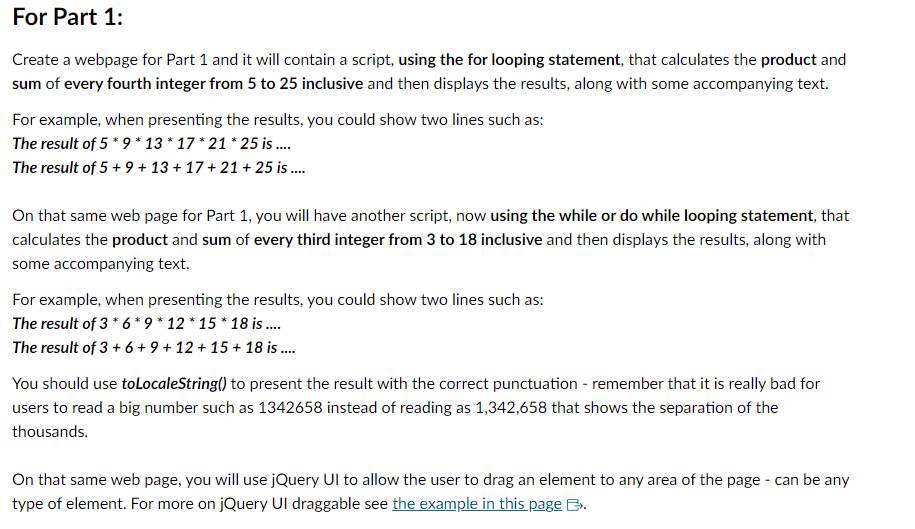
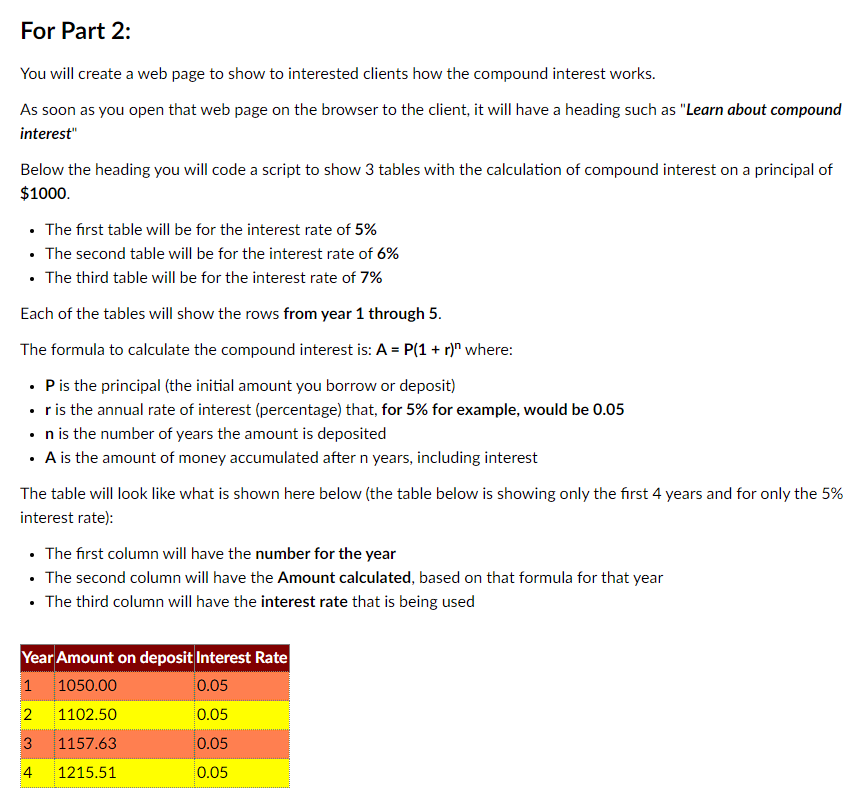
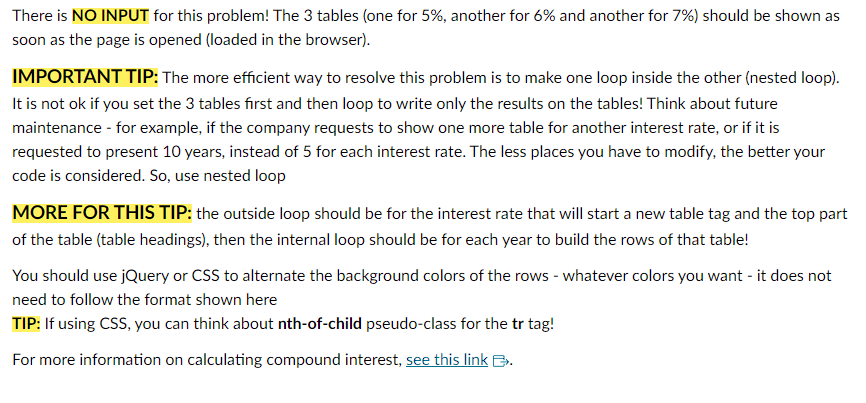
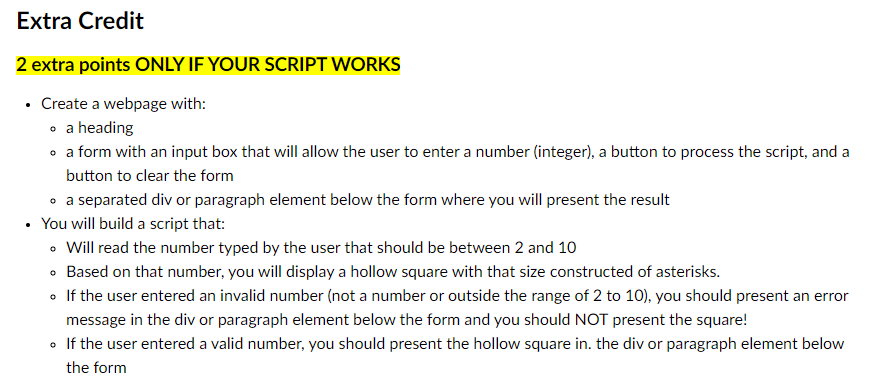
Create a webpage for Part 1 and it will contain a script, using the for looping statement, that calculates the product and sum of every fourth integer from 5 to 25 inclusive and then displays the results, along with some accompanying text. For example, when presenting the results, you could show two lines such as: The result of 5913172125 is .... The result of 5+9+13+17+21+25 is On that same web page for Part 1, you will have another script, now using the while or do while looping statement, that calculates the product and sum of every third integer from 3 to 18 inclusive and then displays the results, along with some accompanying text. For example, when presenting the results, you could show two lines such as: The result of 369121518 is . The result of 3+6+9+12+15+18 is You should use toLocaleString() to present the result with the correct punctuation - remember that it is really bad for users to read a big number such as 1342658 instead of reading as 1,342,658 that shows the separation of the thousands. On that same web page, you will use jQuery UI to allow the user to drag an element to any area of the page - can be any type of element. For more on jQuery UI draggable see the example in this page . You will create a web page to show to interested clients how the compound interest works. As soon as you open that web page on the browser to the client, it will have a heading such as "Learn about compound interest" Below the heading you will code a script to show 3 tables with the calculation of compound interest on a principal of $1000. - The first table will be for the interest rate of 5% - The second table will be for the interest rate of 6% - The third table will be for the interest rate of 7% Each of the tables will show the rows from year 1 through 5 . The formula to calculate the compound interest is: A=P(1+r)n where: - P is the principal (the initial amount you borrow or deposit) - r is the annual rate of interest (percentage) that, for 5% for example, would be 0.05 - n is the number of years the amount is deposited - A is the amount of money accumulated after n years, including interest The table will look like what is shown here below (the table below is showing only the first 4 years and for only the 5% interest rate): - The first column will have the number for the year - The second column will have the Amount calculated, based on that formula for that year - The third column will have the interest rate that is being used There is NO INPUT for this problem! The 3 tables (one for 5%, another for 6% and another for 7% ) should be shown as soon as the page is opened (loaded in the browser). IMPORTANT TIP: The more efficient way to resolve this problem is to make one loop inside the other (nested loop). It is not ok if you set the 3 tables first and then loop to write only the results on the tables! Think about future maintenance - for example, if the company requests to show one more table for another interest rate, or if it is requested to present 10 years, instead of 5 for each interest rate. The less places you have to modify, the better your code is considered. So, use nested loop MORE FOR THIS TIP: the outside loop should be for the interest rate that will start a new table tag and the top part of the table (table headings), then the internal loop should be for each year to build the rows of that table! You should use jQuery or CSS to alternate the background colors of the rows - whatever colors you want - it does not need to follow the format shown here TIP: If using CSS, you can think about nth-of-child pseudo-class for the tr tag! For more information on calculating compound interest, see this link . 2 extra points ONLY IF YOUR SCRIPT WORKS - Create a webpage with: - a heading - a form with an input box that will allow the user to enter a number (integer), a button to process the script, and a button to clear the form - a separated div or paragraph element below the form where you will present the result - You will build a script that: - Will read the number typed by the user that should be between 2 and 10 - Based on that number, you will display a hollow square with that size constructed of asterisks. - If the user entered an invalid number (not a number or outside the range of 2 to 10), you should present an error message in the div or paragraph element below the form and you should NOT present the square! - If the user entered a valid number, you should present the hollow square in. the div or paragraph element below the form
Step by Step Solution
There are 3 Steps involved in it

Get step-by-step solutions from verified subject matter experts
 Study Help