







Question: Create an application called greeting using a Django project: The application will print the following: Hello, my name is First _ name Last _ name!
Create an application called "greeting" using a Django project:
The application will print the following: Hello, my name is Firstname Lastname!
Make sure to replace the text "Firstname" and "Lastname" with your own first and last name
Make sure to include a comment in the code with your own Firstname and Lastname
Run your web server using the following URL : to produce the required output.
Hints:
Update
settings.py file to add your app to the list of installed apps. Modify the INSTALLEDAPPS to look like this:
INSTALLEDAPPS
'django.contrib.admin',
'django.contrib.auth',
'django.contrib.contenttypes',
'django.contrib.sessions',
'django.contrib.messages',
'django.contrib.staticfiles',
'greeting',
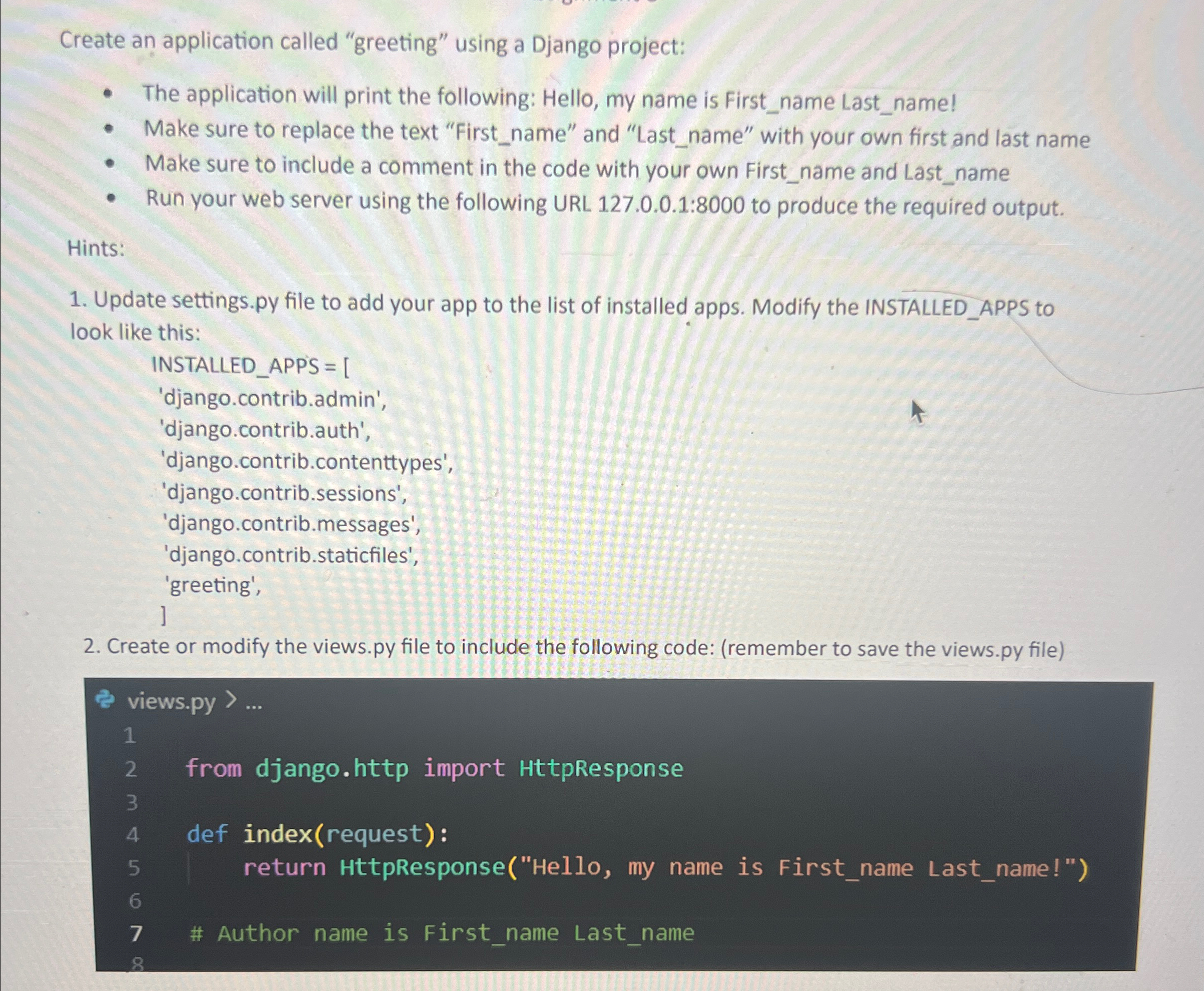
Create or modify the
views.py file to include the following code: remember to save the
views.py file
views.py
from django.http import HttpResponse
def indexrequest:
return HttpResponseHello my name is Firstname Lastname!"
# Author name is Firstname Lastname
Step by Step Solution
There are 3 Steps involved in it
1 Expert Approved Answer
Step: 1 Unlock

Question Has Been Solved by an Expert!
Get step-by-step solutions from verified subject matter experts
Step: 2 Unlock
Step: 3 Unlock
 Study Help