







Question: Create an Edit Menu in your GUI Add a second menu to the GUI called Edit which will have one menu item called Insert.
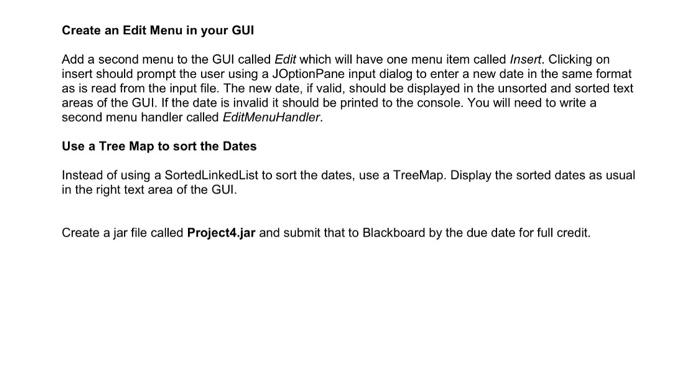
Create an Edit Menu in your GUI Add a second menu to the GUI called Edit which will have one menu item called Insert. Clicking on insert should prompt the user using a JOptionPane input dialog to enter a new date in the same format as is read from the input file. The new date, if valid, should be displayed in the unsorted and sorted text areas of the GUI. If the date is invalid it should be printed to the console. You will need to write a second menu handler called Edit MenuHandler. Use a Tree Map to sort the Dates Instead of using a Sorted Linked List to sort the dates, use a TreeMap. Display the sorted dates as usual in the right text area of the GUI. Create a jar file called Project4.jar and submit that to Blackboard by the due date for full credit.
Step by Step Solution
There are 3 Steps involved in it
It seems like you are working on a Java GUI application and you have specific requirements for an Edit menu and sorting dates using a TreeMap Below is ... View full answer

Get step-by-step solutions from verified subject matter experts
 Study Help