







Question: Create an empty folder and name it personal_website and initialize a git repository in it. As you are doing the following tasks, use git add
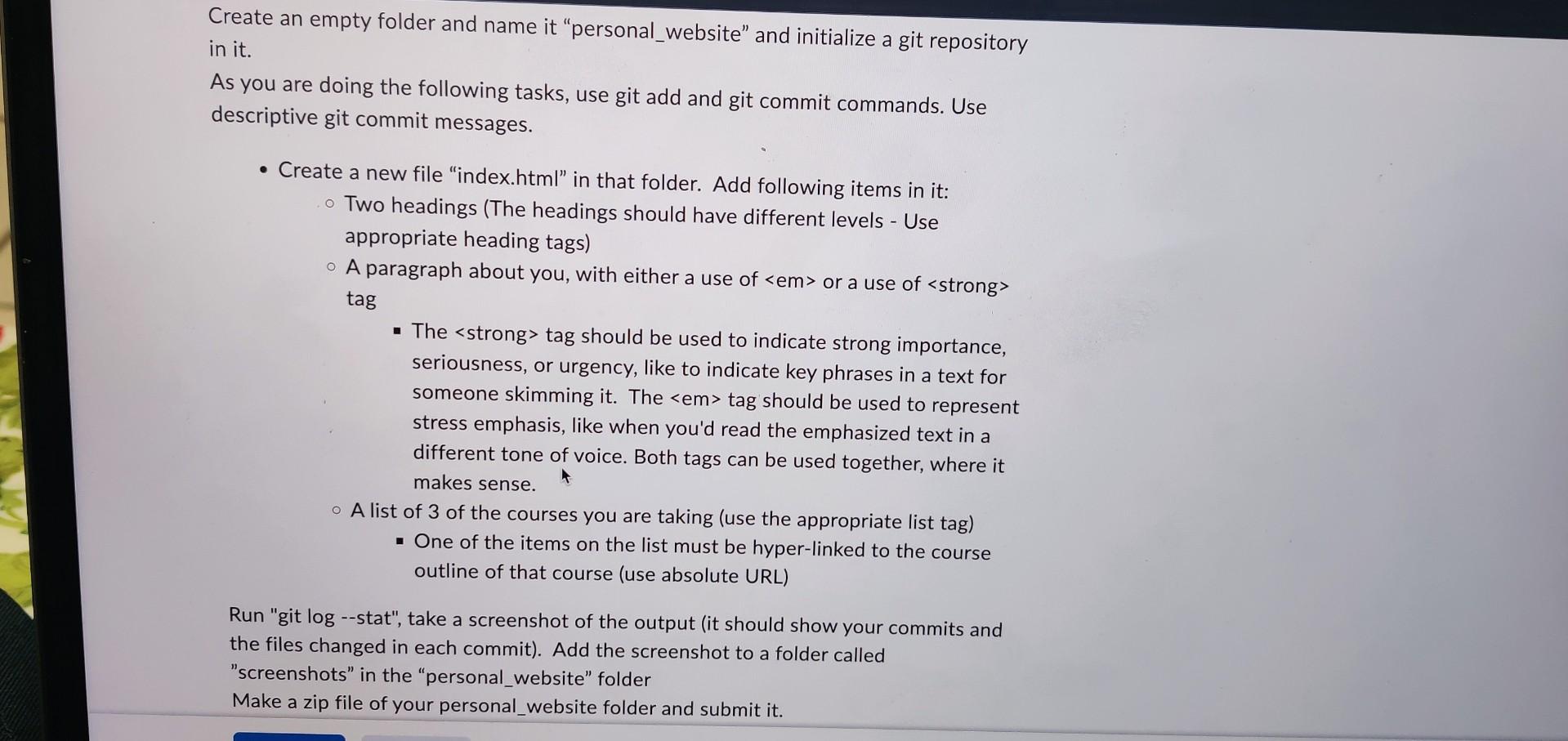
Create an empty folder and name it "personal_website" and initialize a git repository in it. As you are doing the following tasks, use git add and git commit commands. Use descriptive git commit messages. - Create a new file "index.html" in that folder. Add following items in it: - Two headings (The headings should have different levels - Use appropriate heading tags) A paragraph about you, with either a use of or a use of tag - The strong tag should be used to indicate strong importance, seriousness, or urgency, like to indicate key phrases in a text for someone skimming it. The tag should be used to represent stress emphasis, like when you'd read the emphasized text in a different tone of voice. Both tags can be used together, where it makes sense. A list of 3 of the courses you are taking (use the appropriate list tag) - One of the items on the list must be hyper-linked to the course outline of that course (use absolute URL) Run "git log -sstat", take a screenshot of the output (it should show your commits and the files changed in each commit). Add the screenshot to a folder called "screenshots" in the "personal_website" folder Make a zip file of your personal_website folder and submit it
Step by Step Solution
There are 3 Steps involved in it

Get step-by-step solutions from verified subject matter experts
 Study Help