







Question: Create an Entity Relationship Diagram and a Data Flow Diagram (using PowerPoint or DIA) for the information below: Calldwell College has requested the CIS faculty
Create an Entity Relationship Diagram and a Data Flow Diagram (using PowerPoint or DIA) for the information below:
Calldwell College has requested the CIS faculty and students to build a replacement for a web (SaaS) application that collects information about faculty members as follows:
Faculty ID, position (e.g. full-time) and title (e.g. Associate Professor)
Faculty degrees, institutions and year of degree award
Resumes (text blob)
Academic Accomplishments (papers published, books, honorary degrees)
Courses Taught including changes, innovations, etc.
The Prototype screens are as follows:
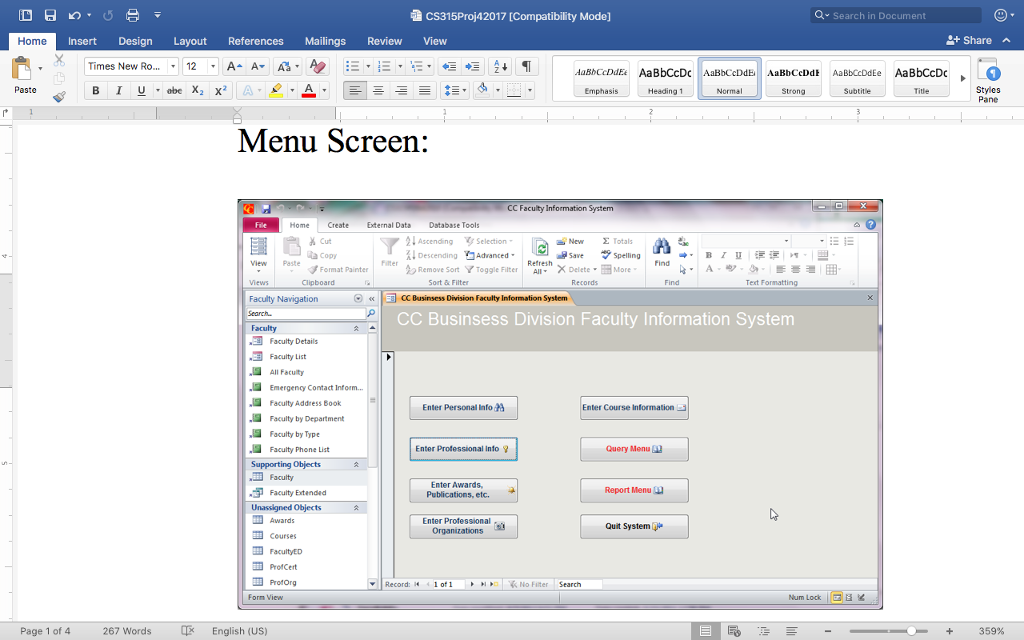
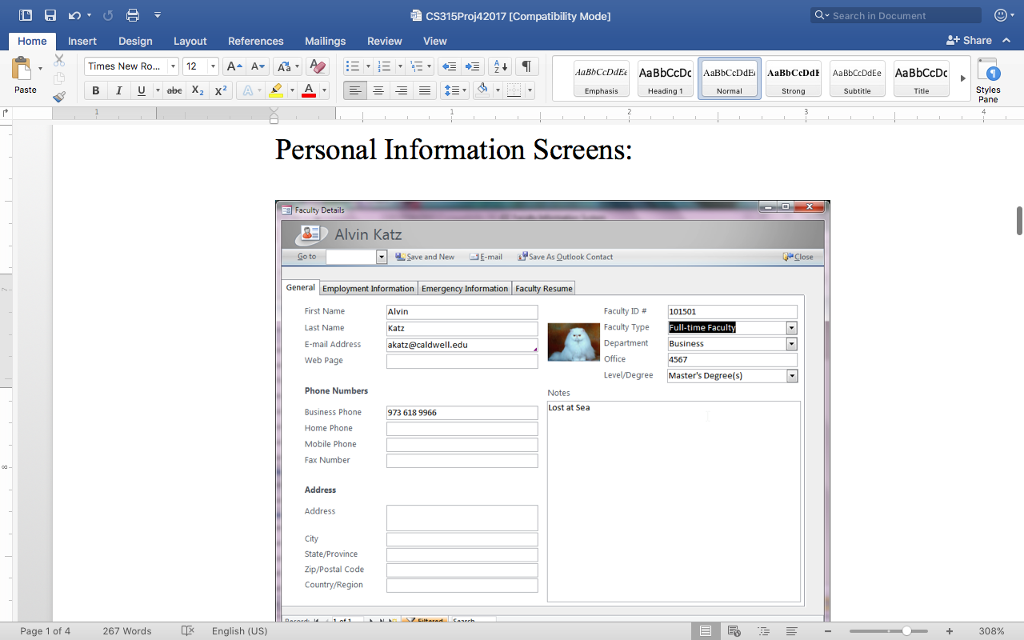
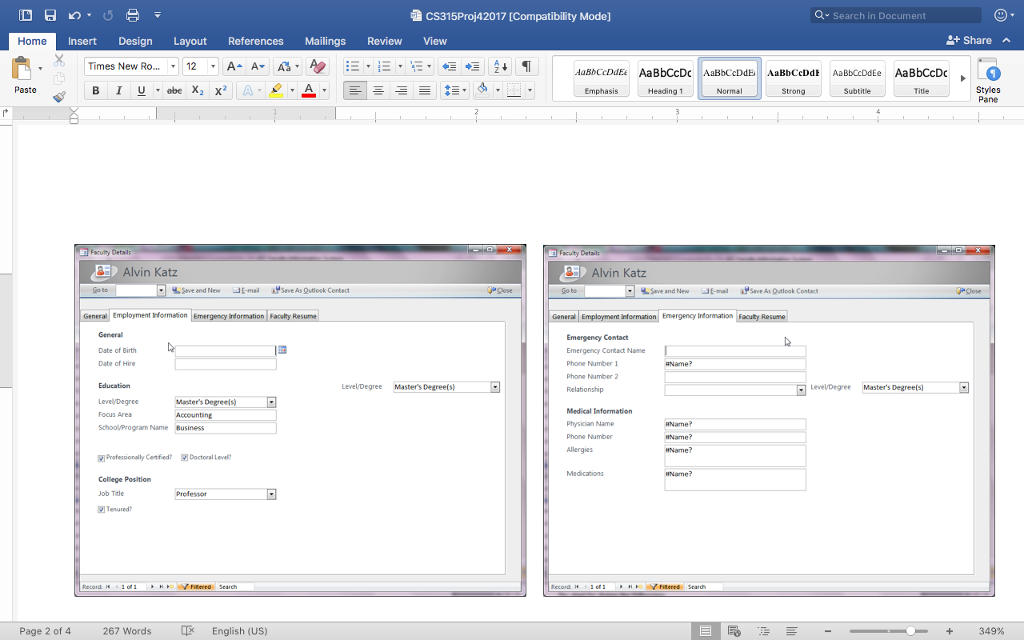
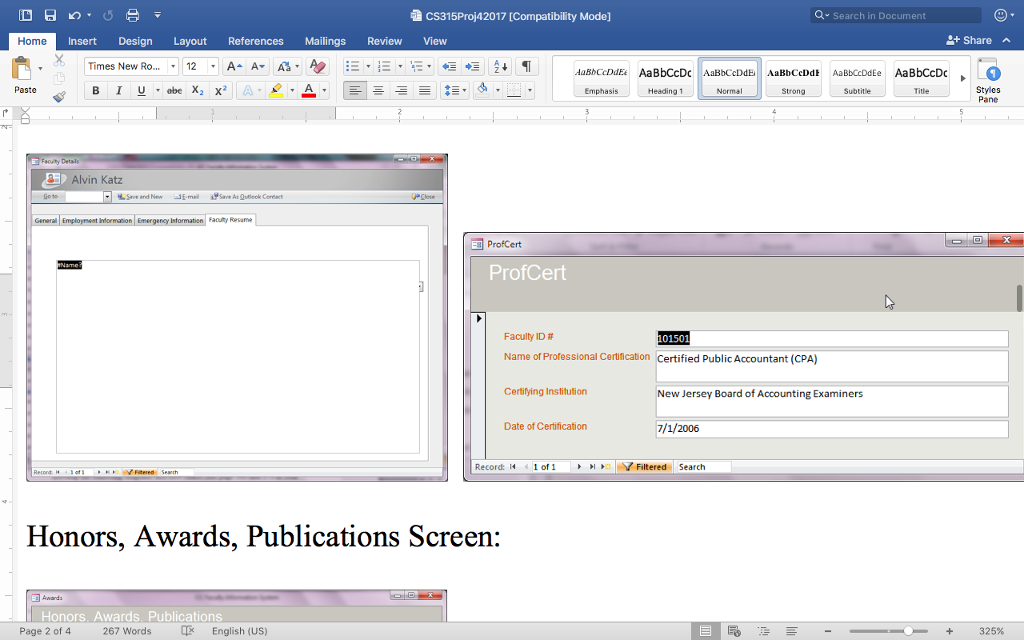
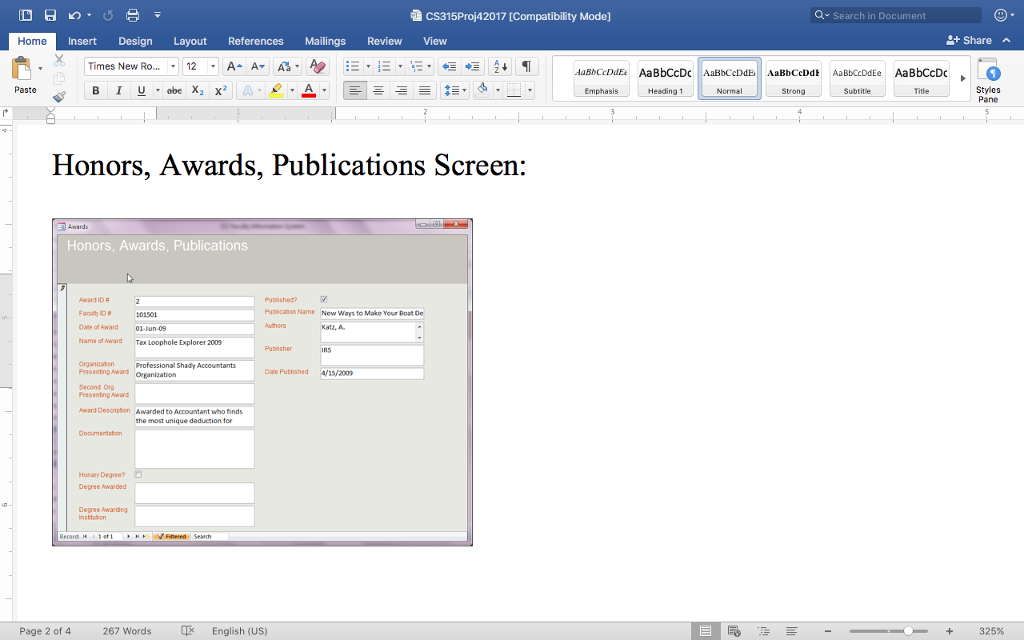
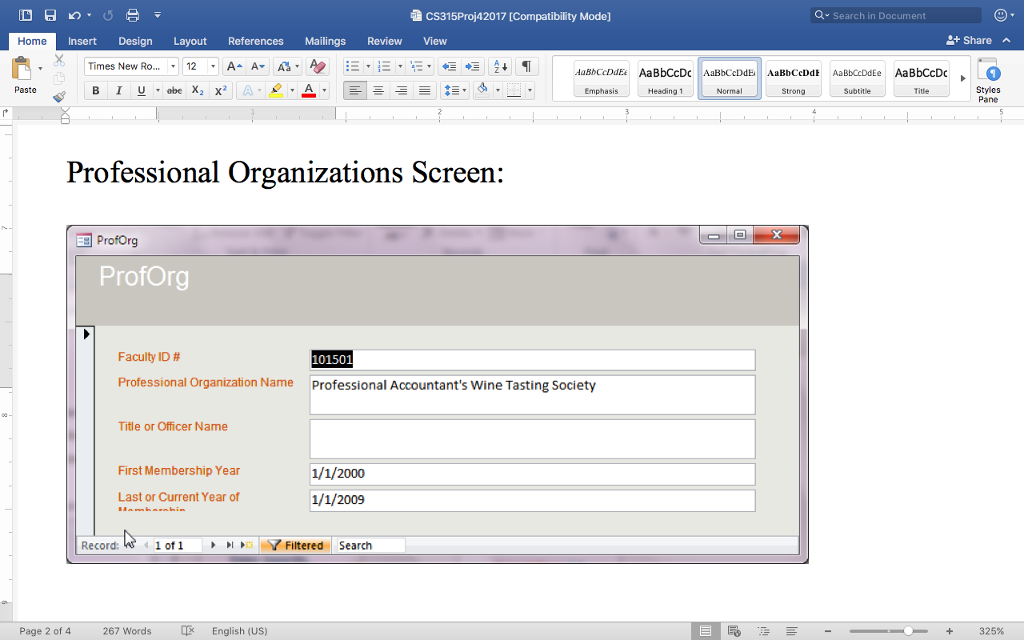
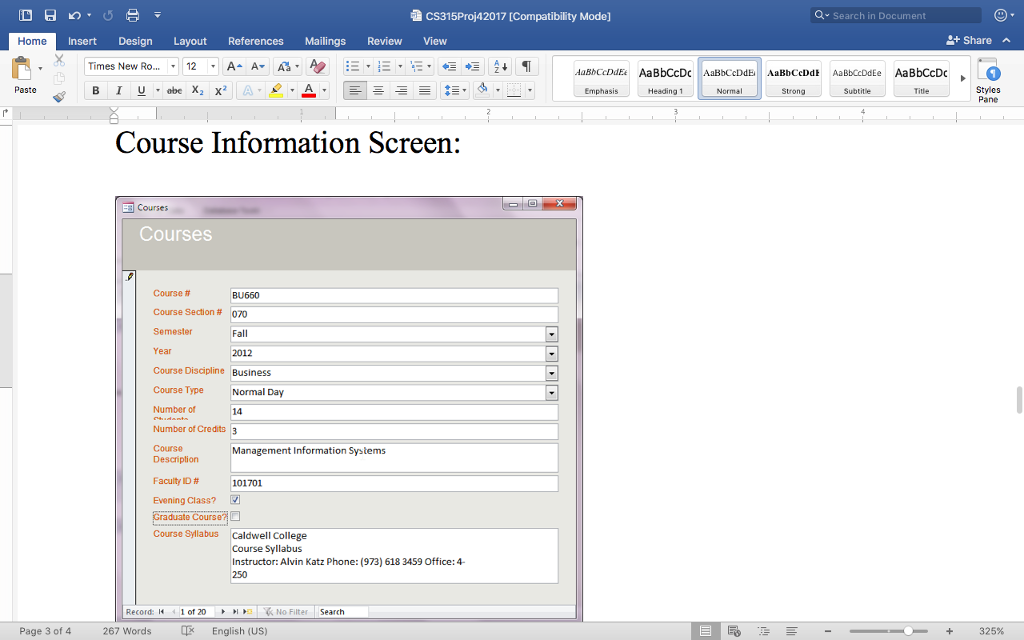
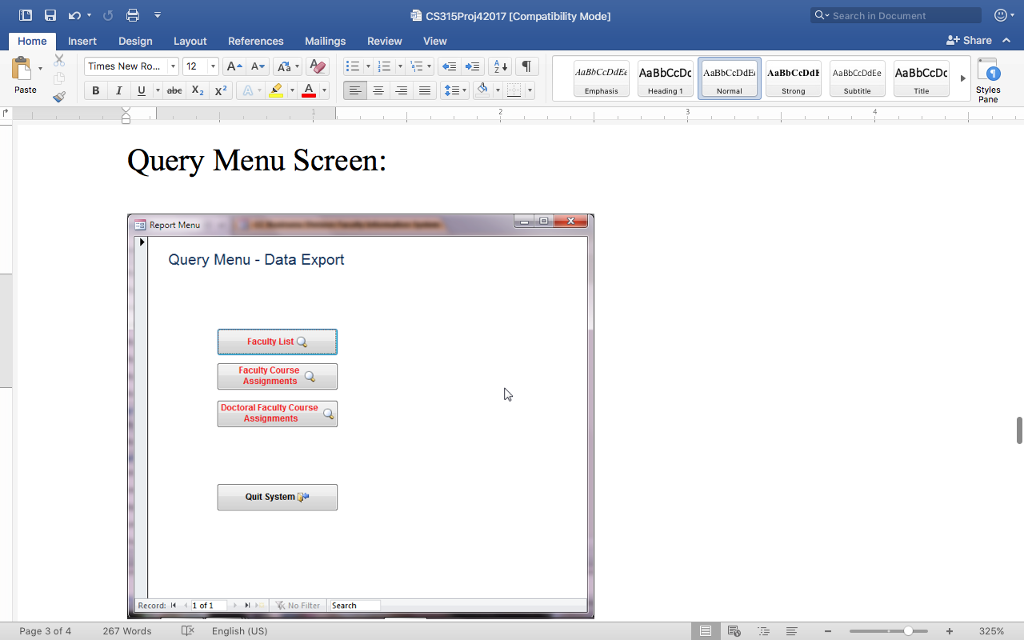
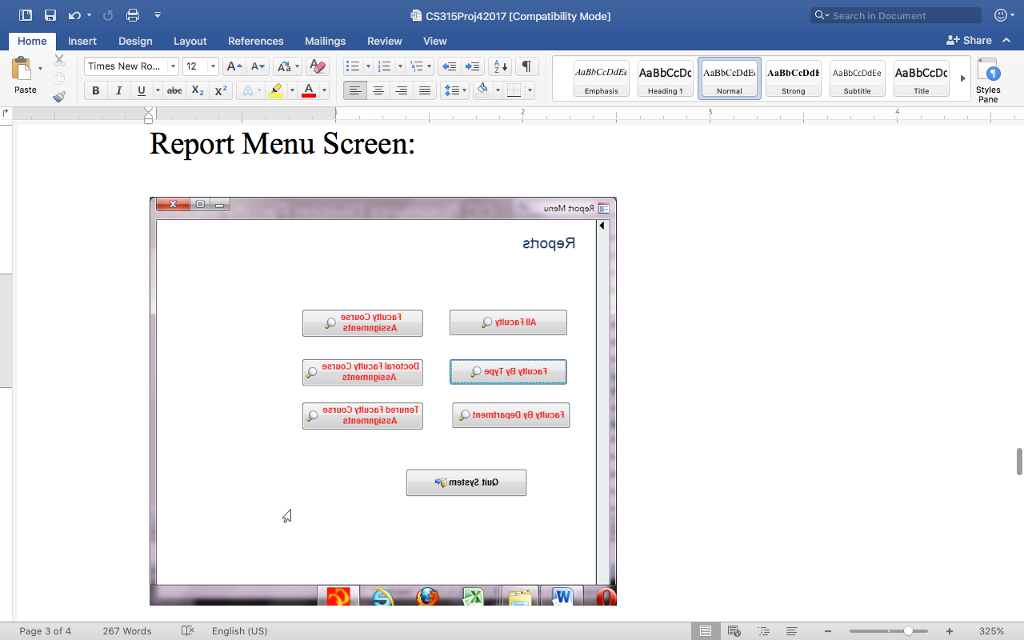
The Administrative Staff enters in basic information. The faculty members enter in professional information. Course Information is entered (batch) into system by registrars office.
cs315Proj42017 [Compatibility Mode] Home Insert Design Layout References Mailings Review View Pat Menu Screen: Home Create External D a New Totals Al Descending Advanced Format Painter Remove sort V Toggle Filter X Delete More E Businsess Division Faculty Information System Faculty Navigation Search. CC Businsess Division Faculty Information System Faculty Details All Faculty .La Emergenoy contact Intorm... Faculty Address Book Enter Personal Info ter Course Information .a Faculty by Department Faculty by Type .la Faculty Phone List Enter Professional Info 9 Query Menu Supporting objects Enter Awards, Report Menu Faculty Etended Publications, etc. Unassigned objects Enter Professional Quit System organizations I Profcert Proforg Record: 31 of 1 No Filter Search Page 1 of 4 267 Words QX English (US) Search in Document Share Styles ane 359
Step by Step Solution
There are 3 Steps involved in it

Get step-by-step solutions from verified subject matter experts
 Study Help