







Question: Create an HTML document to implement an image gallery. 2. Add detailed image description (may be 3-4 sentences) to all thumbnails (use alt attribute
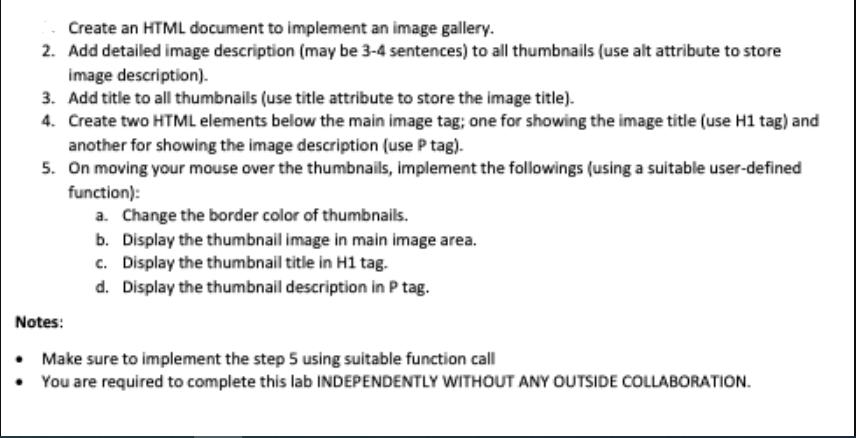
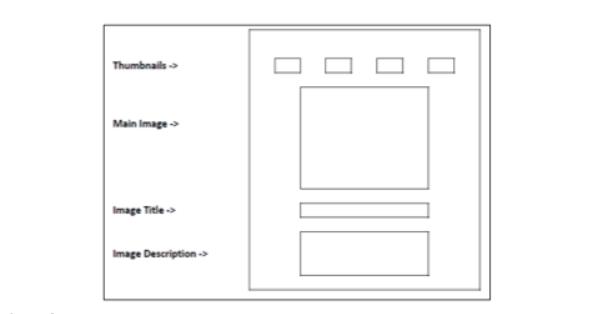
Create an HTML document to implement an image gallery. 2. Add detailed image description (may be 3-4 sentences) to all thumbnails (use alt attribute to store image description). 3. Add title to all thumbnails (use title attribute to store the image title). 4. Create two HTML elements below the main image tag; one for showing the image title (use H1 tag) and another for showing the image description (use P tag). 5. On moving your mouse over the thumbnails, implement the followings (using a suitable user-defined function): Notes: a. Change the border color of thumbnails. b. Display the thumbnail image in main image area. c. Display the thumbnail title in H1 tag. d. Display the thumbnail description in P tag. Make sure to implement the step 5 using suitable function call You are required to complete this lab INDEPENDENTLY WITHOUT ANY OUTSIDE COLLABORATION. Thumbnails-> Main Image Image Title->> Image Description->>
Step by Step Solution
There are 3 Steps involved in it
Algorithm 1 Start 2 Define a function named showimage that takes a parameter thumbnail 3 Get referen... View full answer

Get step-by-step solutions from verified subject matter experts
 Study Help