







Question: Create and copy a VLOOKUP function to display goals for each funding source. a . Click the Family Day sheet tab and select cell F
Create and copy a VLOOKUP function to display goals for each funding source.
a Click the Family Day sheet tab and select cell F
b Start the VLOOKUP function and use cell E as the lookupvalue.
c Click the Tables sheet tab for the tabiearray argument and use cells SAS:SBS The data is sorted by the first column in ascending order.
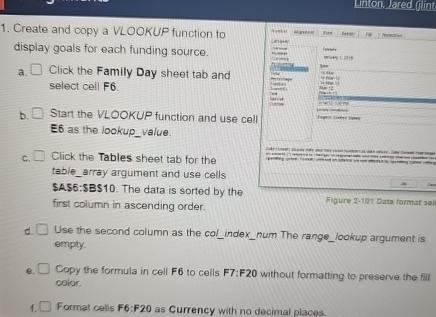
Figure bats format sol
d Use the second column as the colindexnum The rangelookup argument is empty.
e Copy the formula in cell F to cells F:F without formatting to preserve the fill coicr.
Format cellis F:F as Currency with no decimal places.
Step by Step Solution
There are 3 Steps involved in it
1 Expert Approved Answer
Step: 1 Unlock

Question Has Been Solved by an Expert!
Get step-by-step solutions from verified subject matter experts
Step: 2 Unlock
Step: 3 Unlock
 Study Help