







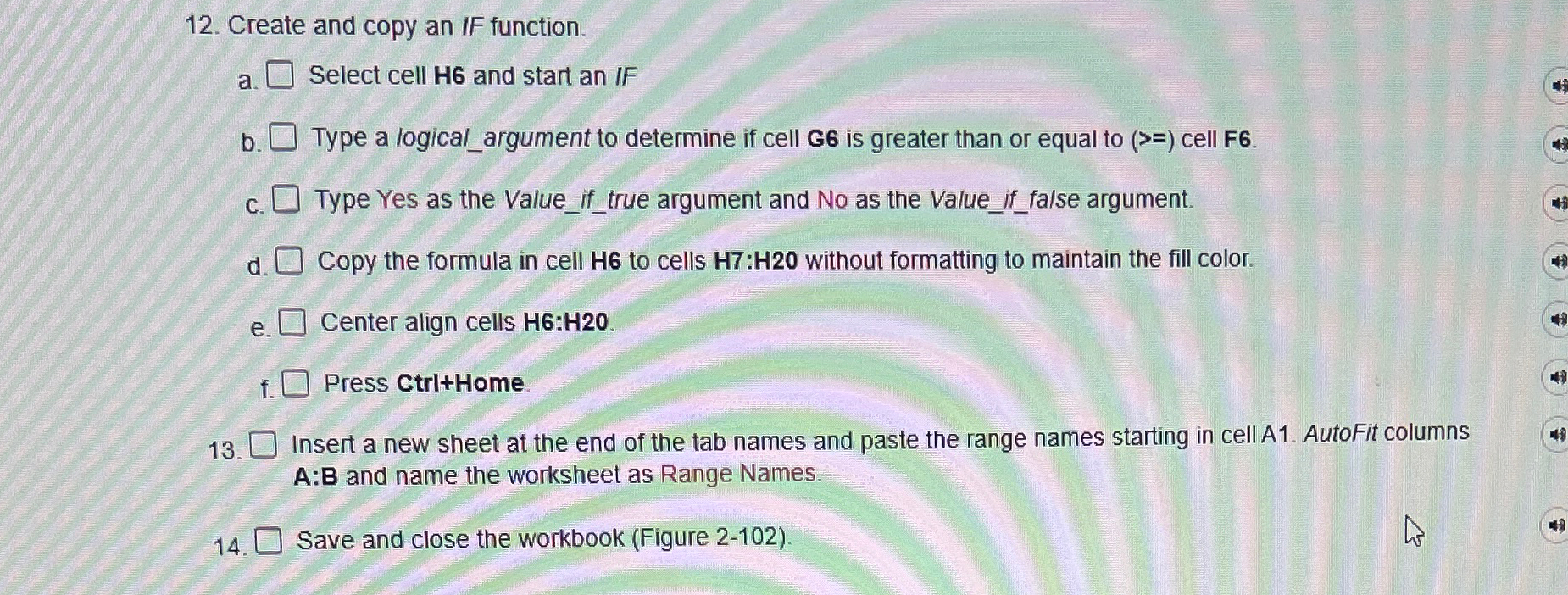
Question: Create and copy an IF function. a . Select cell H 6 and start an IF b . Type a logical _ argument to determine
Create and copy an IF function.
a Select cell H and start an IF
b Type a logicalargument to determine if cell is greater than or equal to cell
c Type Yes as the Valueiftrue argument and No as the Valueif false argument.
d Copy the formula in cell to cells : without formatting to maintain the fill color.
e Center align cells :
f Press CtriHome.
Insert a new sheet at the end of the tab names and paste the range names starting in cell A AutoFit columns : and name the worksheet as Range Names.
Save and close the workbook Figure
Step by Step Solution
There are 3 Steps involved in it
1 Expert Approved Answer
Step: 1 Unlock

Question Has Been Solved by an Expert!
Get step-by-step solutions from verified subject matter experts
Step: 2 Unlock
Step: 3 Unlock
 Study Help