







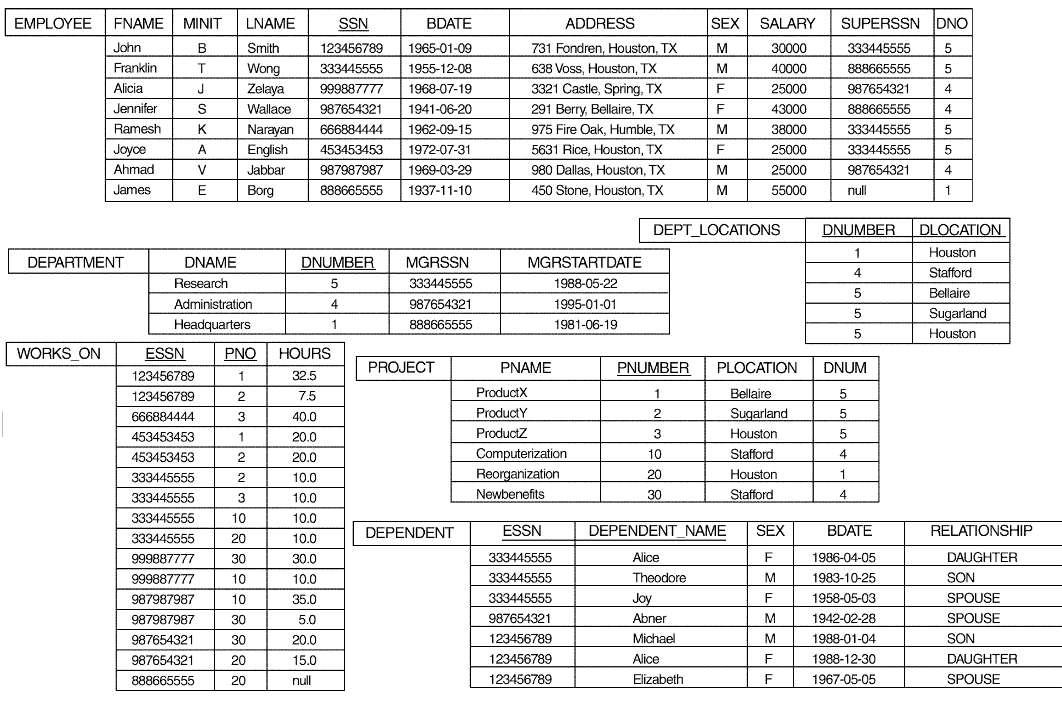
Question: Create and Manage indexes using Management Studio Please delete all the indexes on EMPLOYEE table and WORK_ON table first. (a) Create an unique, non-clustered index
Create and Manage indexes using Management Studio
Please delete all the indexes on EMPLOYEE table and WORK_ON table first.
(a) Create an unique, non-clustered index named “emp_ssn” for the EMPLOYEE table : the index key is "SSN ", and the fill factor is 80%.
For example:
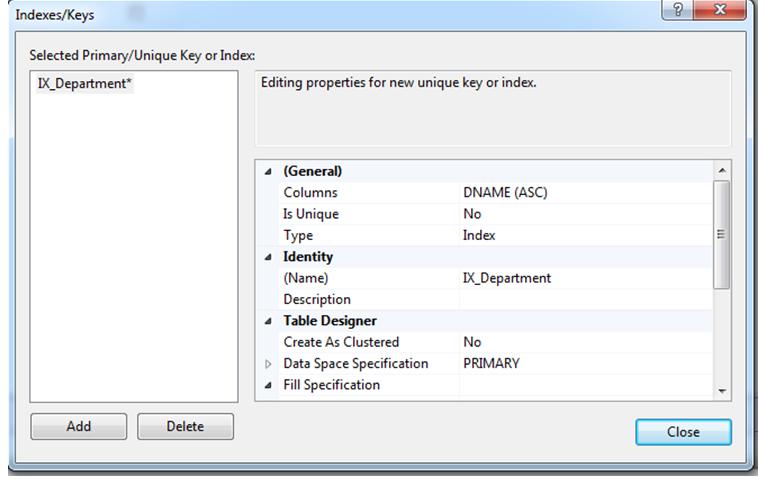
Rename the emp_ssn index to ix_emp_ssn.
(c) Drop the ix_emp_ssn index.
(2) Create and Manage indexes using Transact-SQL
(a) Create an unique, non-clustered index named “emp_ssn” for the EMPLOYEE table : the index key is "SSN ", and the fill factor is 80%.
SQL Text:
Screenshot of result:
(b) Rename the emp_ssn index to ix_emp_ssn. (Hint: use the sp_rename stored procedure)
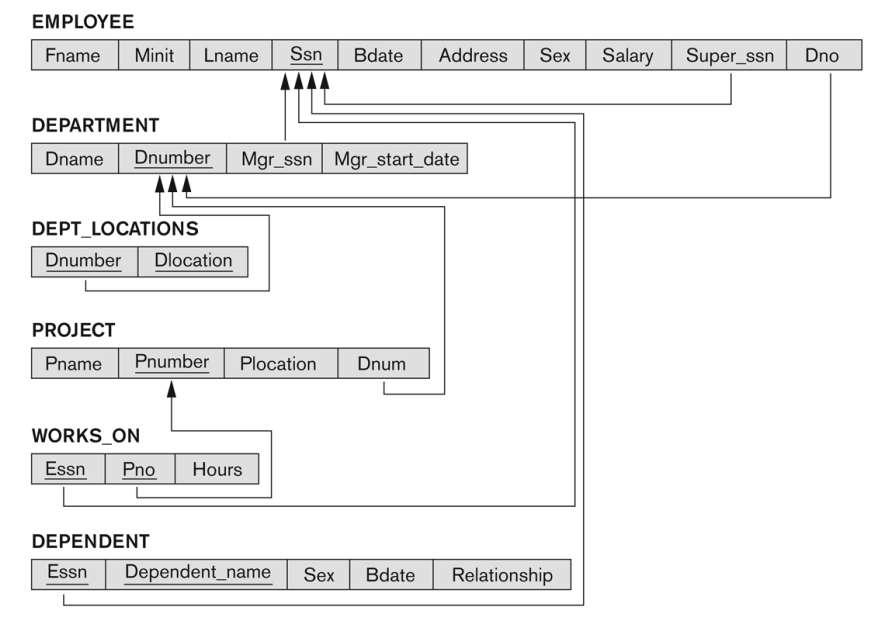
(c) Create a non-clustered index named “emp_project_index” for the WORK_ON table : the index key is "ESSN(asc) " and “PNO(desc)”, and the fill factor is 50%.
Indexes/Keys Selected Primary/Unique Key or Index: IX_Department* Add Delete Editing properties for new unique key or index. (General) Columns Is Unique Type Identity (Name) Description 4 Table Designer Create As Clustered Data Space Specification 4 Fill Specification DNAME (ASC) No Index IX_Department No PRIMARY ? Close X 111
Step by Step Solution
There are 3 Steps involved in it
Based on your question it appears youre asking how to manage indexes in SQL Server Management Studio SSMS and through TransactSQL TSQL However to prov... View full answer

Get step-by-step solutions from verified subject matter experts
 Study Help