







Question: Create in C++ Task #1 *Create a Menu This menu should always be a return point and the application should not close until the user
Create in C++
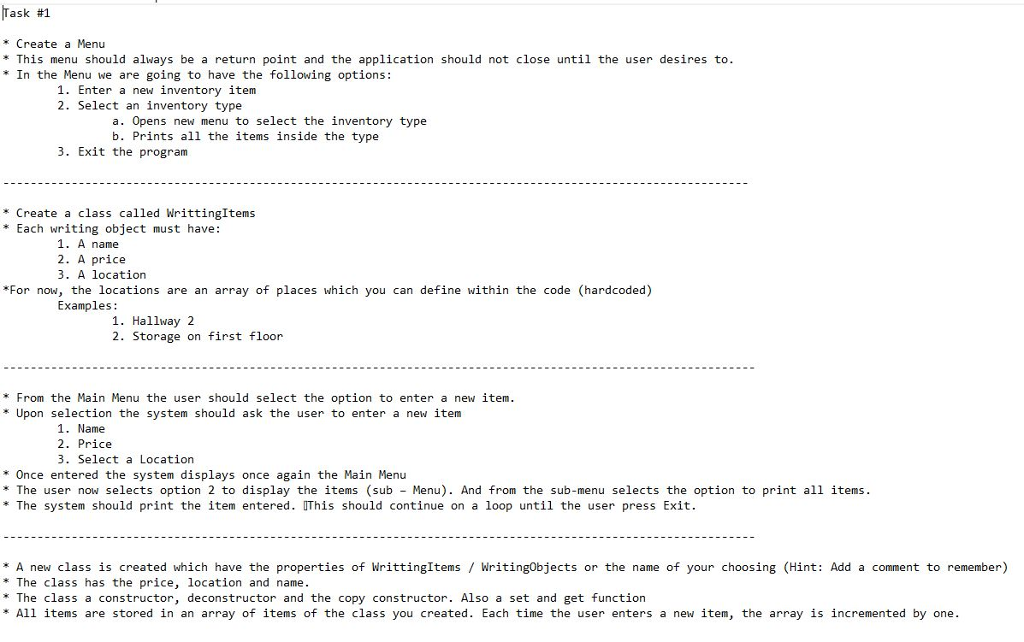
Task #1 *Create a Menu This menu should always be a return point and the application should not close until the user desires to *In the Menu we are going to have the following options: 1. Enter a new inventory item 2. Select an inventory type a. Opens new menu to select the inventory type b. Prints all the items inside the type 3. Exit the program * Create a class called WrittingItems *Each writing object must have: name 2. A price 3. A location For now, the locations are an array of places which you can define within the code (hardcoded) Examples . Hallway 2 2. Storage on first floor From the Main Menu the user should select the option to enter a new item Upon selection the system should ask the user to enter a new item 1. Name 2. Price 3. Select a Location *Once entered the system displays once again the Main Menu * The user now selects option 2 to display the items (sub Menu). And from the sub-menu selects the option to print all items * The system should print the item entered. IThis should continue on a loop until the user press Exit. * A new class is created which have the properties of WrittingItems WritingObjects or the name of your choosing (Hint: Add a comment to remember) * The class has the price, location and name *The class a constructor, deconstructor and the copy constructor. Also a set and get function All items are stored in an array of items of the class you created. Each time the user enters a new item, the array is incremented by one
Step by Step Solution
There are 3 Steps involved in it

Get step-by-step solutions from verified subject matter experts
 Study Help