







Question: Create the Excel Spreadsheet as instructed in the attached handout. However, note that some sentences do not anymore apply to our current situation, such as
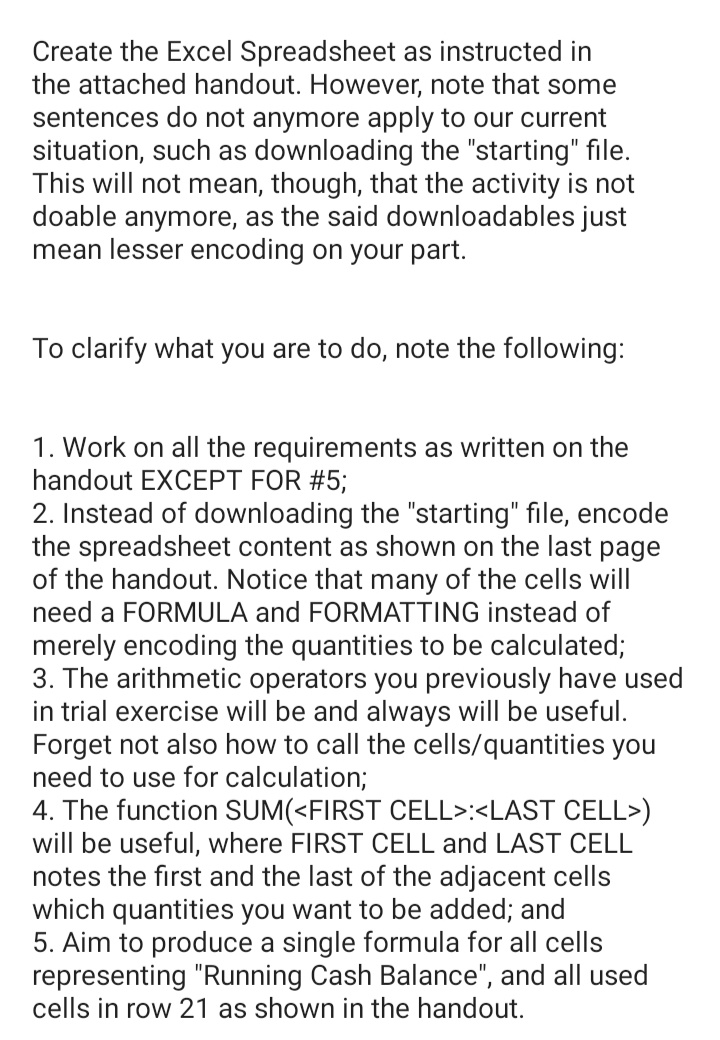
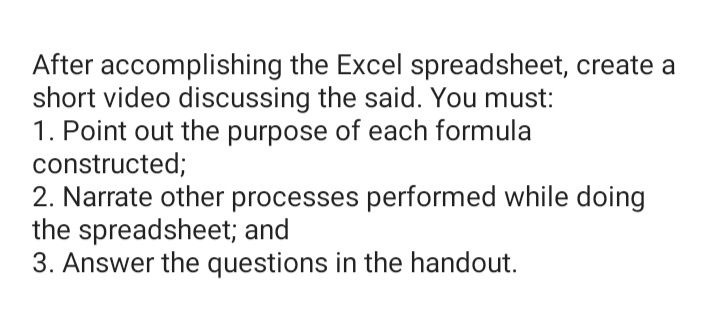
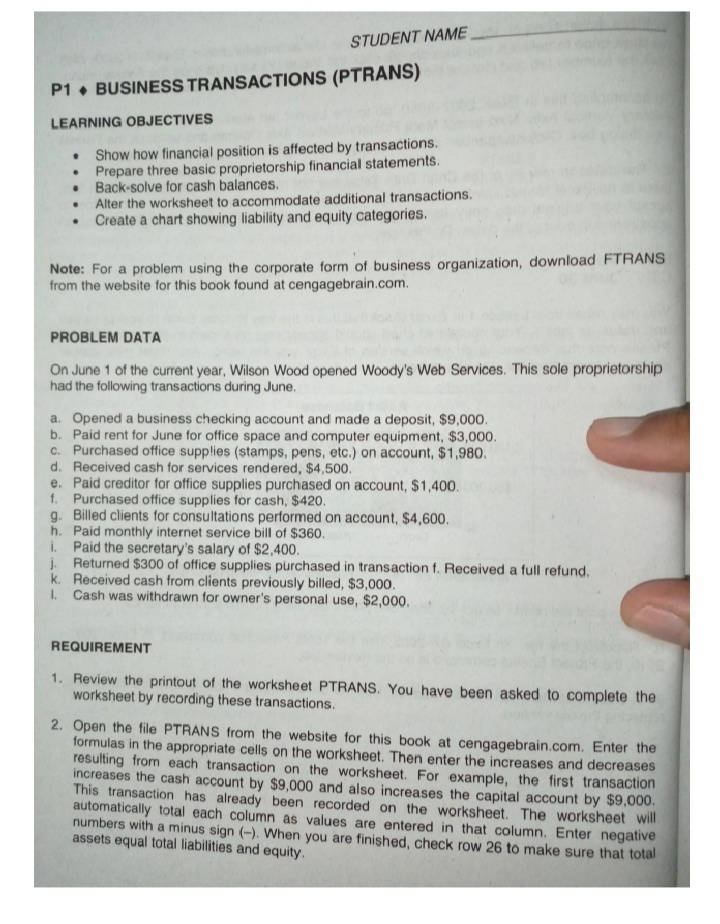
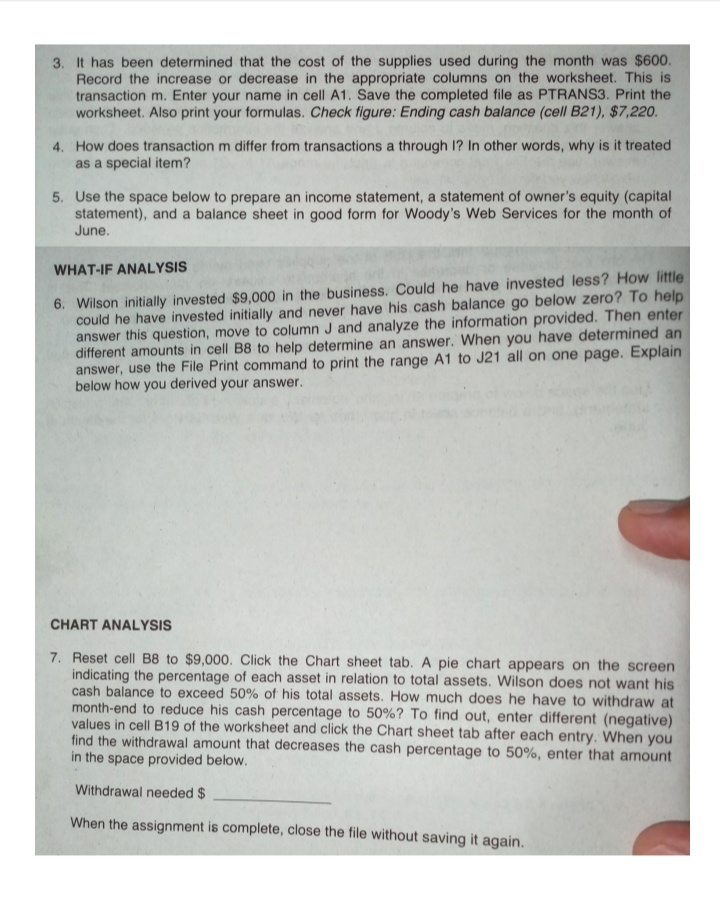
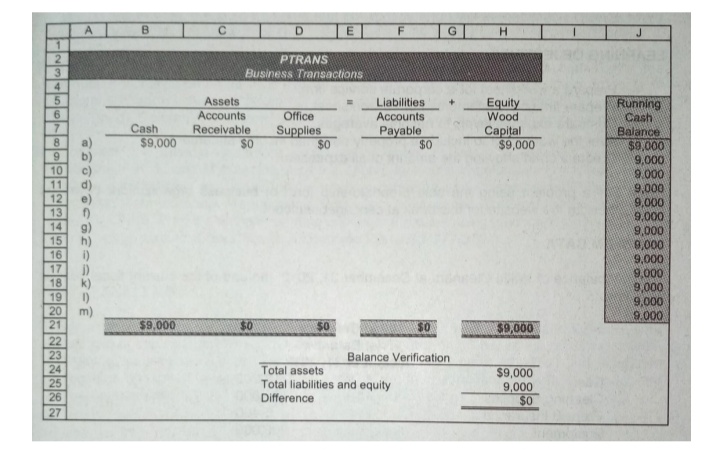
Create the Excel Spreadsheet as instructed in the attached handout. However, note that some sentences do not anymore apply to our current situation, such as downloading the "starting" file. This will not mean, though, that the activity is not doable anymore, as the said downloadables just mean lesser encoding on your part. To clarify what you are to do, note the following: 1. Work on all the requirements as written on the handout EXCEPT FOR #5; 2. Instead of downloading the "starting" file, encode the spreadsheet content as shown on the last page of the handout. Notice that many of the cells will need a FORMULA and FORMATTING instead of merely encoding the quantities to be calculated; 3. The arithmetic operators you previously have used in trial exercise will be and always will be useful. Forget not also how to call the cells/quantities you need to use for calculation; 4. The function SUMGFIRST CELL}:
Step by Step Solution
There are 3 Steps involved in it

Get step-by-step solutions from verified subject matter experts
 Study Help