







Question: Create To do so, enter an Excel worksheet that simulates throwing a pair of dice 20 times. the formula =RANDBETWEEN(1, 6) in the first 20
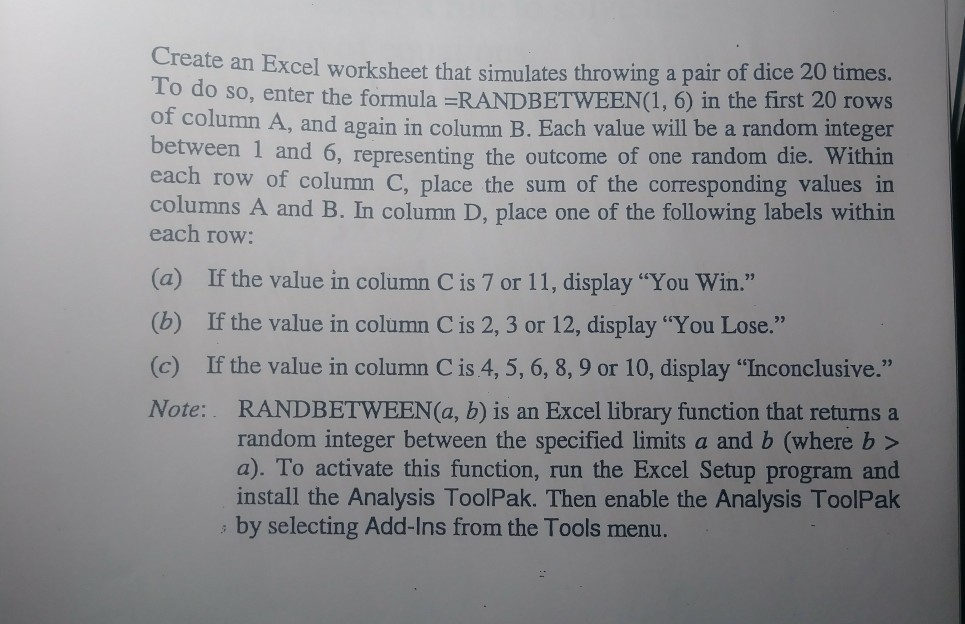
Create To do so, enter an Excel worksheet that simulates throwing a pair of dice 20 times. the formula =RANDBETWEEN(1, 6) in the first 20 rows ot column A, and again in column B. Each value will be a random integer between 1 and 6, representing the outcome of one random die. Within each row of column C, place the sum of the corresponding values in columns A and B. In column D, place one of the following labels within each row: (a) (b) (c) If the value in column Cis 7 or 11, display "You Win." If the value in column C is 2, 3 or 12, display "You Lose." If the value in column C is 4, 5, 6, 8, 9 or 10, display "Inconclusive." Note: RANDBETWEEN(a, b) is an Excel library function that returns a random integer between the specified limits a and b (where b > a). To activate this function, run the Excel Setup program and install the Analysis ToolPak. Then enable the Analysis ToolPak by selecting Add-Ins from the Tools menu
Step by Step Solution
There are 3 Steps involved in it

Get step-by-step solutions from verified subject matter experts
 Study Help