







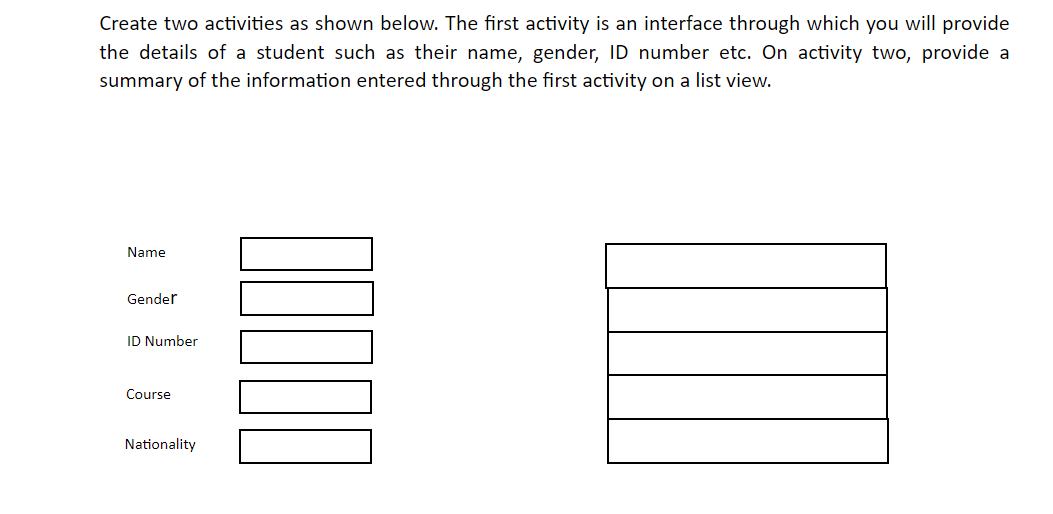
Question: Create two activities as shown below. The first activity is an interface through which you will provide the details of a student such as their
Create two activities as shown below. The first activity is an interface through which you will provide
the details of a student such as their name, gender, ID number etc. On activity two, provide a
summary of the information entered through the first activity on a list view.
Name
Gender
ID Number
Course
Nationality
Step by Step Solution
There are 3 Steps involved in it
1 Expert Approved Answer
Step: 1 Unlock

Question Has Been Solved by an Expert!
Get step-by-step solutions from verified subject matter experts
Step: 2 Unlock
Step: 3 Unlock
 Study Help