







Question: Creating a Calculated Column Using a Function Create a table from the employee _ donations table with a new column that indicates the total contributions
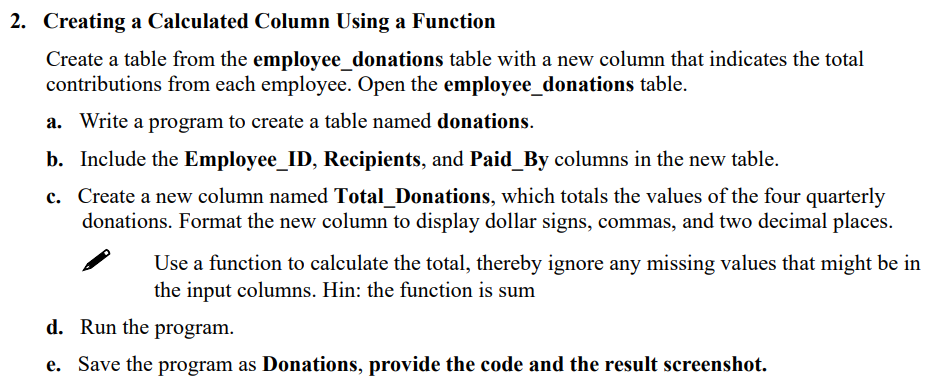
Creating a Calculated Column Using a Function
Create a table from the employeedonations table with a new column that indicates the total
contributions from each employee. Open the employeedonations table.
a Write a program to create a table named donations.
b Include the EmployeeID Recipients, and PaidBy columns in the new table.
c Create a new column named TotalDonations, which totals the values of the four quarterly
donations. Format the new column to display dollar signs, commas, and two decimal places.
Use a function to calculate the total, thereby ignore any missing values that might be in
the input columns. Hin: the function is sum
d Run the program.
e Save the program as Donations, provide the code and the result screenshot.
Step by Step Solution
There are 3 Steps involved in it
1 Expert Approved Answer
Step: 1 Unlock

Question Has Been Solved by an Expert!
Get step-by-step solutions from verified subject matter experts
Step: 2 Unlock
Step: 3 Unlock
 Study Help