



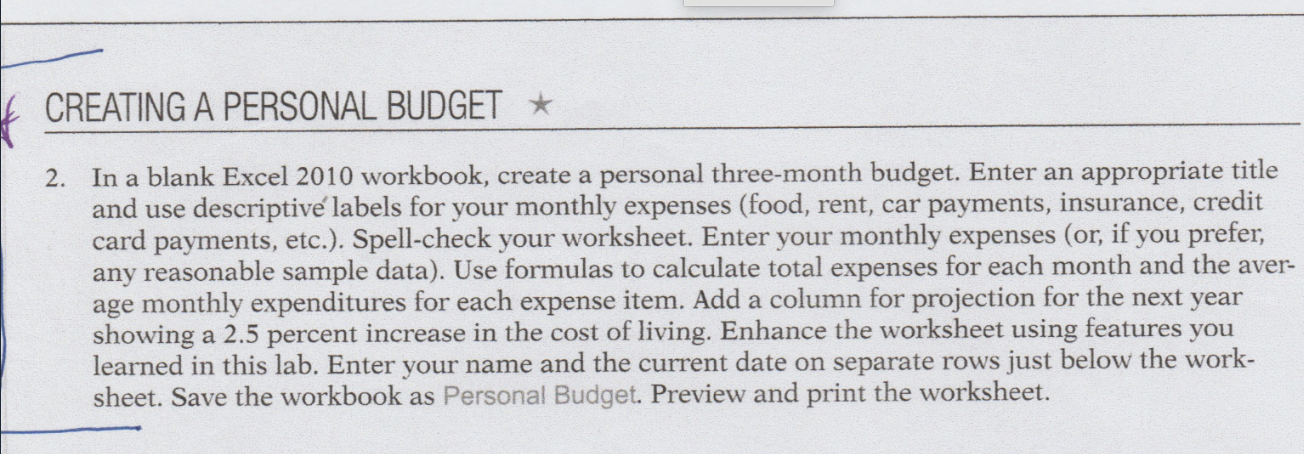
Question: CREATING A PERSONAL BUDGET In a blank Excel 2 0 1 0 workbook, create a personal three - month budget. Enter an appropriate title and
CREATING A PERSONAL BUDGET
In a blank Excel workbook, create a personal threemonth budget. Enter an appropriate title
and use descriptiv labels for your monthly expenses food rent, car payments, insurance, credit
card payments, etc. Spellcheck your worksheet. Enter your monthly expenses or if you prefer,
any reasonable sample data Use formulas to calculate total expenses for each month and the aver
age monthly expenditures for each expense item. Add a column for projection for the next year
showing a percent increase in the cost of living. Enhance the worksheet using features you
learned in this lab. Enter your name and the current date on separate rows just below the work
sheet. Save the workbook as Personal Budget. Preview and print the worksheet.
Step by Step Solution
There are 3 Steps involved in it
1 Expert Approved Answer
Step: 1 Unlock

Question Has Been Solved by an Expert!
Get step-by-step solutions from verified subject matter experts
Step: 2 Unlock
Step: 3 Unlock