







Question: Creating another PyDev Module Create a PyDev module named t 0 6 . Fill out the module description as before, then enter the following code
Creating another PyDev Module
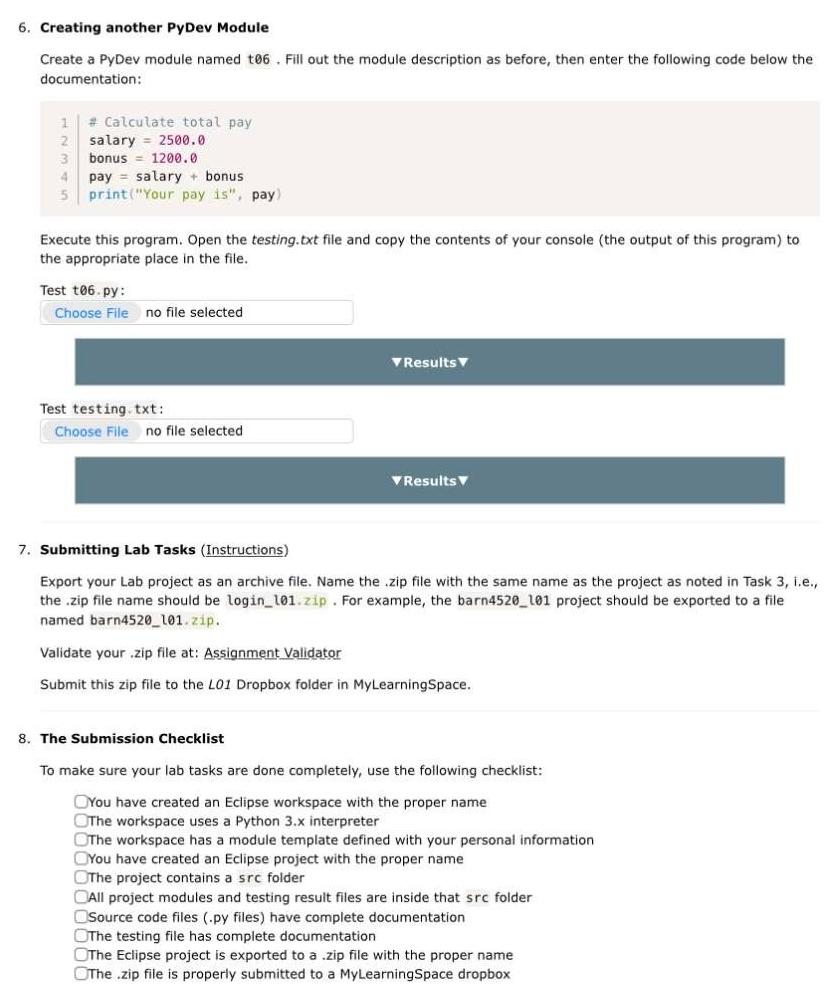
Create a PyDev module named t Fill out the module description as before, then enter the following code below the documentation:
Calculate total pay
satary
bonus
pay salary bonus
printYour pay is pay
Execute this program. Open the testing.txt file and copy the contents of your console the output of this program to the appropriate place in the file.
Test t py:
Choose File no file selected
VResults V
Test testing. txt:
Choose File no file selected
TResults
Submitting Lab Tasks Instructions
Export your Lab project as an archive file. Name the zip file with the same name as the project as noted in Task ie the zip file name should be loginlzip. For example, the barn project should be exported to a file named barnzip.
Validate your zip file at: Assignment Validator
Submit this zip file to the LO Dropbox folder in MyLearningSpace.
The Submission Checklist
To make sure your lab tasks are done completely, use the following checklist:
You have created an Eclipse workspace with the proper name
The workspace uses a Python x interpreter
The workspace has a module template defined with your personal information
You have created an Eclipse project with the proper name
The project contains a src folder
All project modules and testing result files are inside that src folder
Source code files py files have complete documentation
The testing file has complete documentation
The Eclipse project is exported to a zip file with the proper name
The zip file is properly submitted to a MyLearningSpace dropbox
Step by Step Solution
There are 3 Steps involved in it
1 Expert Approved Answer
Step: 1 Unlock

Question Has Been Solved by an Expert!
Get step-by-step solutions from verified subject matter experts
Step: 2 Unlock
Step: 3 Unlock
 Study Help