







Question: CS 1 1 0 - Flowchart Assignment - Fall 2 0 2 4 Flowcharts are very useful tools when it comes to troubleshooting technical issues
CS Flowchart Assignment Fall
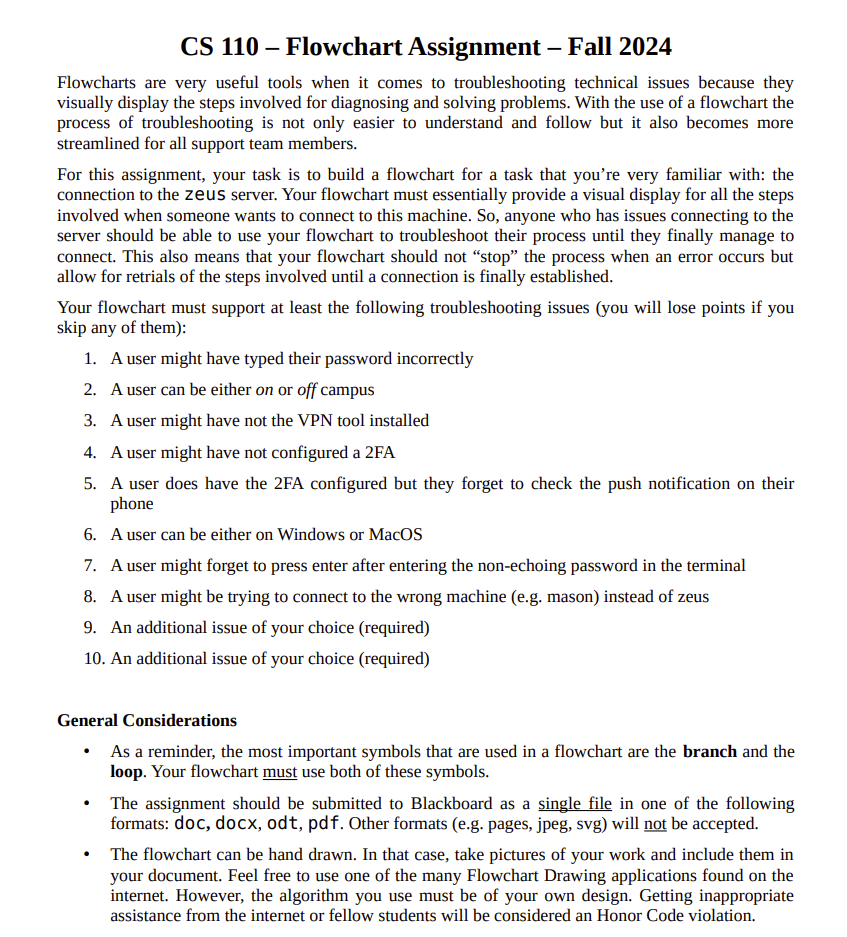
Flowcharts are very useful tools when it comes to troubleshooting technical issues because they visually display the steps involved for diagnosing and solving problems. With the use of a flowchart the process of troubleshooting is not only easier to understand and follow but it also becomes more streamlined for all support team members.
For this assignment, your task is to build a flowchart for a task that you're very familiar with: the connection to the zeus server. Your flowchart must essentially provide a visual display for all the steps involved when someone wants to connect to this machine. So anyone who has issues connecting to the server should be able to use your flowchart to troubleshoot their process until they finally manage to connect. This also means that your flowchart should not "stop" the process when an error occurs but allow for retrials of the steps involved until a connection is finally established.
Your flowchart must support at least the following troubleshooting issues you will lose points if you skip any of them:
A user might have typed their password incorrectly
A user can be either on or off campus
A user might have not the VPN tool installed
A user might have not configured a FA
A user does have the FA configured but they forget to check the push notification on their phone
A user can be either on Windows or MacOS
A user might forget to press enter after entering the nonechoing password in the terminal
A user might be trying to connect to the wrong machine eg mason instead of zeus
An additional issue of your choice required
An additional issue of your choice required
General Considerations
As a reminder, the most important symbols that are used in a flowchart are the branch and the loop. Your flowchart must use both of these symbols.
The assignment should be submitted to Blackboard as a single file in one of the following formats: doc, docx, odt, pdf Other formats eg pages, jpeg, svg will not be accepted.
The flowchart can be hand drawn. In that case, take pictures of your work and include them in your document. Feel free to use one of the many Flowchart Drawing applications found on the internet. However, the algorithm you use must be of your own design. Getting inappropriate assistance from the internet or fellow students will be considered an Honor Code violation.
Step by Step Solution
There are 3 Steps involved in it
1 Expert Approved Answer
Step: 1 Unlock

Question Has Been Solved by an Expert!
Get step-by-step solutions from verified subject matter experts
Step: 2 Unlock
Step: 3 Unlock
 Study Help