







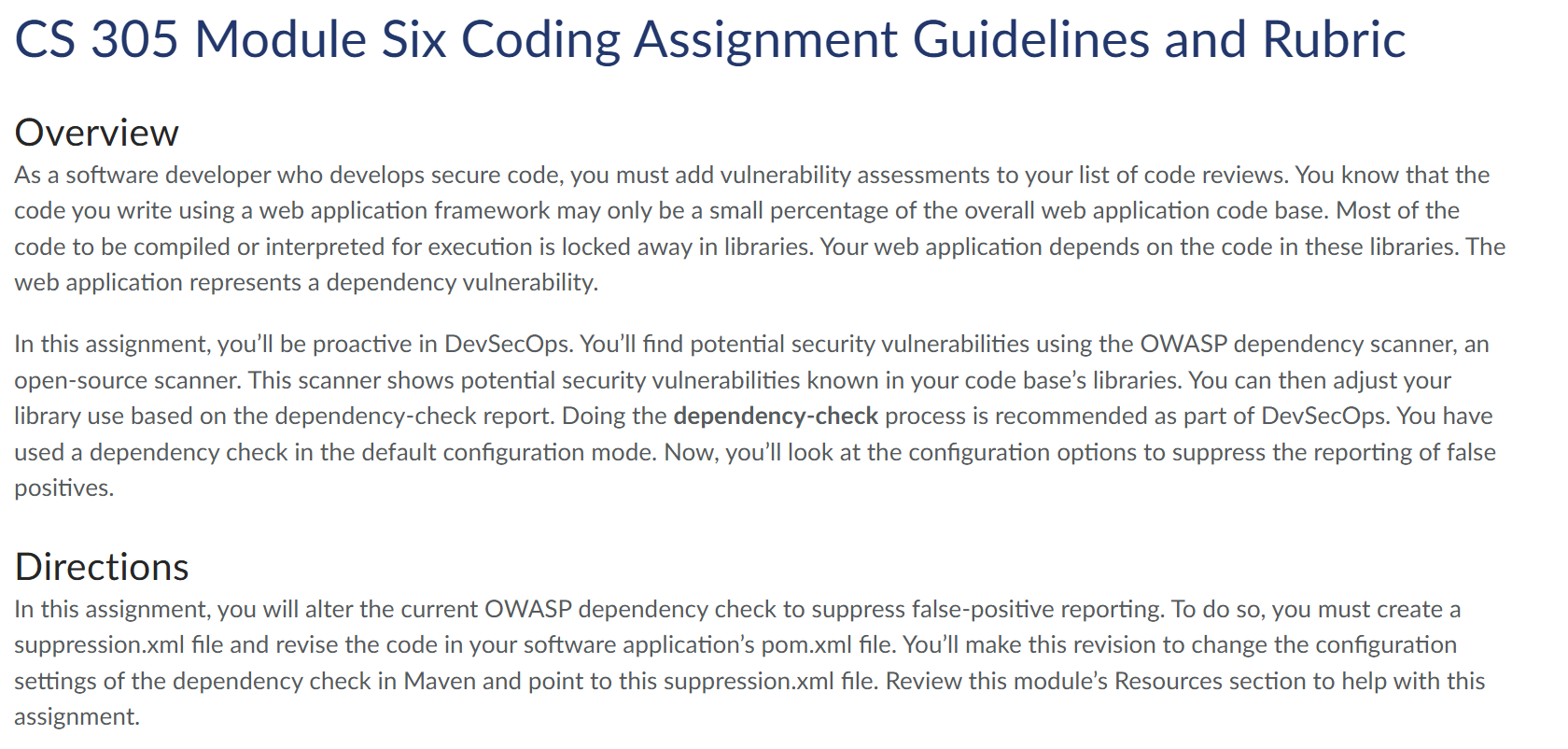
Question: CS 3 0 5 Module Six Coding Assignment Guidelines and Rubric Overview As a software developer who develops secure code, you must add vulnerability assessments
CS Module Six Coding Assignment Guidelines and Rubric
Overview
As a software developer who develops secure code, you must add vulnerability assessments to your list of code reviews. You know that the
code you write using a web application framework may only be a small percentage of the overall web application code base. Most of the
code to be compiled or interpreted for execution is locked away in libraries. Your web application depends on the code in these libraries. The
web application represents a dependency vulnerability.
In this assignment, you'll be proactive in DevSecOps. You'll find potential security vulnerabilities using the OWASP dependency scanner, an
opensource scanner. This scanner shows potential security vulnerabilities known in your code base's libraries. You can then adjust your
library use based on the dependencycheck report. Doing the dependencycheck process is recommended as part of DevSecOps. You have
used a dependency check in the default configuration mode. Now, you'll look at the configuration options to suppress the reporting of false
positives.
Directions
In this assignment, you will alter the current OWASP dependency check to suppress falsepositive reporting. To do so you must create a
suppression.xml file and revise the code in your software application's pom.xml file. You'll make this revision to change the configuration
settings of the dependency check in Maven and point to this suppression.xml file. Review this module's Resources section to help with this
assignment.
Specifically, you must address the following rubric criteria:
Static Testing: Using the code base provided in the Supporting Materials section, edit the pom.xml file to integrate the Maven
dependency check.
A You may want to look at the Integrating the Maven DependencyCheck PlugIn Tutorial linked in the Supporting Materials section.
Then run a dependency check and document known vulnerabilities. Submit the HTML dependencycheck report with the known
vulnerabilities found.
B A dependency check will show falsepositive vulnerabilities. You must understand the false positives. You've been told you cannot fix
the vulnerabilities you found because no solution exists. However, you don't want this warning signal to pop up for the community of
developers who will test the security of this code base.
Reconfiguration: Sometimes, you must live with an error until there is a fix for it You must reconfigure the dependencycheck tool to
stop the alarms for false positives by creating a suppression.xml file and revising the code in the pom.xml file to alter the configuration of
the dependencycheck tool. By altering the configuration, you'll hide the false positives. Note: The false positives are still there, but they
won't show up on the dependencycheck report. To reconfigure the dependencycheck tool, complete the following steps:
A Open the dependency report HTML file in a web browser.
B Click the suppress button next to the found vulnerability. See the example below.
C Click on the Complete XML Doc button. Then use CTRLC to copy the highlighted contents as shown below. Note that CTRLC is
the same as CTRC in the image below.
help
Suppress By SHA
pkg:mavenorgbouncycastlebcprov
jdkon@$
CVE
Complete XML Doc
Close
D Next, navigate back to the code base project in Eclipse and create a file called suppression.xml in the same directory as the pom.xml
E Add the contents you copied from the complete XML doc in step C to the suppression.xml file you created.
E Add the contents you copied from the complete XML doc in step C to the suppression.xml file you created.
F Edit the pom.xml file and add the following text in the configuration section of the OWASP check:
suppression.xml
Verification: Use Maven Run As to run the dependency check again to verify that all dependencies are valid and that no false positives
exist. Submit the HTML dependencycheck report showing that all dependencies found are valid and that no false positives are present.
n addition to the dependencycheck reports, be certain to zip the project folder in Eclipse and submit the refactored code, including
uppression.xml and the revised pom.xml file.
Step by Step Solution
There are 3 Steps involved in it
1 Expert Approved Answer
Step: 1 Unlock

Question Has Been Solved by an Expert!
Get step-by-step solutions from verified subject matter experts
Step: 2 Unlock
Step: 3 Unlock
 Study Help