







Question: CS2010 Program 3: BG Bubble Tea Program description: We get a new bubble tea place with a programming systein currently providing 4 tea options: Plain
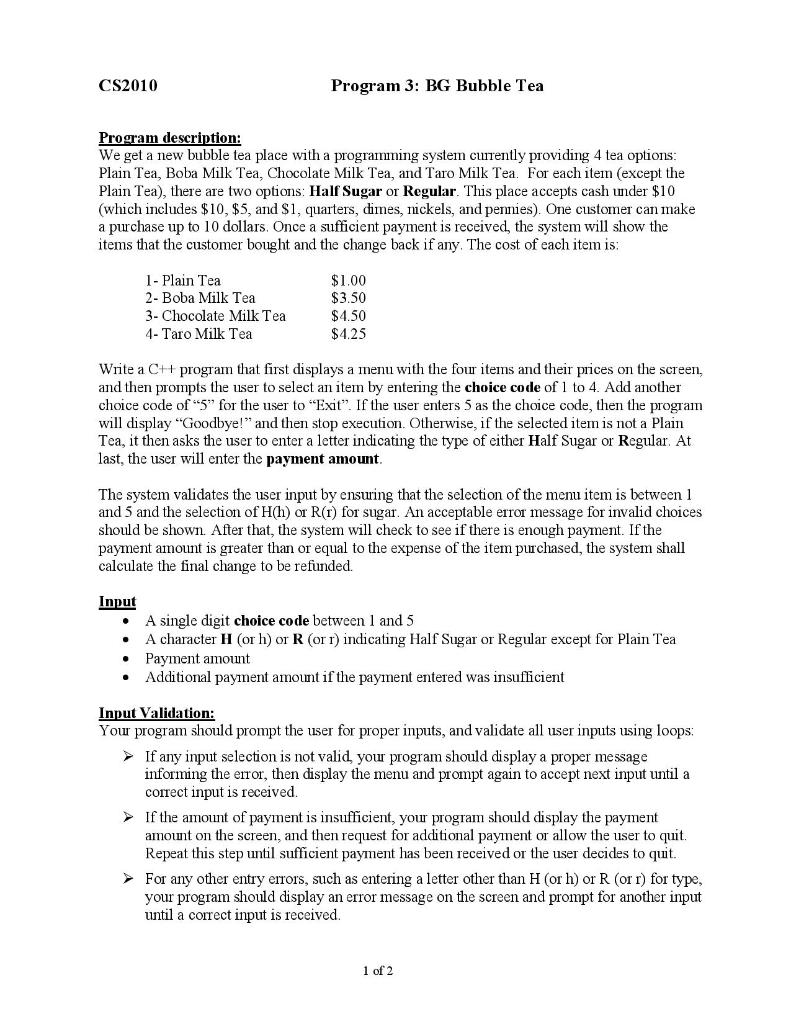
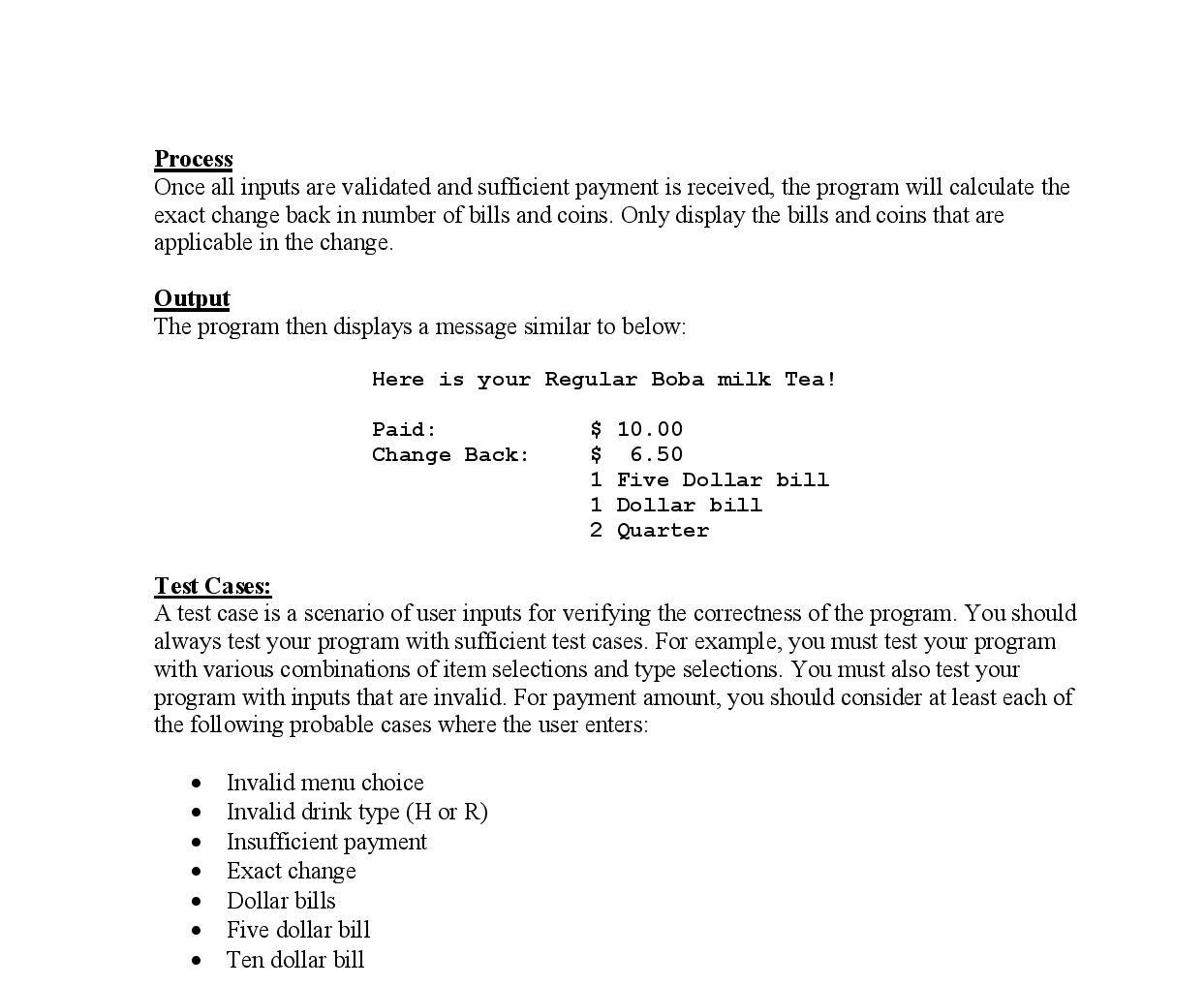
CS2010 Program 3: BG Bubble Tea Program description: We get a new bubble tea place with a programming systein currently providing 4 tea options: Plain Tea, Boba Milk Tea, Chocolate Milk Tea, and Taro Milk Tea. For each itein (except the Plain Tea), there are two options: Half Sugar or Regular. This place accepts cash under $10 (which includes $10, $5, and $1, quarters, dimes, nickels, and pennies). One customer can make a purchase up to 10 dollars. Once a sufficient payment is received, the system will show the items that the customer bought and the change back if any. The cost of each item is: 1- Plain Tea 2- Boba Milk Tea 3- Chocolate Milk Tea 4- Taro Milk Tea $1.00 $3.50 $4.50 $4,25 Write a CH program that first displays a menu with the four items and their prices on the screen, and then prompts the user to select an item by entering the choice code of 1 to 4. Add another choice code of "5" for the user to "Exit". If the user enters 5 as the choice code, then the program will display "Goodbye!" and then stop execution. Otherwise, if the selected item is not a Plain Tea, it then asks the user to enter a letter indicating the type of either Half Sugar or Regular. At last, the user will enter the payment amount. The system validates the user input by ensuring that the selection of the menu item is between 1 and 5 and the selection of H(h) or R(I) for sugar. An acceptable error message for invalid choices should be shown. After that, the system will check to see if there is enough payment. If the payment amount is greater than or equal to the expense of the item purchased the system shall calculate the final change to be refunded. Input) A single digit choice code between 1 and 5 A character H (or h) or R (or 1) indicating Half Sugar or Regular except for Plain Tea Payment amount Additional payment amount if the payment entered was insufficient . Input Validation: Your program should prompt the user for proper inputs, and validate all user inputs using loops: If any input selection is not valid, you program should display a proper message informing the error, then display the menu and prompt again to accept next input until a correct input is received If the amount of payment is insufficient, your program should display the payment amount on the screen, and then request for additional payment or allow the user to quit. Repeat this step until sufficient payment has been received or the user decides to quit. For any other entry errors, such as entering a letter other than H (or h) or R (or r) for type, your program should display an error message on the screen and prompt for another input until a correct input is received. 1 of 2 Process Once all inputs are validated and sufficient payment is received, the program will calculate the exact change back in number of bills and coins. Only display the bills and coins that are applicable in the change. Output The program then displays a message similar to below: Here is your Regular Boba milk Tea! Paid: Change Back: $ 10.00 $ 6.50 1 Five Dollar bill 1 Dollar bill 2 Quarter Test Cases: A test case is a scenario of user inputs for verifying the correctness of the program. You should always test your program with sufficient test cases. For example, you must test your program with various combinations of item selections and type selections. You must also test your program with inputs that are invalid. For payment amount, you should consider at least each of the following probable cases where the user enters: Invalid menu choice Invalid drink type (H or R) Insufficient payment Exact change Dollar bills Five dollar bill Ten dollar bill
Step by Step Solution
There are 3 Steps involved in it

Get step-by-step solutions from verified subject matter experts
 Study Help