







Question: CS240 Lab Exercise 08 Due: In Lab, the week of March 27th Main topics: Plotting 1. Open MATLAB 2. Create a Function file named Lab08
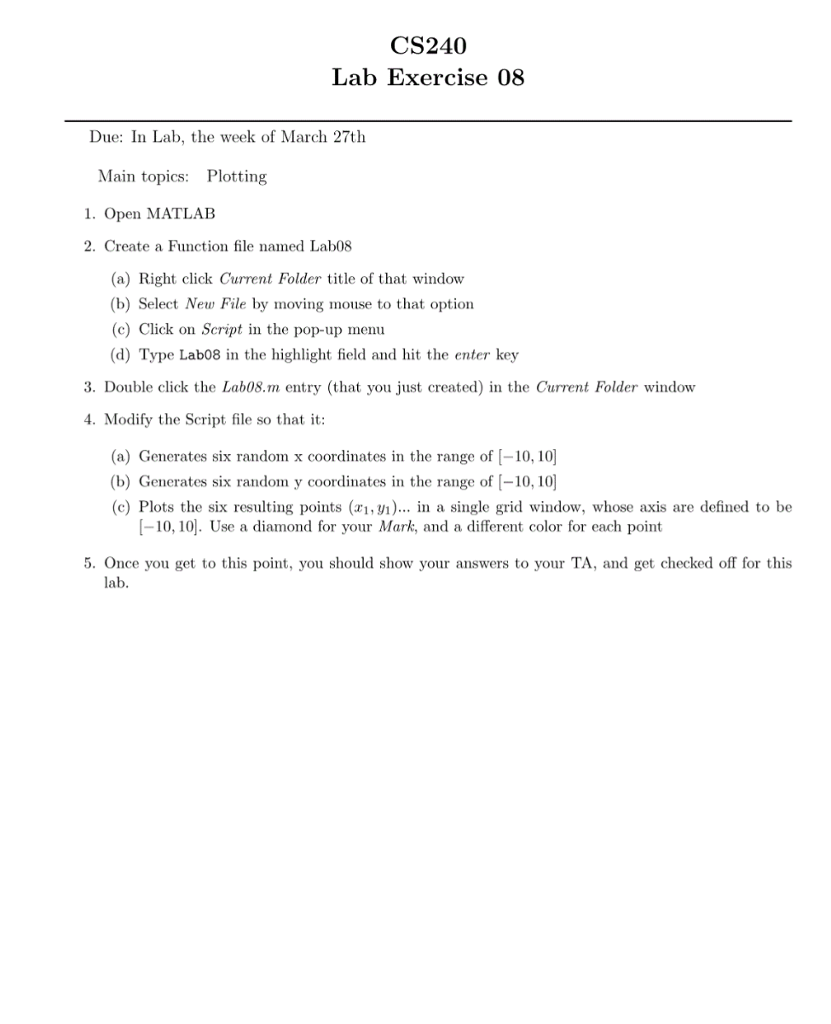
CS240 Lab Exercise 08 Due: In Lab, the week of March 27th Main topics: Plotting 1. Open MATLAB 2. Create a Function file named Lab08 (a) Right click Current Folder title of that window (b) Select New File by moving mouse to that option (c) Click on Script in the pop-up menu d) Type Lab08 in the highlight field and hit the enter key 3. Double click the Lab08.m entry (that you just created) in the Current Folder window 4. Modify the Script file so that it (a) Generates six random x coordinates in the range of -10, 10 (b) Generates six random y coordinates in the range of -10,10 (c) Plots the six resulting points (xi,yi).. in a single grid window, whose axis are defined to be -10,10. Use a diamond for your Mark, and a different color for each point 5. Once you get to this point, you should show your answers to your TA, and get checked off for this lab
Step by Step Solution
There are 3 Steps involved in it

Get step-by-step solutions from verified subject matter experts
 Study Help