







Question: CSS/HTML Question: So, I am trying use a JSON array from a URL, and convert it into an array on brackets, and use the array
CSS/HTML Question:
So, I am trying use a JSON array from a URL, and convert it into an array on brackets, and use the array that I gathered from online in my html. I know I am close, but there is something I am doing wrong, and my JS file isn't working. I can't seem to figure out what my mistake is, so can you guys look at my JS and HTML file and show me how I can fix this issue.
Thank you.
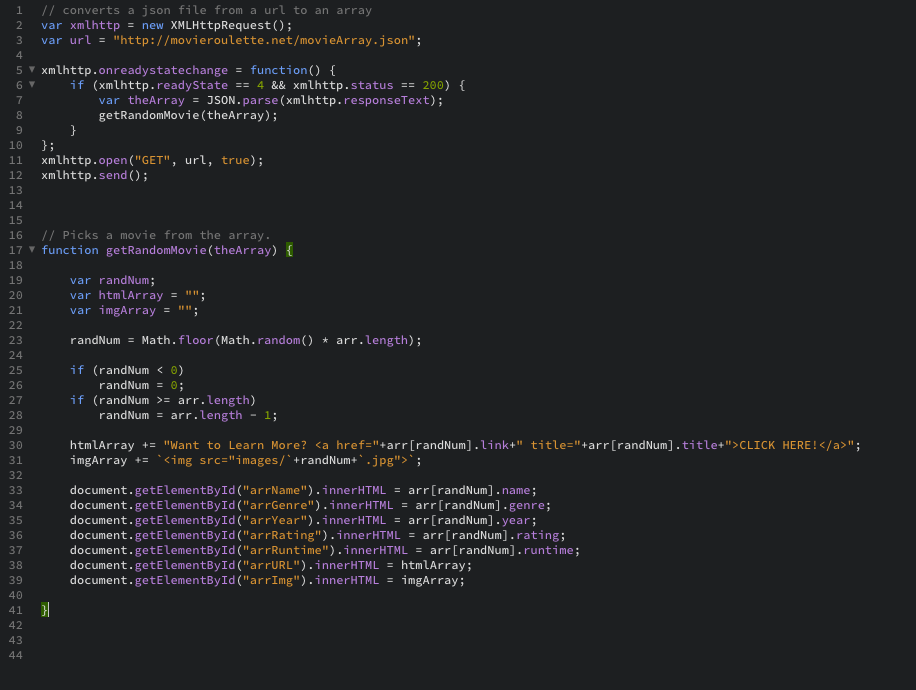
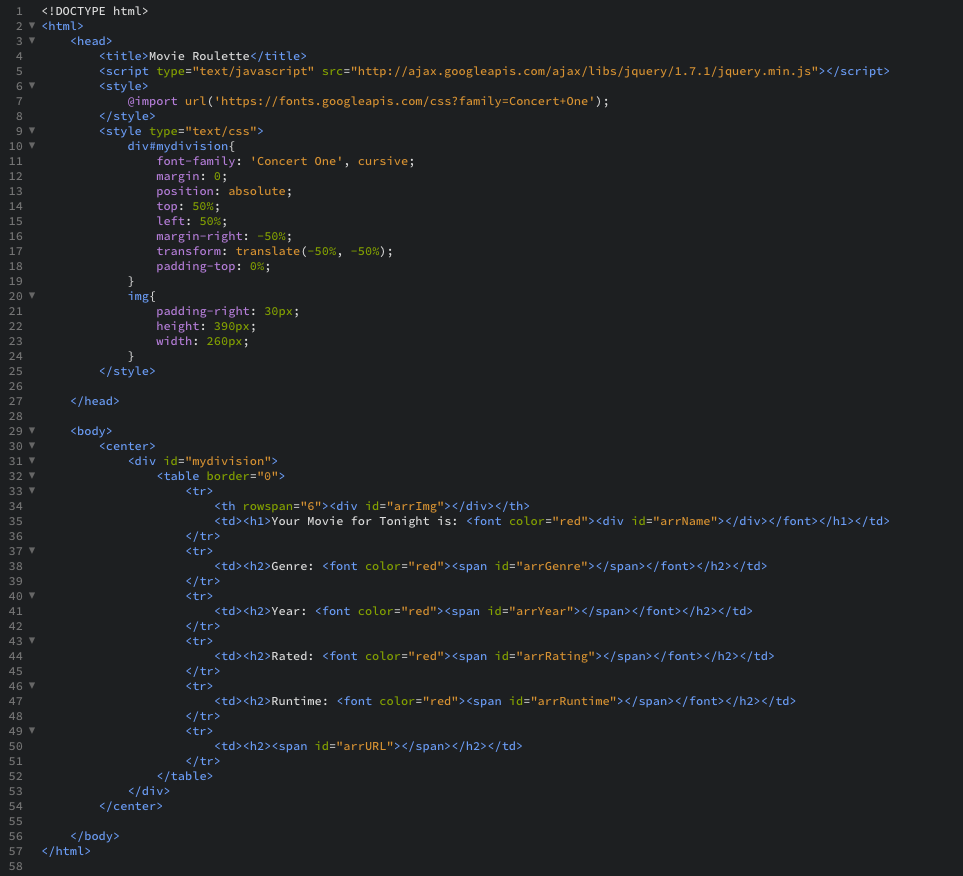
1 /1 converts a json file from a url to an array var xmlhttp new XMLHttpRequest(); 3 var url"http://movieroulette.net/movieArray.json"; 4 5 xmlhttp . onreadystatechange = function() { 6 if (xmlhttp. readyState 4 && xmlhttp. status == 200) { var theArray JSON . parse(xmlhttp. responseText); getRandomMovie(theArray); 9 10 11 xmlhttp.open ("GET", url, true); 12 xmlhttp.send ); 16 // Picks a movie from the array. 17 function getRandomMovie(theArray) 18 19 20 21 var randNum var htmlArray"" var imgArray "I randNum Math.floor (Math.random() arr.length); if (randNum 0) if (randNum > arr. length) 23 24 25 26 27 28 29 30 31 32 randNum: randNumarr.length 1; htmlArray +- "Want to Learn More? CLICK ingArray +=
Step by Step Solution
There are 3 Steps involved in it

Get step-by-step solutions from verified subject matter experts
 Study Help