







Question: CTED VIEW This file has been verified by Microsoft Defender Advanced Threat Protection and it hasn't detected any threats. If you need to edit this
CTED VIEW
This file has been verified by Microsoft Defender Advanced Threat Protection and it hasn't detected any threats. If you need to edit this file, click enable editing.
Werspectives Excel Module : SAM Project
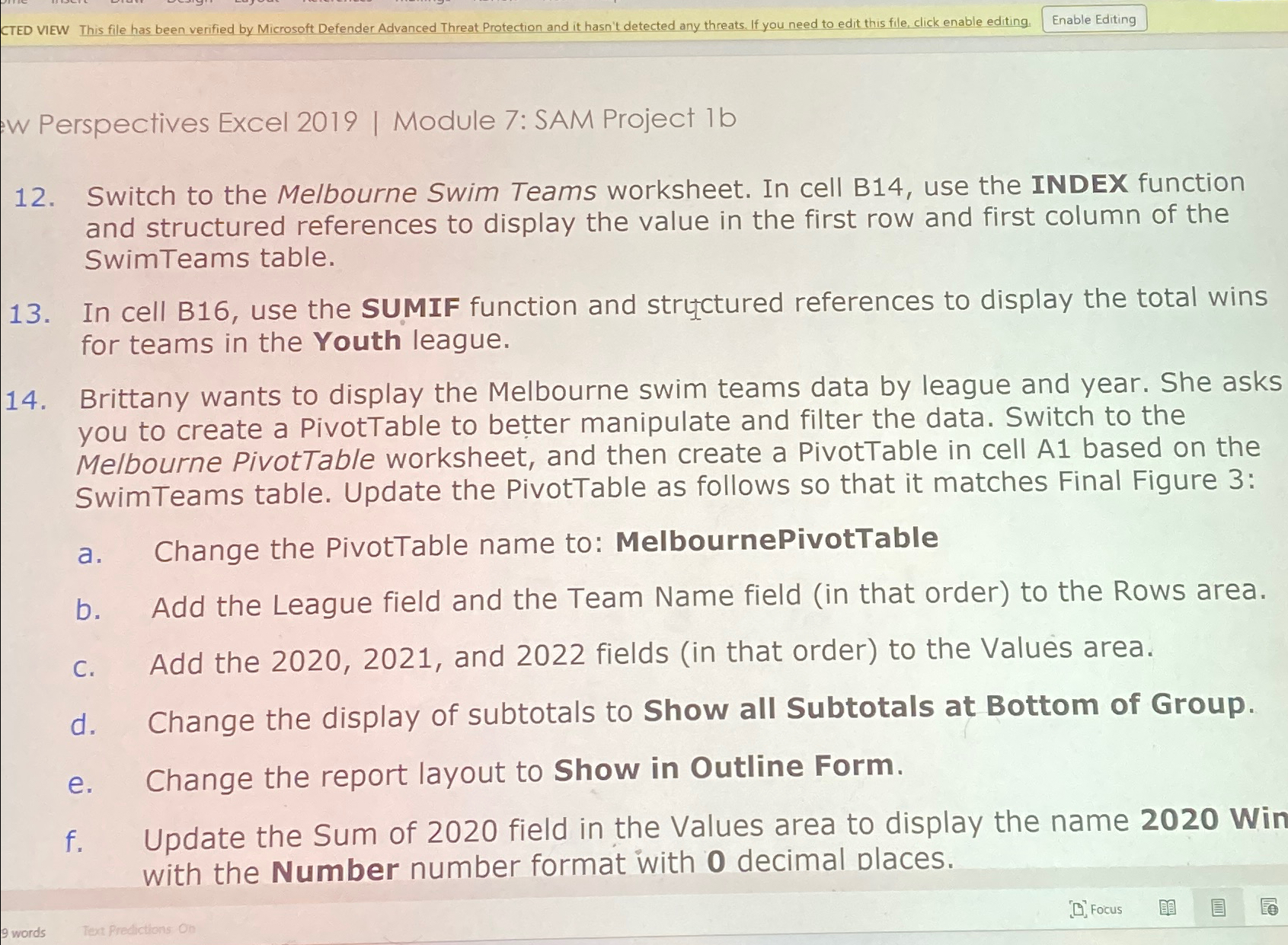
Switch to the Melbourne Swim Teams worksheet. In cell B use the INDEX function and structured references to display the value in the first row and first column of the SwimTeams table.
In cell B use the SUMIF function and structured references to display the total wins for teams in the Youth league.
Brittany wants to display the Melbourne swim teams data by league and year. She asks you to create a PivotTable to better manipulate and filter the data. Switch to the Melbourne PivotTable worksheet, and then create a PivotTable in cell A based on the SwimTeams table. Update the PivotTable as follows so that it matches Final Figure :
a Change the PivotTable name to: MelbournePivotTable
b Add the League field and the Team Name field in that order to the Rows area.
c Add the and fields in that order to the Values area.
d Change the display of subtotals to Show all Subtotals at Bottom of Group.
e Change the report layout to Show in Outline Form.
f Update the Sum of field in the Values area to display the name Win with the Number number format with decimal places.
Step by Step Solution
There are 3 Steps involved in it
1 Expert Approved Answer
Step: 1 Unlock

Question Has Been Solved by an Expert!
Get step-by-step solutions from verified subject matter experts
Step: 2 Unlock
Step: 3 Unlock
 Study Help