







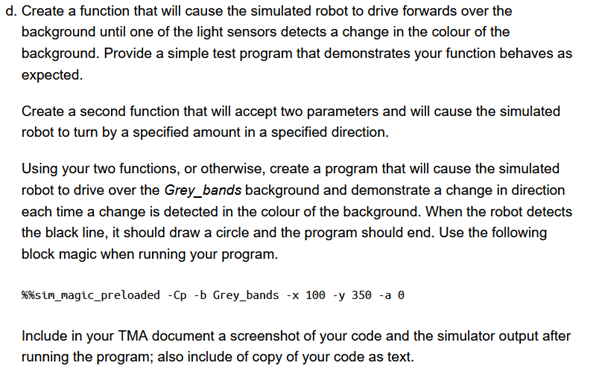
Question: d . Create a function that will cause the simulated robot to drive forwards over the Figure 2 Example showing the robot changing direction each
d Create a function that will cause the simulated robot to drive forwards over the Figure Example showing the robot changing direction each time the sensor detects
a change in the background. In this example, the robot changes which direction it turns
after each change in the background colour.
Hint: if you use a loop, make sure it is not empty but has something in it even if that is
just a 'dummy' time.sleep element in which case, you will also need to import
the required package using import time
background until one of the light sensors detects a change in the colour of the
background. Provide a simple test program that demonstrates your function behaves as
expected.
Create a second function that will accept two parameters and will cause the simulated
robot to turn by a specified amount in a specified direction.
Using your two functions, or otherwise, create a program that will cause the simulated
robot to drive over the Greybands background and demonstrate a change in direction
each time a change is detected in the colour of the background. When the robot detects
the black line, it should draw a circle and the program should end. Use the following
block magic when running your program.
simmagicpreloaded Cp b Greybands x y a
Include in your TMA document a screenshot of your code and the simulator output after
running the program; also include of copy of your code as text.
Write code for EVDEV.
Step by Step Solution
There are 3 Steps involved in it
1 Expert Approved Answer
Step: 1 Unlock

Question Has Been Solved by an Expert!
Get step-by-step solutions from verified subject matter experts
Step: 2 Unlock
Step: 3 Unlock
 Study Help