







Question: d . Double - click to open the Event Properties window for the first event. Click the down arrow key to locate an event for
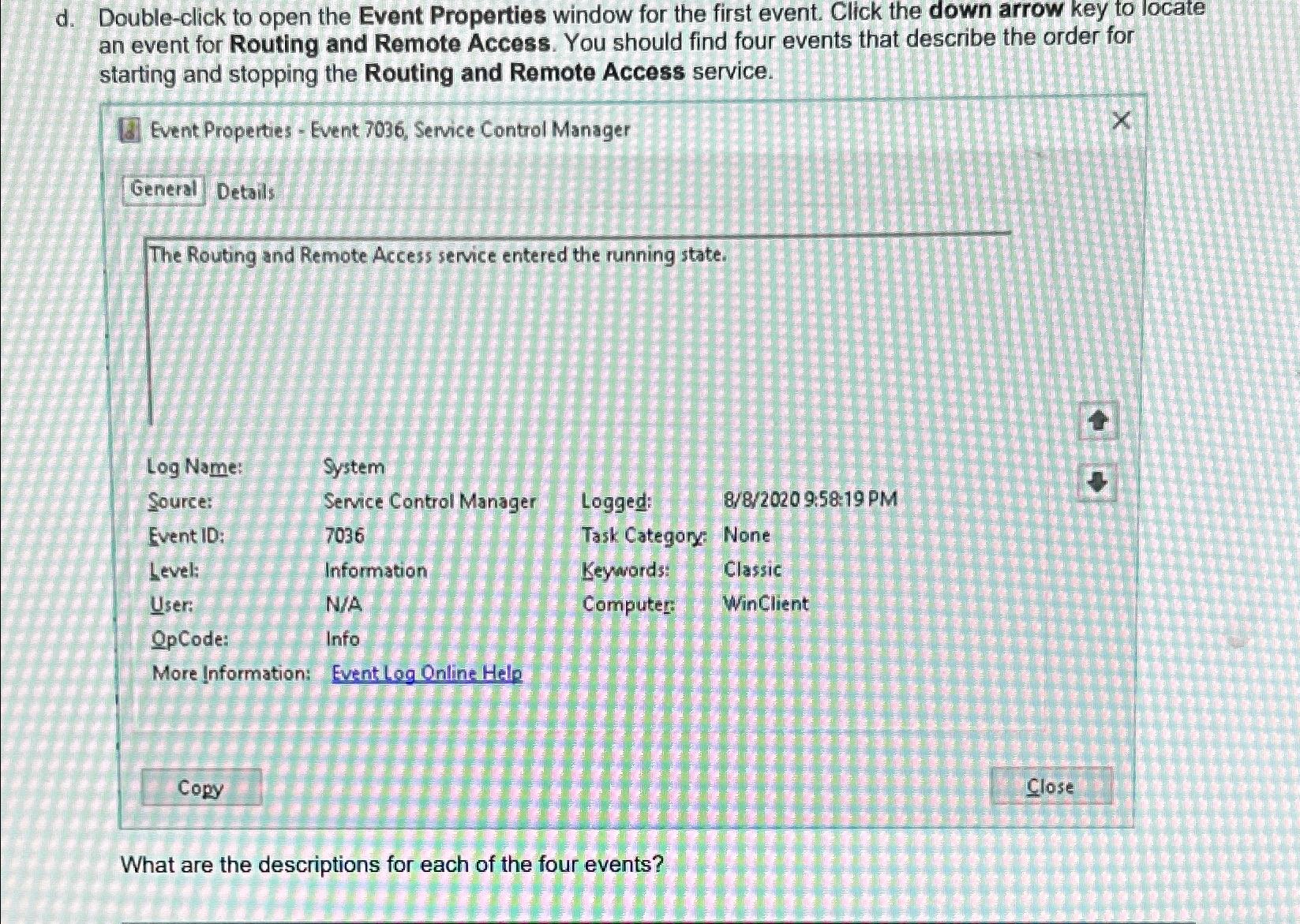
d Doubleclick to open the Event Properties window for the first event. Click the down arrow key to locate an event for Routing and Remote Access. You should find four events that describe the order for starting and stopping the Routing and Remote Access service.
Event Properties Event Service Control Manager
Details
The Routing and Remote Access service entered the running state.
tableLog Name:,System,,Source:Service Control Manager,Logged:,:: PMEvent ID:Task Category: None,Level:Information,Keywords:,ClassicUser:NAComputer: WinClient,OpCode:Info,,
More Information: Event Log Online Hele
Copy
Close
What are the descriptions for each of the four events?
Step by Step Solution
There are 3 Steps involved in it
1 Expert Approved Answer
Step: 1 Unlock

Question Has Been Solved by an Expert!
Get step-by-step solutions from verified subject matter experts
Step: 2 Unlock
Step: 3 Unlock
 Study Help