







Question: d . In cell G 2 , enter a formula using the IF function to determine whether the daily sales goal in cell K 2
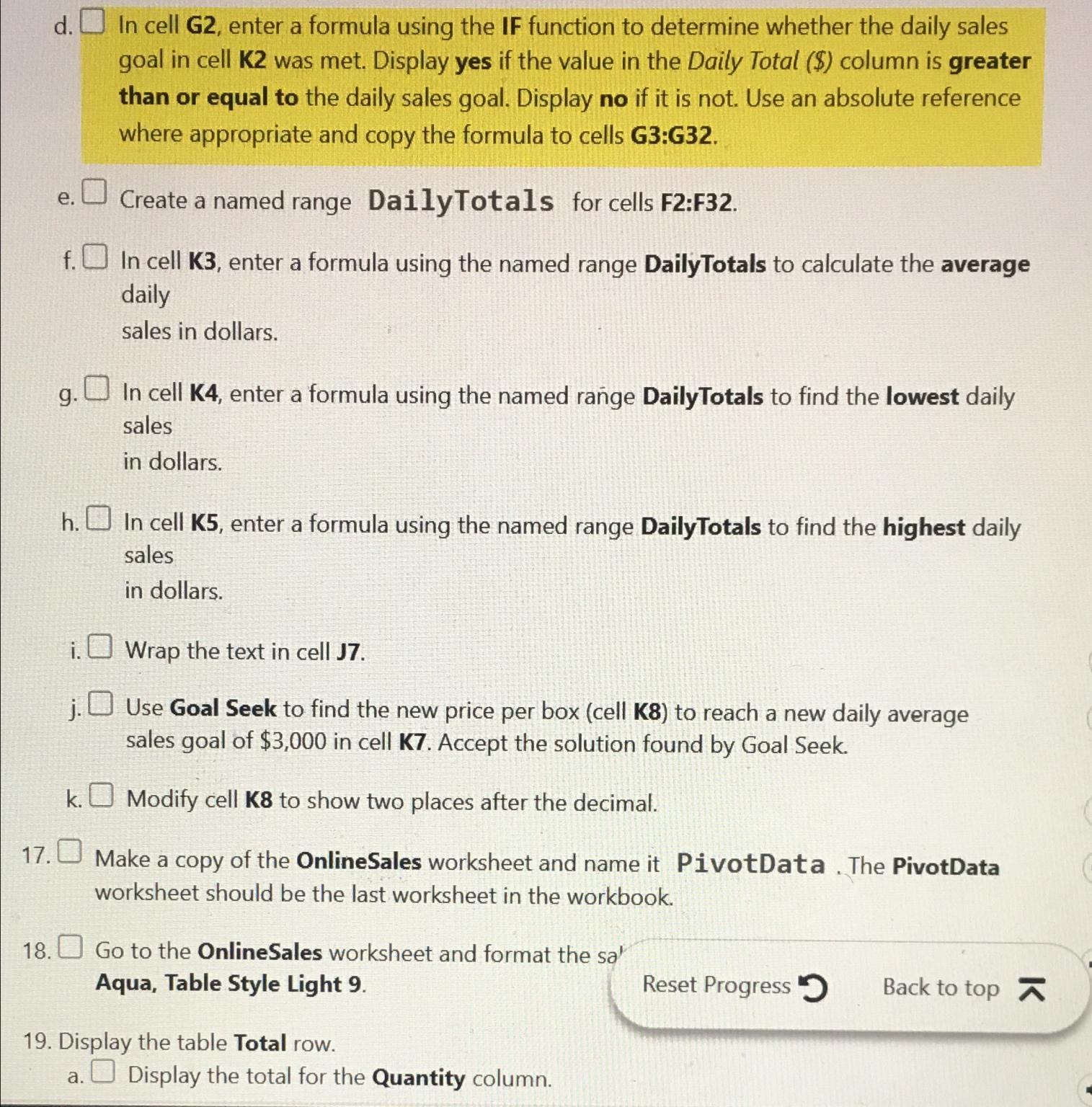
d In cell G enter a formula using the IF function to determine whether the daily sales goal in cell K was met. Display yes if the value in the Daily Total $ column is greater than or equal to the daily sales goal. Display no if it is not. Use an absolute reference where appropriate and copy the formula to cells G:G
e Create a named range DailyTotals for cells F:F
f In cell K enter a formula using the named range DailyTotals to calculate the average daily sales in dollars.
g In cell K enter a formula using the named range DailyTotals to find the lowest daily sales in dollars.
h In cell K enter a formula using the named range DailyTotals to find the highest daily sales in dollars.
i Wrap the text in cell J
j Use Goal Seek to find the new price per box cell K to reach a new daily average sales goal of $ in cell K Accept the solution found by Goal Seek.
k Modify cell to show two places after the decimal.
Make a copy of the OnlineSales worksheet and name it PivotData The PivotData worksheet should be the last worksheet in the workbook.
Go to the OnlineSales worksheet and format the sa
Aqua, Table Style Light
Reset Progress Back to top
Display the table Total row.
a Display the total for the Quantity column.
Step by Step Solution
There are 3 Steps involved in it
1 Expert Approved Answer
Step: 1 Unlock

Question Has Been Solved by an Expert!
Get step-by-step solutions from verified subject matter experts
Step: 2 Unlock
Step: 3 Unlock
 Study Help