







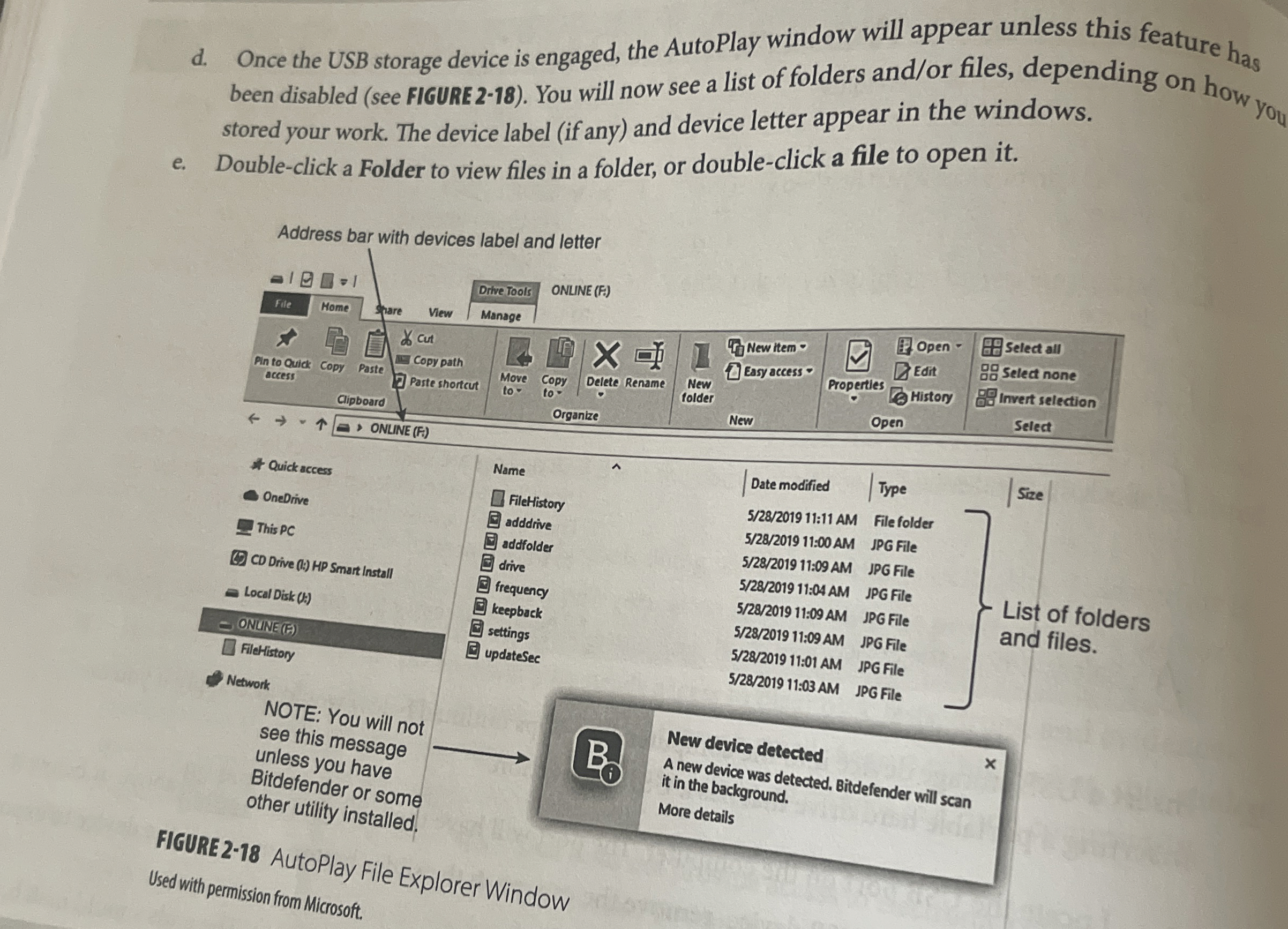
Question: d . Once the USB storage device is engaged, the AutoPlay window will appear unless this feature has been disabled ( see FIGURE 2 -
d Once the USB storage device is engaged, the AutoPlay window will appear unless this feature has been disabled see FIGURE You will now see a list of folders andor files, depending on stored your work. The device label if any and device letter appear in the windows.
e Doubleclick a Folder to view files in a folder, or doubleclick a file to open it
Step by Step Solution
There are 3 Steps involved in it
1 Expert Approved Answer
Step: 1 Unlock

Question Has Been Solved by an Expert!
Get step-by-step solutions from verified subject matter experts
Step: 2 Unlock
Step: 3 Unlock
 Study Help