







Question: data mining with code in Rstudio - Open RStudio software and apply the following questions: 1. Import the Students-mat to R studio, check the attribute
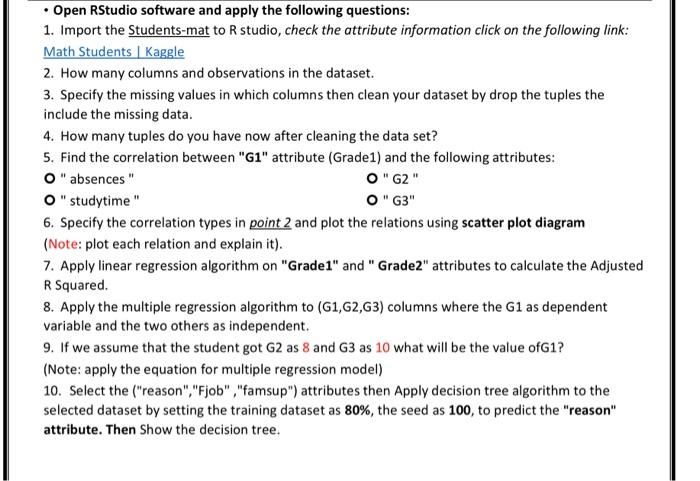
- Open RStudio software and apply the following questions: 1. Import the Students-mat to R studio, check the attribute information click on the following link: Math Students | Kaggle 2. How many columns and observations in the dataset. 3. Specify the missing values in which columns then clean your dataset by drop the tuples the include the missing data. 4. How many tuples do you have now after cleaning the data set? 5. Find the correlation between "G1" attribute (Grade1) and the following attributes: O " absences " O " G2" O " studytime " O " G3 " 6. Specify the correlation types in point 2 and plot the relations using scatter plot diagram (Note: plot each relation and explain it). 7. Apply linear regression algorithm on "Grade1" and " Grade2" attributes to calculate the Adjusted R Squared. 8. Apply the multiple regression algorithm to (G1,G2,G3) columns where the G1 as dependent variable and the two others as independent. 9. If we assume that the student got G2 as 8 and G3 as 10 what will be the value ofG1? (Note: apply the equation for multiple regression model) 10. Select the ("reason","Fjob" ,"famsup") attributes then Apply decision tree algorithm to the selected dataset by setting the training dataset as 80%, the seed as 100 , to predict the "reason" attribute. Then Show the decision tree
Step by Step Solution
There are 3 Steps involved in it

Get step-by-step solutions from verified subject matter experts
 Study Help