







Question: Database Preparation: 1. Login MySQL 2. Create a database, its name must include your first and last name. See example below if your name
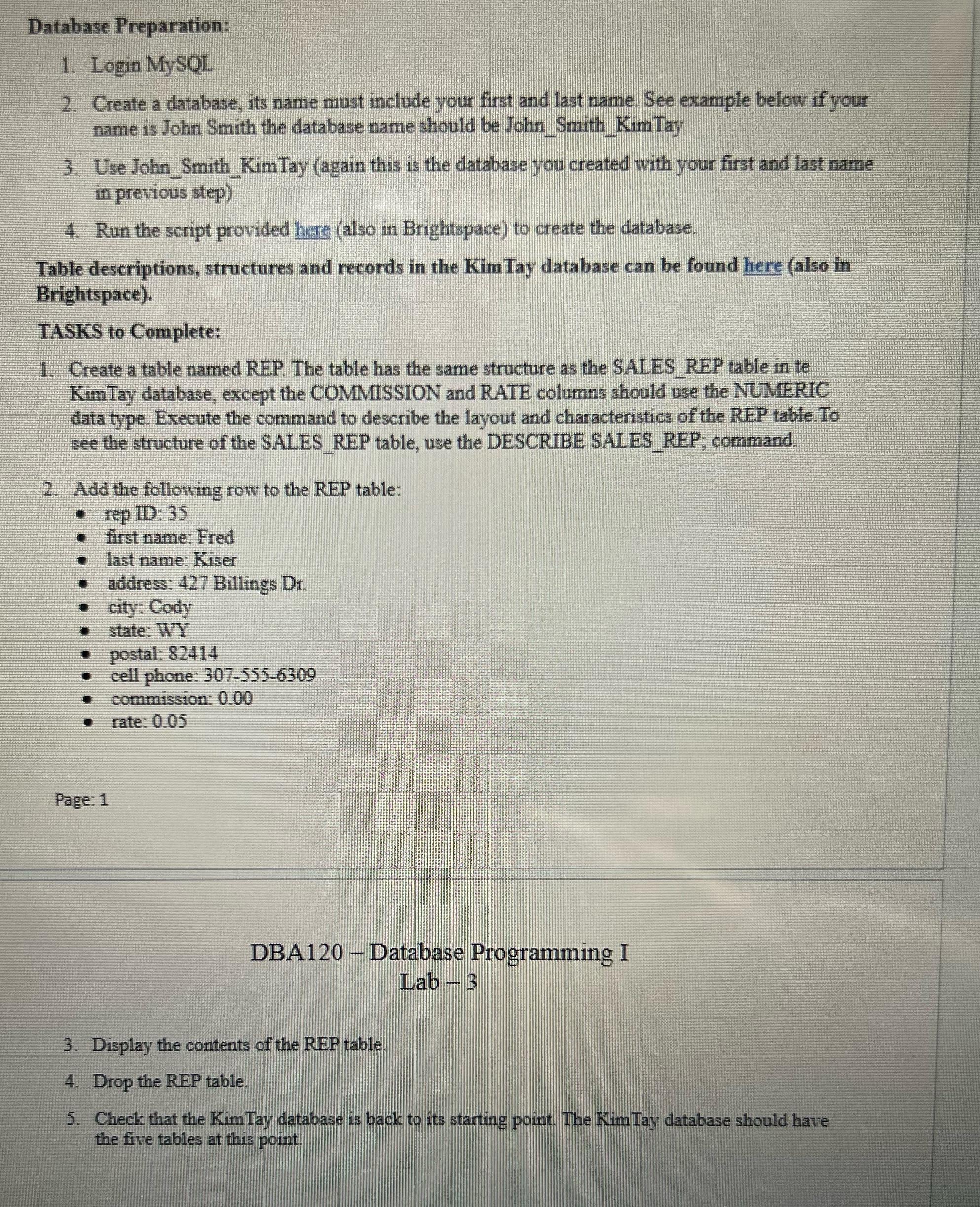
Database Preparation: 1. Login MySQL 2. Create a database, its name must include your first and last name. See example below if your name is John Smith the database name should be John Smith Kim Tay 3. Use John Smith Kim Tay (again this is the database you created with your first and last name in previous step) 4. Run the script provided here (also in Brightspace) to create the database. Table descriptions, structures and records in the Kim Tay database can be found here (also in Brightspace). TASKS to Complete: 1. Create a table named REP. The table has the same structure as the SALES REP table in te Kim Tay database, except the COMMISSION and RATE columns should use the NUMERIC data type. Execute the command to describe the layout and characteristics of the REP table.To see the structure of the SALES REP table, use the DESCRIBE SALES REP; command. 2. Add the following row to the REP table: rep ID: 35 first name: Fred last name: Kiser address: 427 Billings Dr. city: Cody state: WY postal: 82414 cell phone: 307-555-6309 commission: 0.00 rate: 0.05 Page: 1 DBA120 - Database Programming I Lab 3 3. Display the contents of the REP table. 4. Drop the REP table. 5. Check that the Kim Tay database is back to its starting point. The Kim Tay database should have the five tables at this point.
Step by Step Solution
There are 3 Steps involved in it

Get step-by-step solutions from verified subject matter experts
 Study Help