







Question: Debugging Start TextPad and open Data Disk or see your Assignment n the file Runyon.java from the Chapter02 folder on the instructor for information about
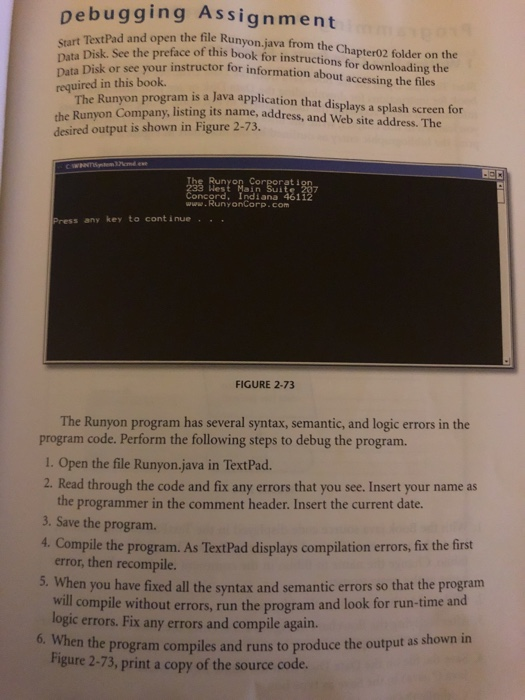
Debugging Start TextPad and open Data Disk or see your Assignment n the file Runyon.java from the Chapter02 folder on the instructor for information about accessing the files Run reface of this book for instructions for downloading the required in this book. The Runyon program is a Java application that displays a splash screen for on Company, listing its name, address, and Web site address. The the Runy desired output is shown in Figure 2-73. The Runyon ncord, Indiana 461 www. RunyonCorp.com Press any key to cont inue.. FIGURE 2-73 The Runyon program has several syntax, semantic, and logic errors in the program code. Perform the following steps to debug the program. 1. Open the file Runyon.java in TextPad. 2. Read through the code and fix any errors that you see. Insert your name as the programmer in the comment header. Insert the current date. 3. Save the program. 4. Compile the program. As TextPad displays compilation errors, fix the first error, then recompile. 5. When you have fixed all the syntax and semantic errors so that the program compile without errors, run the program and look for run-time and logic errors. Fix any errors and compile again. 6. When the program compiles and runs to produce the output as shown in Figure 2-73, print a copy of the source code
Step by Step Solution
There are 3 Steps involved in it

Get step-by-step solutions from verified subject matter experts
 Study Help