







Question: * Decrease the font size by 1 point CTRL + [ O CTRL +1 O CTRL + * O CTRL + / * Close the
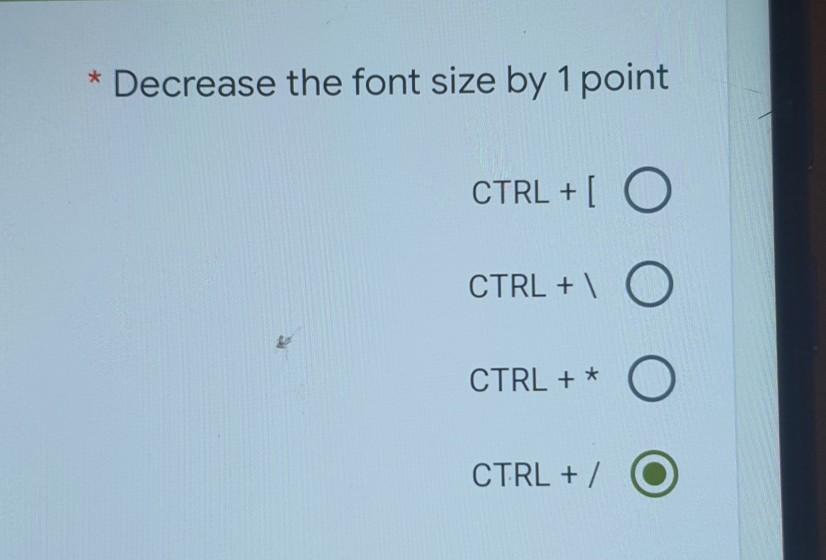
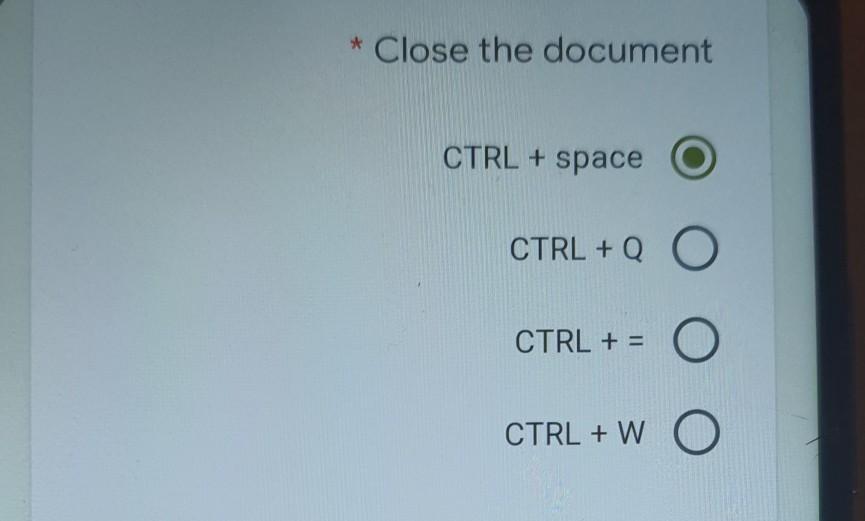
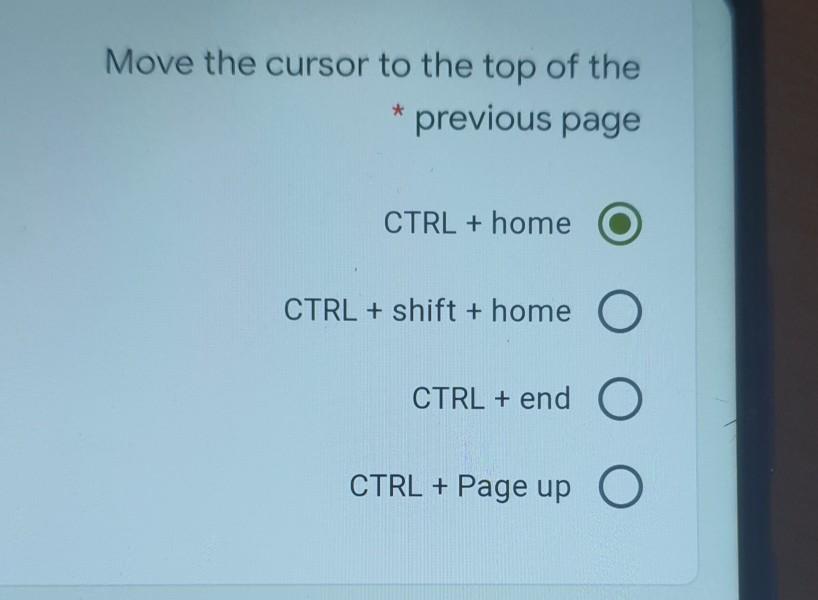
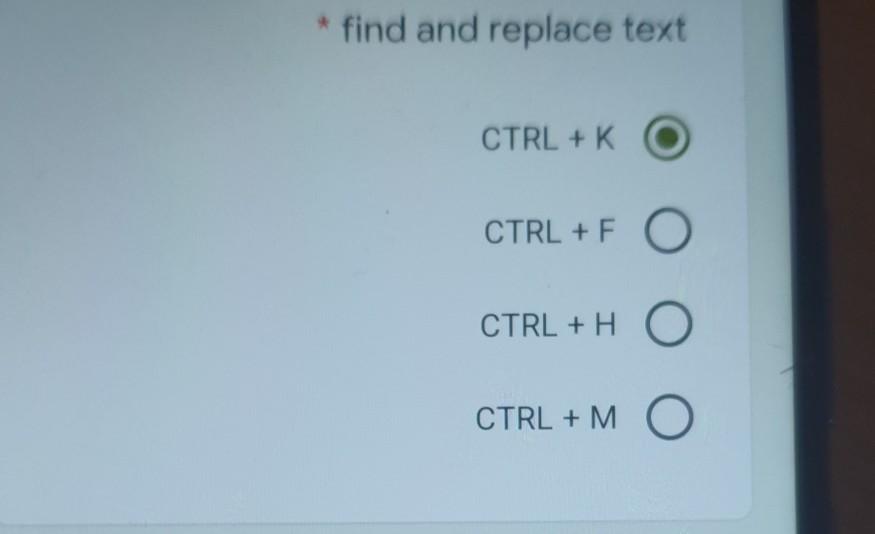
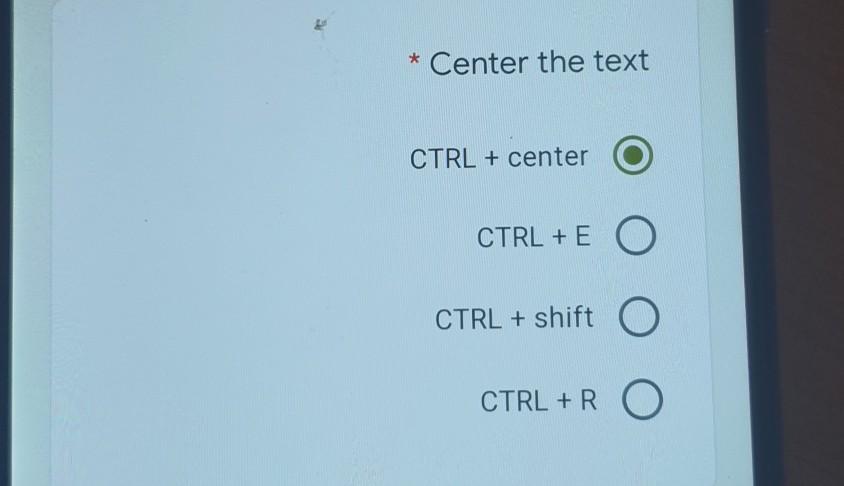
* Decrease the font size by 1 point CTRL + [ O CTRL +1 O CTRL + * O CTRL + / * Close the document CTRL + space CTRL + Q O CTRL + = CTRL + W O Move the cursor to the top of the previous page * CTRL + home CTRL + Shift + home O CTRL + end O CTRL + Page up O * find and replace text CTRL + K CTRL+F O CTRL + H CTRL + M * Center the text CTRL + center CTRL + E O CTRL + shift O CTRL + R O
Step by Step Solution
There are 3 Steps involved in it
1 Expert Approved Answer
Step: 1 Unlock

Question Has Been Solved by an Expert!
Get step-by-step solutions from verified subject matter experts
Step: 2 Unlock
Step: 3 Unlock
 Study Help