







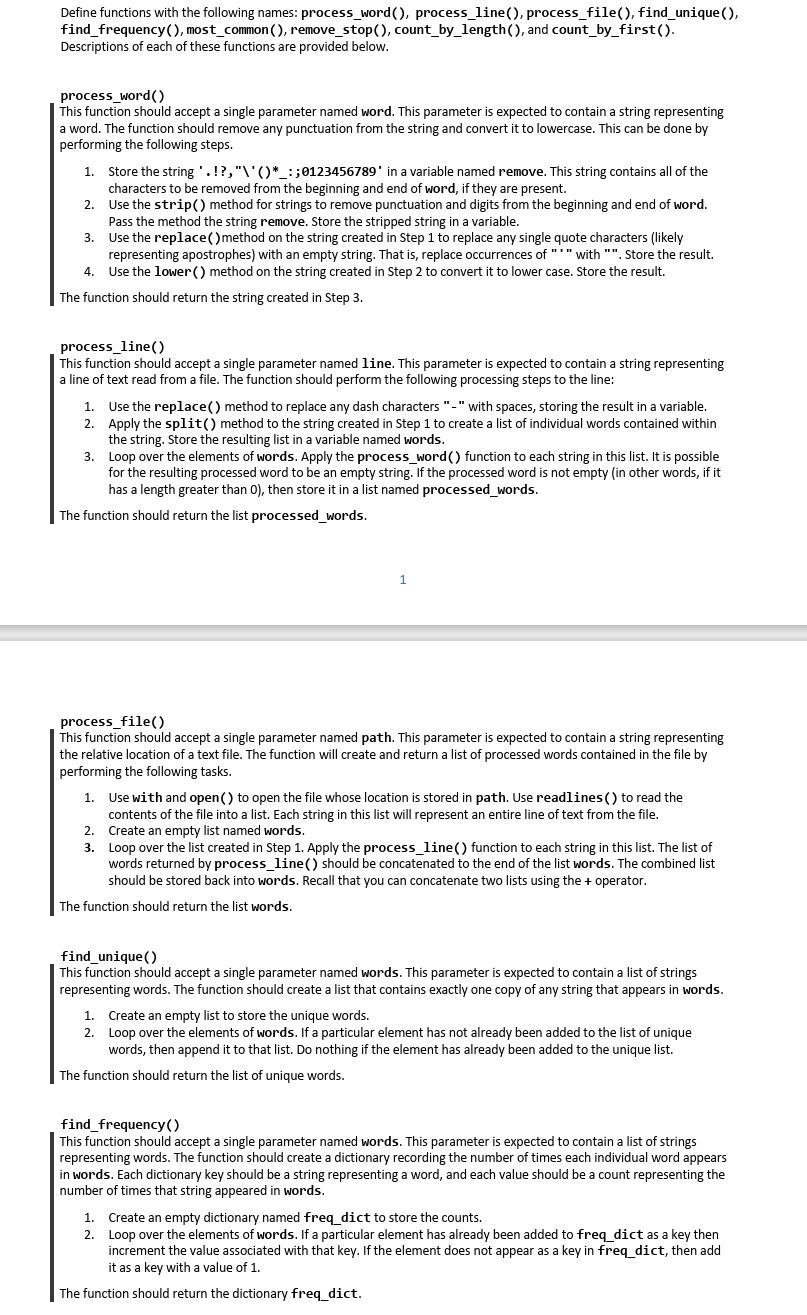
Question: Define functions with the following names: process _ word ( ) , process _ line ( ) , process _ file ( ) , find
Define functions with the following names: processword processline processfile findunique
findfrequency mostcommon removestop countbylength and countbyfirst
Descriptions of each of these functions are provided below.
processword
This function should accept a single parameter named word. This parameter is expected to contain a string representing
a word. The function should remove any punctuation from the string and convert it to lowercase. This can be done by
performing the following steps.
Store the string :; in a variable named remove. This string contains all of the
characters to be removed from the beginning and end of word, if they are present.
Use the strip method for strings to remove punctuation and digits from the beginning and end of word.
Pass the method the string remove. Store the stripped string in a variable.
Use the replace method on the string created in Step to replace any single quote characters likely
representing apostrophes with an empty string. That is replace occurrences of with Store the result.
Use the lower method on the string created in Step to convert it to lower case. Store the result.
The function should return the string created in Step
processline
This function should accept a single parameter named line. This parameter is expected to contain a string representing
a line of text read from a file. The function should perform the following processing steps to the line:
Use the replace method to replace any dash characters with spaces, storing the result in a variable.
Apply the split method to the string created in Step to create a list of individual words contained within
the string. Store the resulting list in a variable named words.
Loop over the elements of words. Apply the processword function to each string in this list. It is possible
for the resulting processed word to be an empty string. If the processed word is not empty in other words, if it
has a length greater than then store it in a list named processedwords.
The function should return the list processedwords.
processfile
This function should accept a single parameter named path. This parameter is expected to contain a string representing
the relative location of a text file. The function will create and return a list of processed words contained in the file by
performing the following tasks.
Use with and open to open the file whose location is stored in path. Use readlines to read the
contents of the file into a list. Each string in this list will represent an entire line of text from the file.
Create an empty list named words.
Loop over the list created in Step Apply the processline function to each string in this list. The list of
words returned by processline should be concatenated to the end of the list words. The combined list
should be stored back into words. Recall that you can concatenate two lists using the operator.
The function should return the list words.
findunique
This function should accept a single parameter named words. This parameter is expected to contain a list of strings
representing words. The function should create a list that contains exactly one copy of any string that appears in words.
Create an empty list to store the unique words.
Loop over the elements of words. If a particular element has not already been added to the list of unique
words, then append it to that list. Do nothing if the element has already been added to the unique list.
The function should return the list of unique words.
findfrequency
This function should accept a single parameter named words. This parameter is expected to contain a list of strings
representing words. The function should create a dictionary recording the number of times each individual word appears
in words. Each dictionary key should be a string representing a word, and each value should be a count representing the
number of times that string appeared in words.
Create an empty dictionary named freqdict to store the counts.
Loop over the elements of words. If a particular element has already been added to freqdict as a key then
increment the value associated with that key. If the element does not appear as a key in freqdict, then add
it as a key with a value of
The function should return the dictionary freqdict.
Step by Step Solution
There are 3 Steps involved in it
1 Expert Approved Answer
Step: 1 Unlock

Question Has Been Solved by an Expert!
Get step-by-step solutions from verified subject matter experts
Step: 2 Unlock
Step: 3 Unlock
 Study Help