







Question: #define ONOFF 2 #define DIRECTION 3 #define LED1 8 #define LED2 9 #define LED3 10 int counter_loop = 0; int period_loop=50; int onoff = 0;
#define ONOFF 2
#define DIRECTION 3
#define LED1 8
#define LED2 9
#define LED3 10
int counter_loop = 0;
int period_loop=50;
int onoff = 0; bool onoff_pressed = false; int counter_led = 0; int direction = 1; bool direction_pressed = false;
void setup() { Serial.begin(9600);
pinMode(ONOFF, INPUT);
pinMode(DIRECTION, INPUT);
pinMode(LED1, OUTPUT);
pinMode(LED2, OUTPUT);
pinMode(LED3, OUTPUT); }
void loop() { if( digitalRead(ONOFF) == HIGH){ onoff = 1 - onoff; if(onoff==0){ digitalWrite(LED1, LOW);
digitalWrite(LED2, LOW);
digitalWrite(LED3, LOW); }
Serial.println("ONOFF"); Serial.println(onoff); }
if( digitalRead(DIRECTION) == HIGH){ direction = -1*direction; Serial.println("DIRECTION"); Serial.println(direction); }
if(onoff == 1 && counter_loop == 0)
{ if(counter_led== 0){ digitalWrite(LED1, LOW); digitalWrite(LED2, LOW); digitalWrite(LED3, LOW); } if(counter_led == 1){ digitalWrite(LED1, HIGH); digitalWrite(LED2, HIGH); digitalWrite(LED3, HIGH); }
counter_led = (2+ counter_led + direction ) % 2; } counter_loop = (counter_loop + 1) % period_loop; delay(10); }
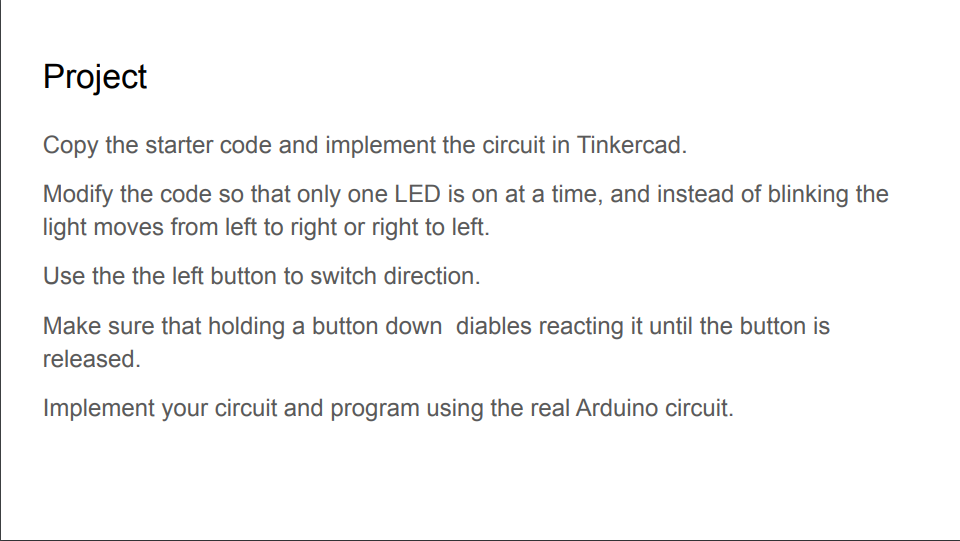
Project Copy the starter code and implement the circuit in Tinkercad. Modify the code so that only one LED is on at a time, and instead of blinking the light moves from left to right or right to left. Use the the left button to switch direction. Make sure that holding a button down diables reacting it until the button is released. Implement your circuit and program using the real Arduino circuit. Project Copy the starter code and implement the circuit in Tinkercad. Modify the code so that only one LED is on at a time, and instead of blinking the light moves from left to right or right to left. Use the the left button to switch direction. Make sure that holding a button down diables reacting it until the button is released. Implement your circuit and program using the real Arduino circuit
Step by Step Solution
There are 3 Steps involved in it

Get step-by-step solutions from verified subject matter experts
 Study Help