







Question: Description: 2.21 (Financial application: calculate future investment value) Write a program that reads in investment amount, annual interest rate, and number of years, and displays
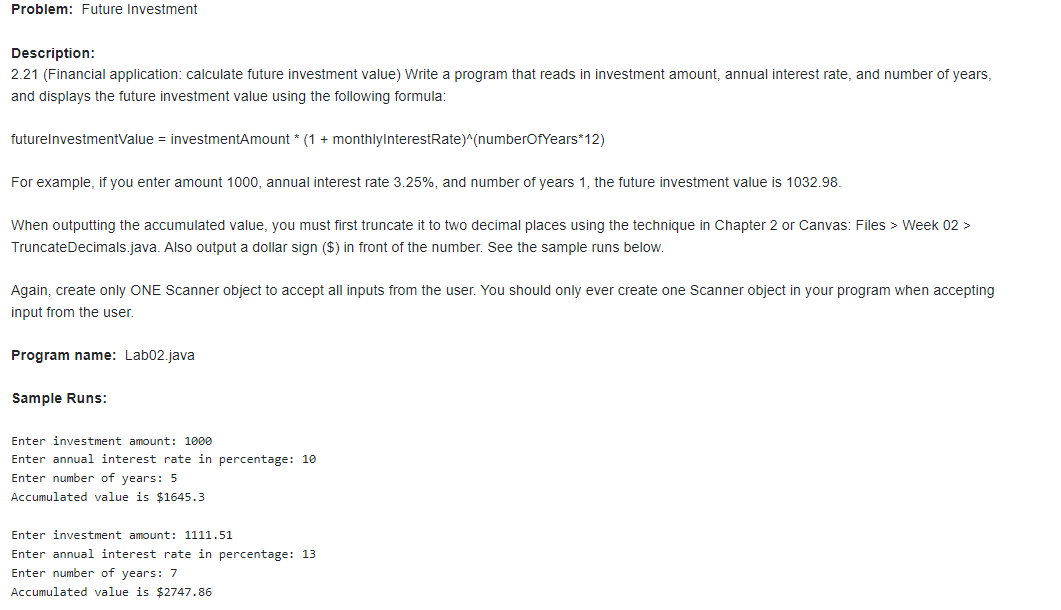
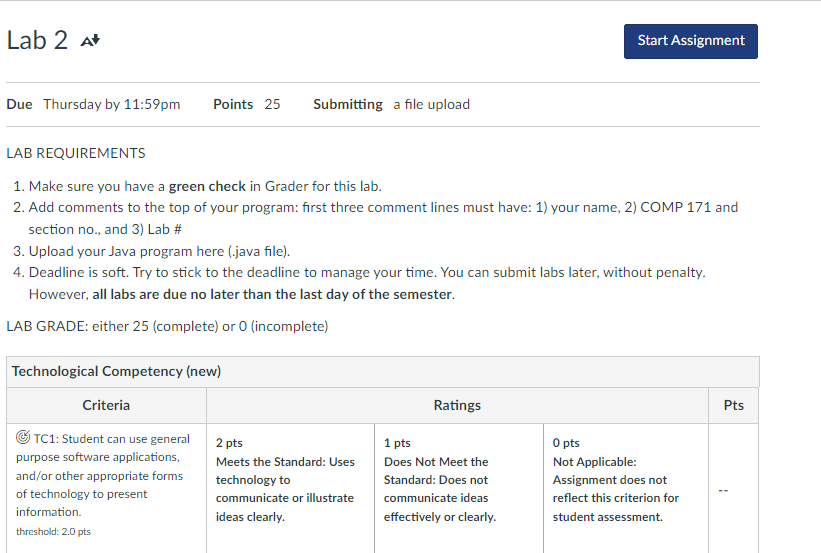
Description: 2.21 (Financial application: calculate future investment value) Write a program that reads in investment amount, annual interest rate, and number of years, and displays the future investment value using the following formula: futureInvestmentValue = investmentAmount (1+monthlyInterestRate)( numberOfYears 12) For example, if you enter amount 1000 , annual interest rate 3.25%, and number of years 1 , the future investment value is 1032.98. When outputting the accumulated value, you must first truncate it to two decimal places using the technique in Chapter 2 or Canvas: Files > Week 02> TruncateDecimals.java. Also output a dollar sign (\$) in front of the number. See the sample runs below. Again, create only ONE Scanner object to accept all inputs from the user. You should only ever create one Scanner object in your program when accepting input from the user. Program name: Lab02.java Sample Runs: Enter investment amount: 1000 Enter annual interest rate in percentage: 10 Enter number of years: 5 Accumulated value is $1645.3 Enter investment amount: 1111.51 Enter annual interest rate in percentage: 13 Enter number of years: 7 Accumulated value is $2747.86 LAB REQUIREMENTS 1. Make sure you have a green check in Grader for this lab. 2. Add comments to the top of your program: first three comment lines must have: 1) your name, 2) COMP 171 and section no., and 3) Lab \# 3. Upload your Java program here (.java file). 4. Deadline is soft. Try to stick to the deadline to manage your time. You can submit labs later, without penalty. However, all labs are due no later than the last day of the semester. LAB GRADE: either 25 (complete) or 0 (incomplete)
Step by Step Solution
There are 3 Steps involved in it

Get step-by-step solutions from verified subject matter experts
 Study Help