







Question: Description In this assignment, you will use Microsoft Excel (or equivalent) to build a spreadsheet to calculate the amount of interest expense for a car
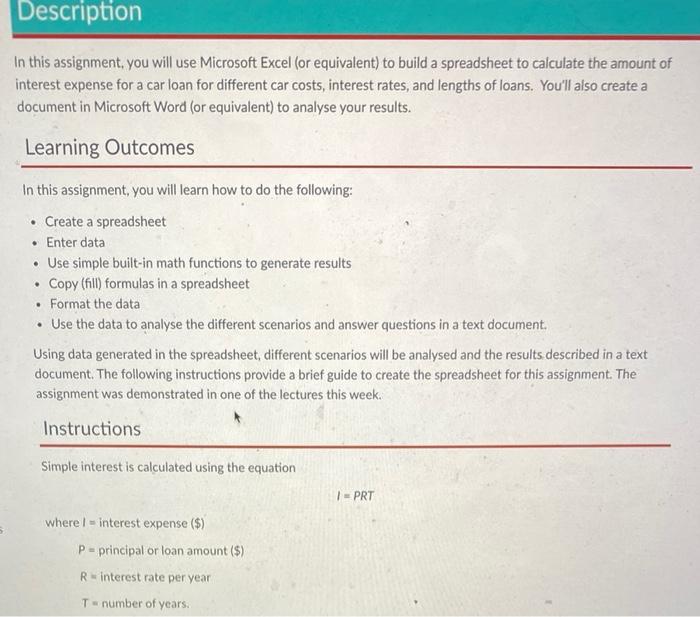
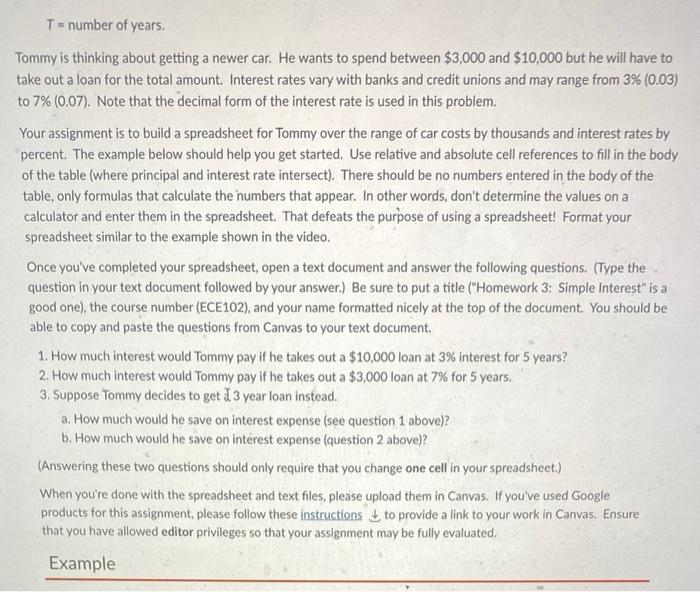
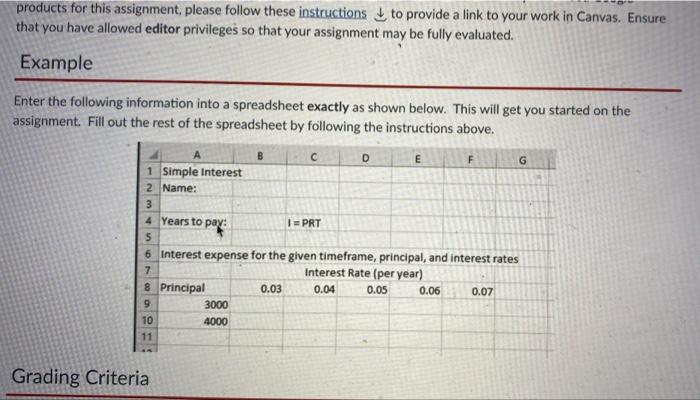
Description In this assignment, you will use Microsoft Excel (or equivalent) to build a spreadsheet to calculate the amount of interest expense for a car loan for different car costs, interest rates, and lengths of loans. You'll also create a document in Microsoft Word (or equivalent) to analyse your results. Learning Outcomes . In this assignment, you will learn how to do the following: Create a spreadsheet Enter data Use simple built-in math functions to generate results Copy (fill) formulas in a spreadsheet Format the data Use the data to analyse the different scenarios and answer questions in a text document. Using data generated in the spreadsheet, different scenarios will be analysed and the results described in a text document. The following instructions provide a brief guide to create the spreadsheet for this assignment. The assignment was demonstrated in one of the lectures this week. . Instructions Simple interest is calculated using the equation 1 - PRT where - interest expense ($) P = principal or loan amount ($) R interest rate per year Tnumber of years. T-number of years. Tommy is thinking about getting a newer car. He wants to spend between $3,000 and $10,000 but he will have to take out a loan for the total amount. Interest rates vary with banks and credit unions and may range from 3% (0.03) to 7% (0.07). Note that the decimal form of the interest rate is used in this problem. Your assignment is to build a spreadsheet for Tommy over the range of car costs by thousands and interest rates by percent. The example below should help you get started. Use relative and absolute cell references to fill in the body of the table (where principal and interest rate intersect). There should be no numbers entered in the body of the table, only formulas that calculate the numbers that appear. In other words, don't determine the values on a na calculator and enter them in the spreadsheet. That defeats the purpose of using a spreadsheet! Format your spreadsheet similar to the example shown in the video. Once you've completed your spreadsheet, open a text document and answer the following questions. (Type the question in your text document followed by your answer.) Be sure to put a title ("Homework 3: Simple Interest" is a good one), the course number (ECE102), and your name formatted nicely at the top of the document. You should be able to copy and paste the questions from Canvas to your text document. 1. How much interest would Tommy pay if he takes out a $10,000 loan at 3% interest for 5 years? 2. How much interest would Tommy pay if he takes out a $3,000 loan at 7% for 5 years. 3. Suppose Tommy decides to get 13 year loan instead. a. How much would he save on interest expense (see question 1 above)? b. How much would he save on interest expense question 2 above)? (Answering these two questions should only require that you change one cell in your spreadsheet.) When you're done with the spreadsheet and text files, please upload them in Canvas. If you've used Google products for this assignment, please follow these instructions to provide a link to your work in Canvas. Ensure that you have allowed editor privileges so that your assignment may be fully evaluated. Example 6 products for this assignment, please follow these instructions to provide a link to your work in Canvas. Ensure that you have allowed editor privileges so that your assignment may be fully evaluated. Example Enter the following information into a spreadsheet exactly as shown below. This will get you started on the assignment. Fill out the rest of the spreadsheet by following the instructions above. D E F G 1 Simple Interest 2 Name: 3 4 Years to pay: pay I= PRT 5 6 Interest expense for the given timeframe, principal, and interest rates 7 Interest Rate (per year) 8 Principal 0.03 0.04 0.05 0.06 0.07 9 3000 10 4000 11 Grading Criteria
Step by Step Solution
There are 3 Steps involved in it

Get step-by-step solutions from verified subject matter experts
 Study Help