



Question: DESCRIPTION This is the second lab (in a series) that explores how multiple modules (files, scripts) can work together. Given that this is the first
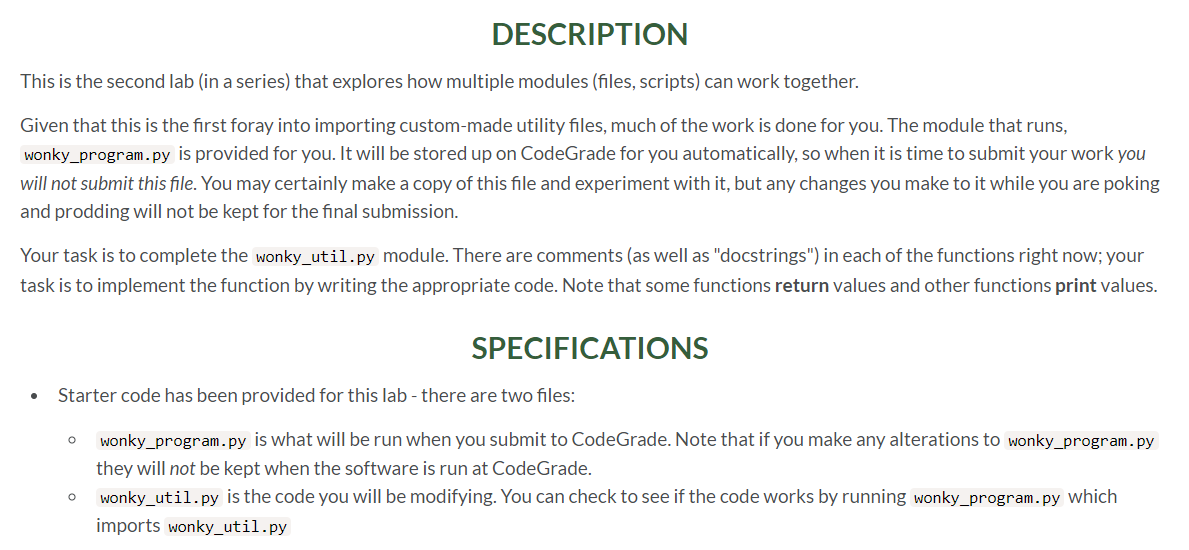

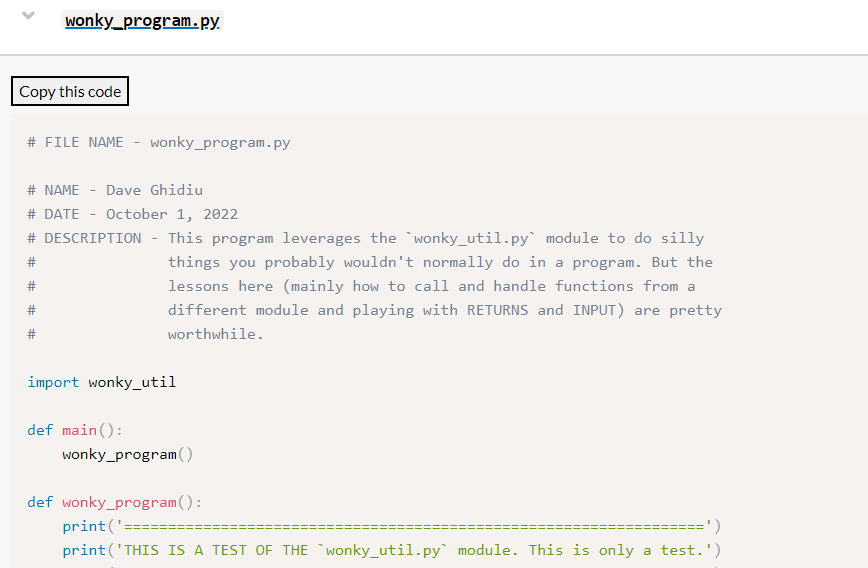
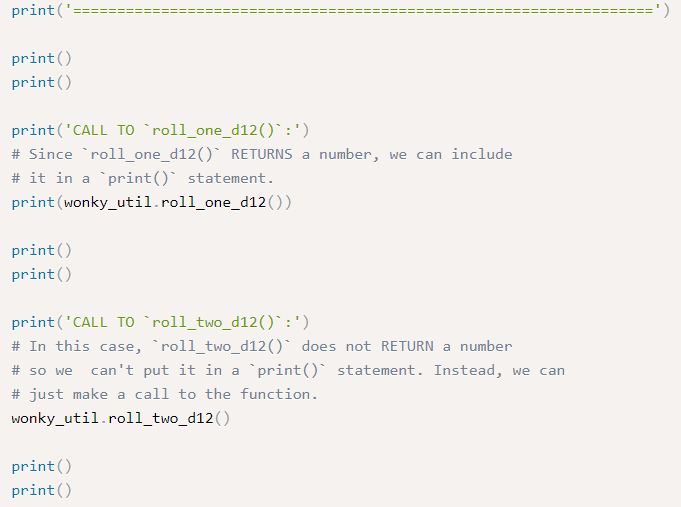
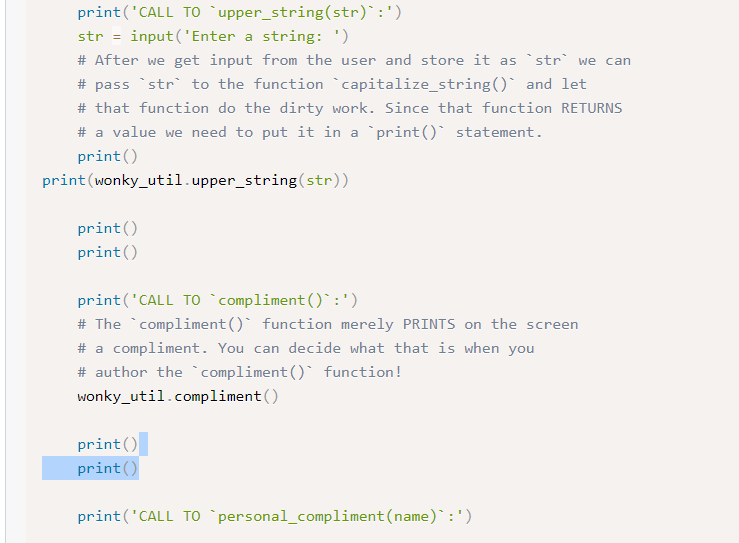
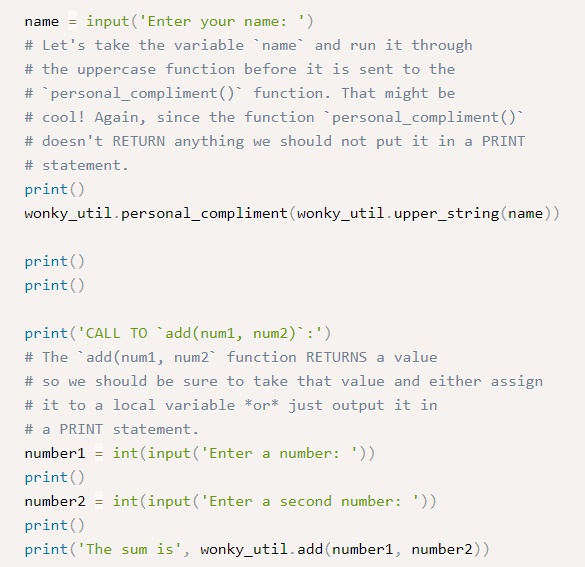
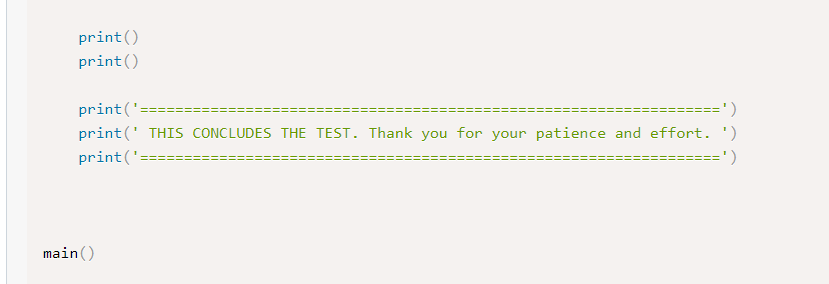
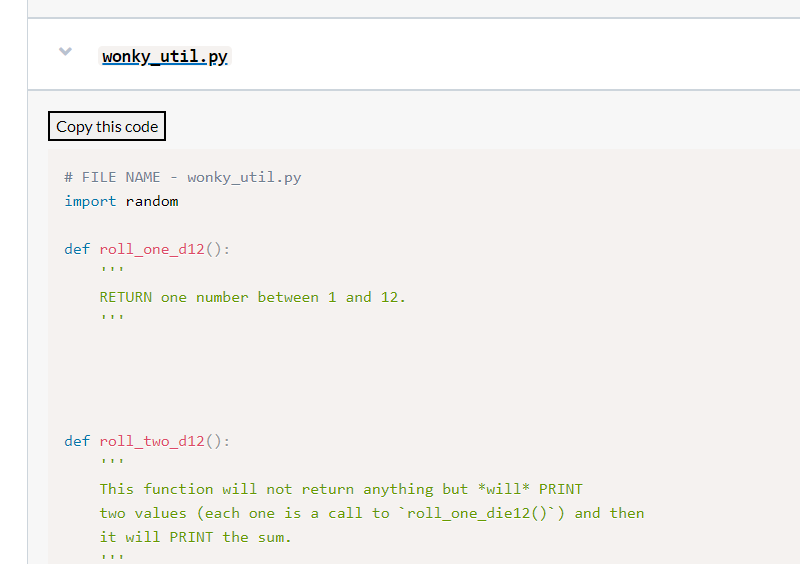
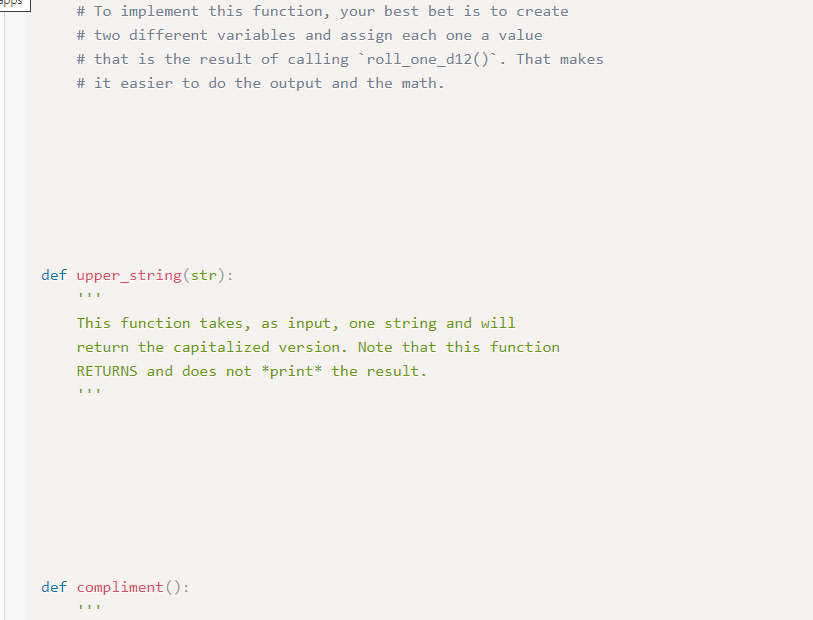
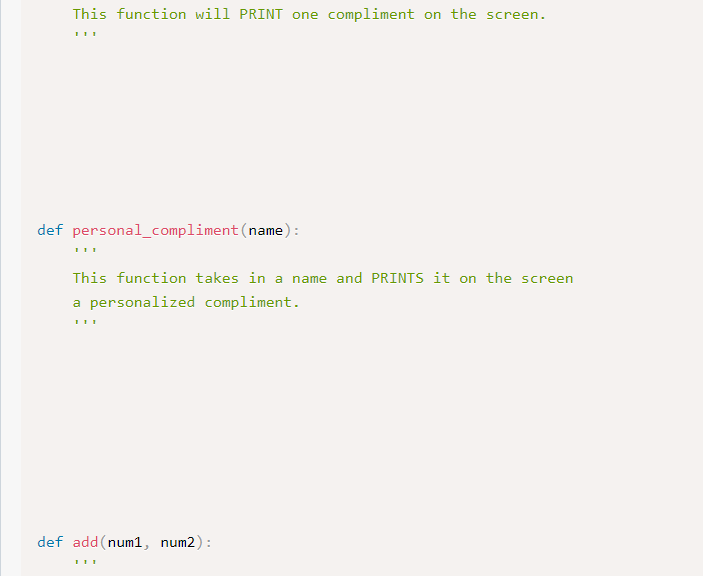
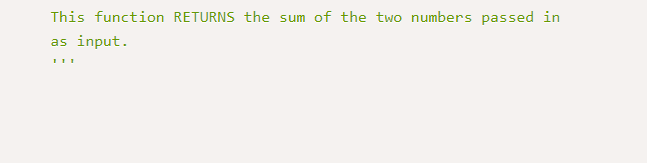
DESCRIPTION This is the second lab (in a series) that explores how multiple modules (files, scripts) can work together. Given that this is the first foray into importing custom-made utility files, much of the work is done for you. The module that runs, wonky_program. py is provided for you. It will be stored up on CodeGrade for you automatically, so when it is time to submit your work you will not submit this file. You may certainly make a copy of this file and experiment with it, but any changes you make to it while you are poking and prodding will not be kept for the final submission. Your task is to complete the wonky_util.py module. There are comments (as well as "docstrings") in each of the functions right now; your task is to implement the function by writing the appropriate code. Note that some functions return values and other functions print values. SPECIFICATIONS - Starter code has been provided for this lab - there are two files: - wonky_program.py is what will be run when you submit to CodeGrade. Note that if you make any alterations to wonky_program.py they will not be kept when the software is run at CodeGrade. - wonky_util.py is the code you will be modifying. You can check to see if the code works by running wonky_program.py which imports wonky_util.py - The filename for this program is wonky_util.py - Complete the functions in wonky_util.py as described in the comments of the code. - Add a comment with your name, date, and program description at the top! \# FILE NAME - wonky_program.py print('CALL TO 'upper_string(str)':') str = input('Enter a string: ') \# After we get input from the user and store it as 'str' we can \# pass 'str' to the function 'capitalize_string() and let \# that function do the dirty work. Since that function RETURNS \# a value we need to put it in a 'print()' statement. print() print(wonky_util.upper_string(str)) print() print() print('CALL TO 'compliment()':') \# The 'compliment() function merely PRINTS on the screen \# a compliment. You can decide what that is when you \# author the 'compliment() function! wonky_util.compliment() main() wonky_util.py. Copy this code \# FILE NAME - wonky_util.py import random def roll_one_d12(): RETURN one number between 1 and 12. def roll_two_d 12() : This function will not return anything but *will* PRINT two values (each one is a call to 'roll_one_die12( ') and then it will PRINT the sum. \# To implement this function, your best bet is to create \# two different variables and assign each one a value \# that is the result of calling 'roll_one_d12()'. That makes \# it easier to do the output and the math. def upper_string (str): This function takes, as input, one string and will return the capitalized version. Note that this function RETURNS and does not *print* the result. def compliment(): This function will PRINT one compliment on the screen. def personal_compliment (name): , ', This function takes in a name and PRINTS it on the screen a personalized compliment. , , def add(num1, num2): 1 This function RETURNS the sum of the two numbers passed in as input
Step by Step Solution
There are 3 Steps involved in it

Get step-by-step solutions from verified subject matter experts