







Question: Design an 8-Bit up/down counter using the 8-Bit core generated using the IP Catalog. When generating the core, set the setting to use the fabric
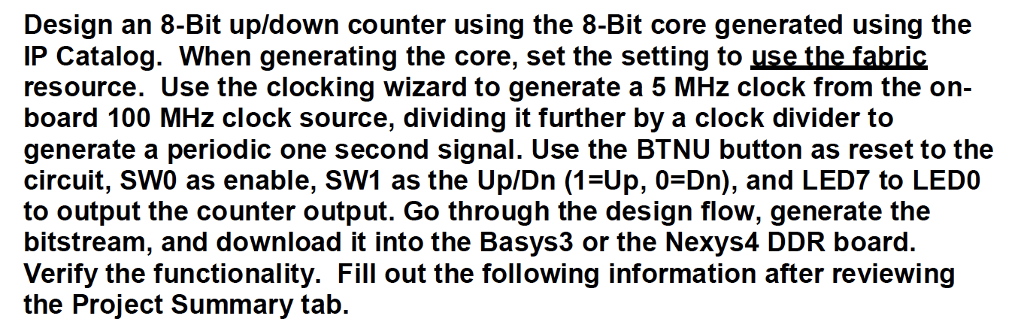
Design an 8-Bit up/down counter using the 8-Bit core generated using the IP Catalog. When generating the core, set the setting to use the fabric resource. Use the clocking wizard to generate a 5 MHz clock from the on- board 100 MHz clock source, dividing it further by a clock divider to generate a periodic one second signal. Use the BTNU button as reset to the circuit, SWO as enable, SW1 as the Up/Dn (1-Up, 0-Dn), and LED7 to LEDO to output the counter output. Go through the design flow, generate the bitstream, and download it into the Basys3 or the Nexys4 DDR board. Verify the functionality. Fill out the following information after reviewing the Project Summary tab. Design an 8-Bit up/down counter using the 8-Bit core generated using the IP Catalog. When generating the core, set the setting to use the fabric resource. Use the clocking wizard to generate a 5 MHz clock from the on- board 100 MHz clock source, dividing it further by a clock divider to generate a periodic one second signal. Use the BTNU button as reset to the circuit, SWO as enable, SW1 as the Up/Dn (1-Up, 0-Dn), and LED7 to LEDO to output the counter output. Go through the design flow, generate the bitstream, and download it into the Basys3 or the Nexys4 DDR board. Verify the functionality. Fill out the following information after reviewing the Project Summary tab
Step by Step Solution
There are 3 Steps involved in it

Get step-by-step solutions from verified subject matter experts
 Study Help