







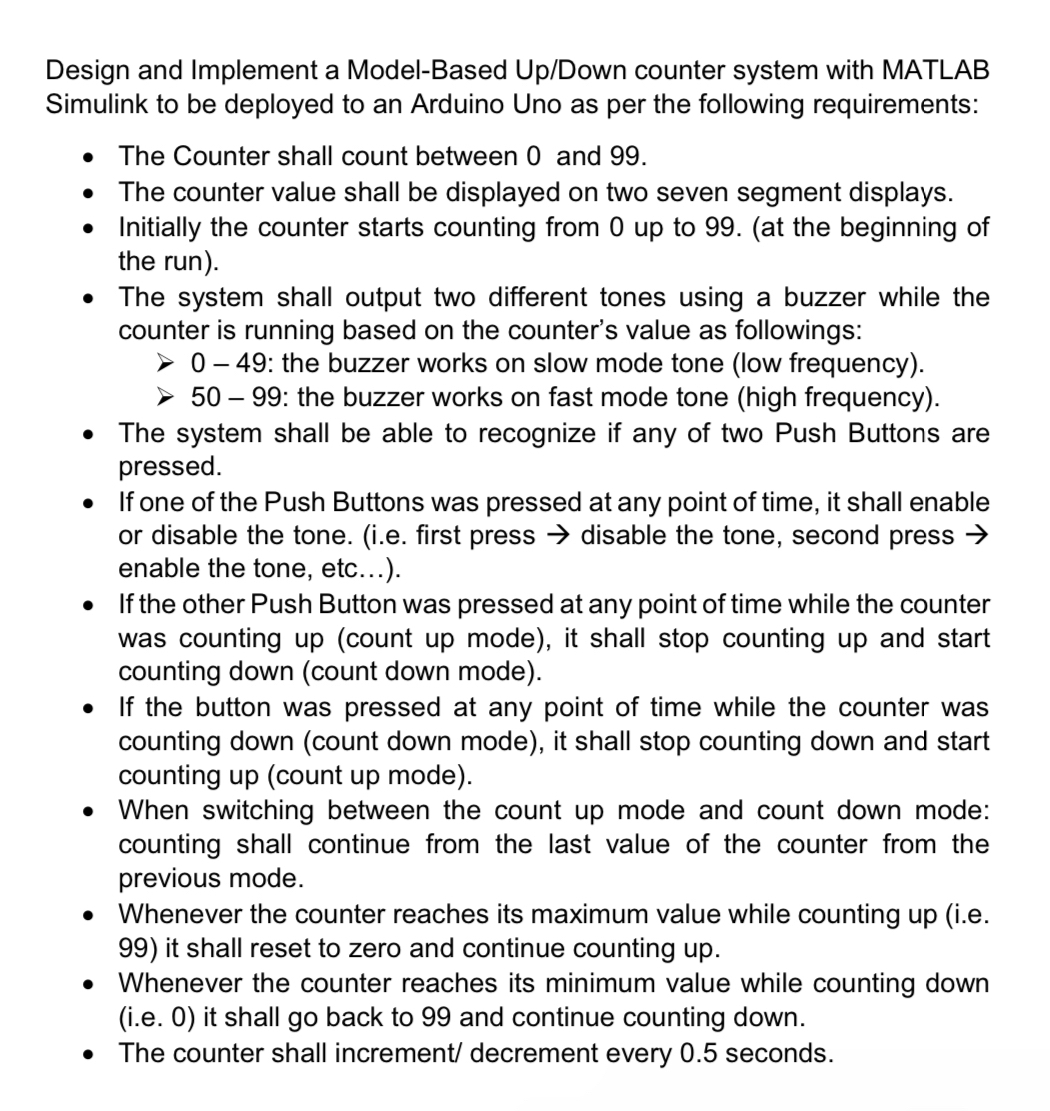
Question: Design and Implement a Model - Based Up / Down counter system with MATLAB Simulink to be deployed to an Arduino Uno as per the
Design and Implement a ModelBased UpDown counter system with MATLAB Simulink to be deployed to an Arduino Uno as per the following requirements:
The Counter shall count between and
The counter value shall be displayed on two seven segment displays.
Initially the counter starts counting from up to at the beginning of the run
The system shall output two different tones using a buzzer while the counter is running based on the counter's value as followings:The system shall be able to recognize if any of two Push Buttons are pressed.If one of the Push Buttons was pressed at any point of time, it shall enable or disable the tone. ie first press rarr disable the tone, second press rarr enable the tone, etc...If the other Push Button was pressed at any point of time while the counter was counting up count up mode it shall stop counting up and start counting down count down modeIf the button was pressed at any point of time while the counter was counting down count down mode it shall stop counting down and start counting up count up modeWhen switching between the count up mode and count down mode: counting shall continue from the last value of the counter from the previous mode.Whenever the counter reaches its maximum value while counting up ie it shall reset to zero and continue counting upWhenever the counter reaches its minimum value while counting down ie it shall go back to and continue counting down.The counter shall increment decrement every seconds.
Step by Step Solution
There are 3 Steps involved in it
1 Expert Approved Answer
Step: 1 Unlock

Question Has Been Solved by an Expert!
Get step-by-step solutions from verified subject matter experts
Step: 2 Unlock
Step: 3 Unlock
 Study Help