







Question: Desktop users access an in - house application that is hosted on your intranet web server. When users click a specific option in the application,
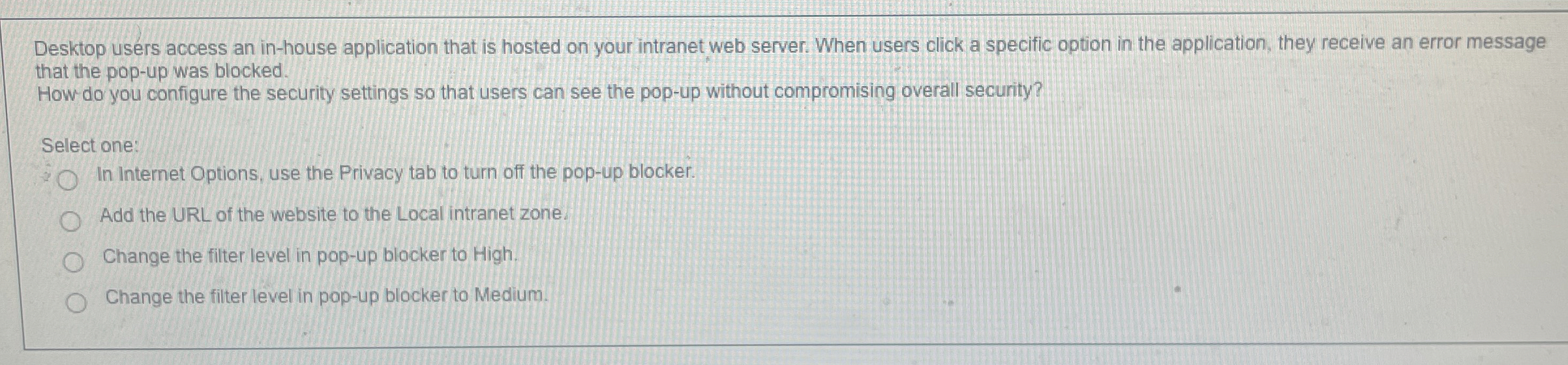
Desktop users access an inhouse application that is hosted on your intranet web server. When users click a specific option in the application, they receive an error message that the popup was blocked.
How do you configure the security settings so that users can see the popup without compromising overall security?
Select one:
In Internet Options, use the Privacy tab to turn off the popup blocker.
Add the URL of the website to the Local intranet zone.
Change the filter level in popup blocker to High.
Change the filter level in popup blocker to Medium.
Step by Step Solution
There are 3 Steps involved in it
1 Expert Approved Answer
Step: 1 Unlock

Question Has Been Solved by an Expert!
Get step-by-step solutions from verified subject matter experts
Step: 2 Unlock
Step: 3 Unlock
 Study Help