







Question: Details Apple Write all the code necessary to implement the Apple class as shown in the UML Class Diagram to the right. Do this in
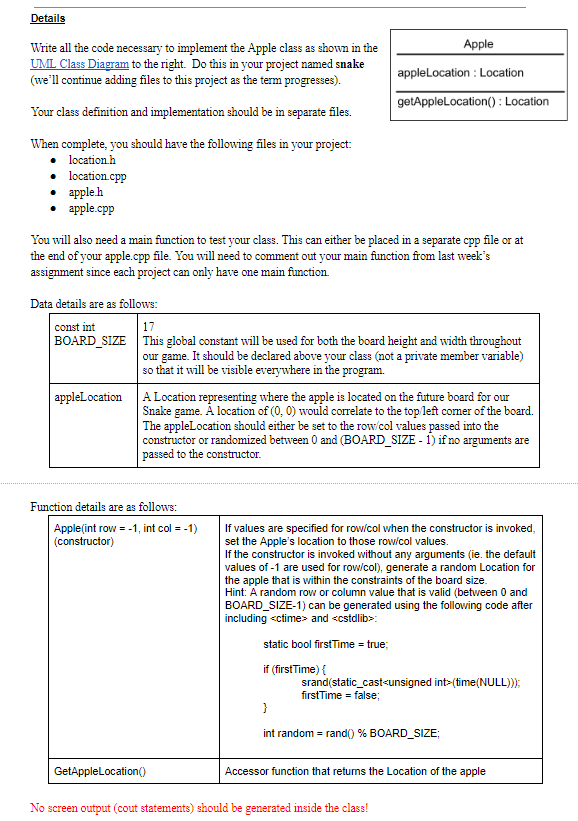
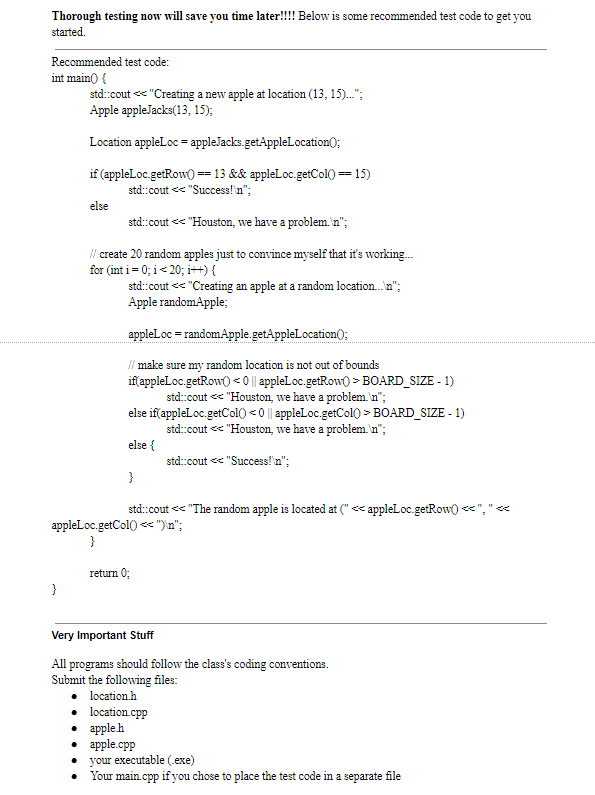
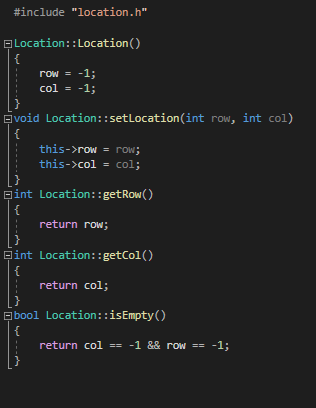
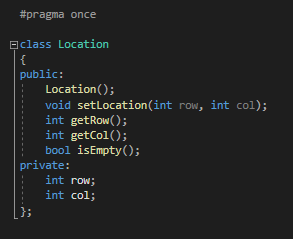
Details Apple Write all the code necessary to implement the Apple class as shown in the UML Class Diagram to the right. Do this in your project named snake (we'll continue adding files to this project as the term progresses). apple Location : Location getApple Location() : Location Your class definition and implementation should be in separate files. When complete, you should have the following files in your project: location.h location.cpp appleh apple.cpp You will also need a main function to test your class. This can either be placed in a separate cpp file or at the end of your apple.cpp file. You will need to comment out your main function from last week's assignment since each project can only have one main function. 17 Data details are as follows: const int BOARD_SIZE This global constant will be used for both the board height and width throughout our game. It should be declared above your class (not a private member variable) so that it will be visible everywhere in the program. appleLocation A Location representing where the apple is located on the future board for our Snake game. A location of (0,0) would correlate to the top left corner of the board. The appleLocation should either be set to the row/col values passed into the constructor or randomized between 0 and (BOARD_SIZE - 1) if no arguments are passed to the constructor. Function details are as follows: Apple(int row = -1, int col = -1) (constructor) If values are specified for row/col when the constructor is invoked, set the Apple's location to those row/col values. If the constructor is invoked without any arguments (ie the default values of -1 are used for row/col), generate a random Location for the apple that is within the constraints of the board size. Hint: A random row or column value that is valid (between 0 and BOARD SIZE-1) can be generated using the following code after including
Step by Step Solution
There are 3 Steps involved in it

Get step-by-step solutions from verified subject matter experts
 Study Help