







Question: Develop a class BackupRestore that has two static methods: public static int backup (String filename, double partSize) public static int restore (String filename, int numberOfPieces)
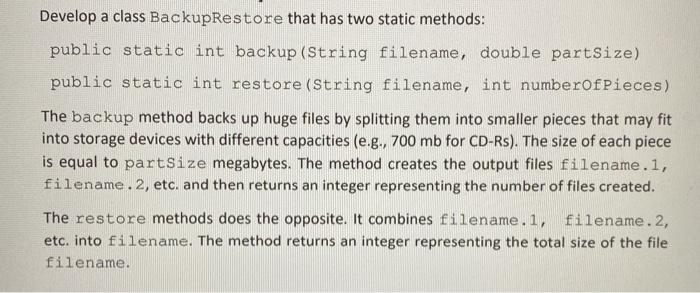
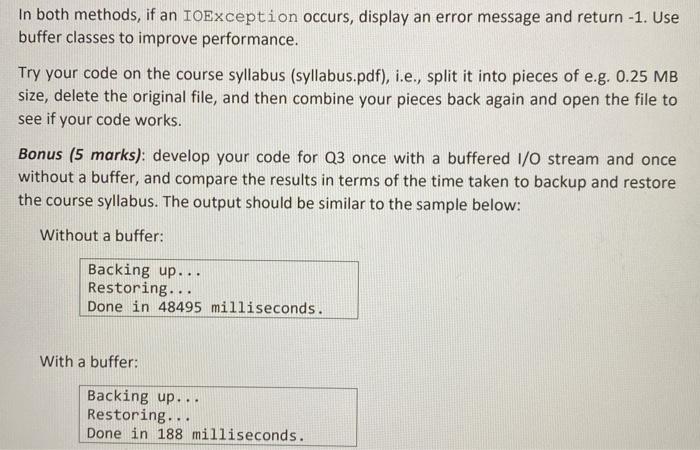
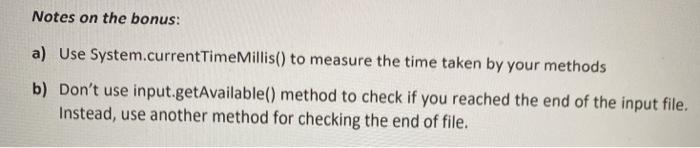
Develop a class BackupRestore that has two static methods: public static int backup (String filename, double partSize) public static int restore (String filename, int numberOfPieces) The backup method backs up huge files by splitting them into smaller pieces that may fit into storage devices with different capacities (e.g., 700 mb for CD-Rs). The size of each piece is equal to partSize megabytes. The method creates the output files filename. 1, filename. 2, etc. and then returns an integer representing the number of files created. The restore methods does the opposite. It combines filename.1, filename. 2, etc. into filename. The method returns an integer representing the total size of the file filename. In both methods, if an IOException occurs, display an error message and return -1. Use buffer classes to improve performance. Try your code on the course syllabus (syllabus.pdf), i.e., split it into pieces of e.g. 0.25 MB size, delete the original file, and then combine your pieces back again and open the file to see if your code works. Bonus (5 marks): develop your code for Q3 once with a buffered 1/0 stream and once without a buffer, and compare the results in terms of the time taken to backup and restore the course syllabus. The output should be similar to the sample below: Without a buffer: Backing up... Restoring... Done in 48495 milliseconds. With a buffer: Backing up... Restoring.. Done in 188 milliseconds. . Notes on the bonus: a) Use System.currentTimeMillis() to measure the time taken by your methods b) Don't use input.getAvailable() method to check if you reached the end of the input file. Instead, use another method for checking the end of file
Step by Step Solution
There are 3 Steps involved in it

Get step-by-step solutions from verified subject matter experts
 Study Help