







Question: Develop an interactive dashboard for a European retail store that offers a wide range of products, including furniture, office supplies, and technology items. These dashboards
Develop an interactive dashboard for a European retail store that offers a wide range of products, including furniture, office supplies, and technology items. These dashboards will provide valuable insights into the profit data for orders spanning from to
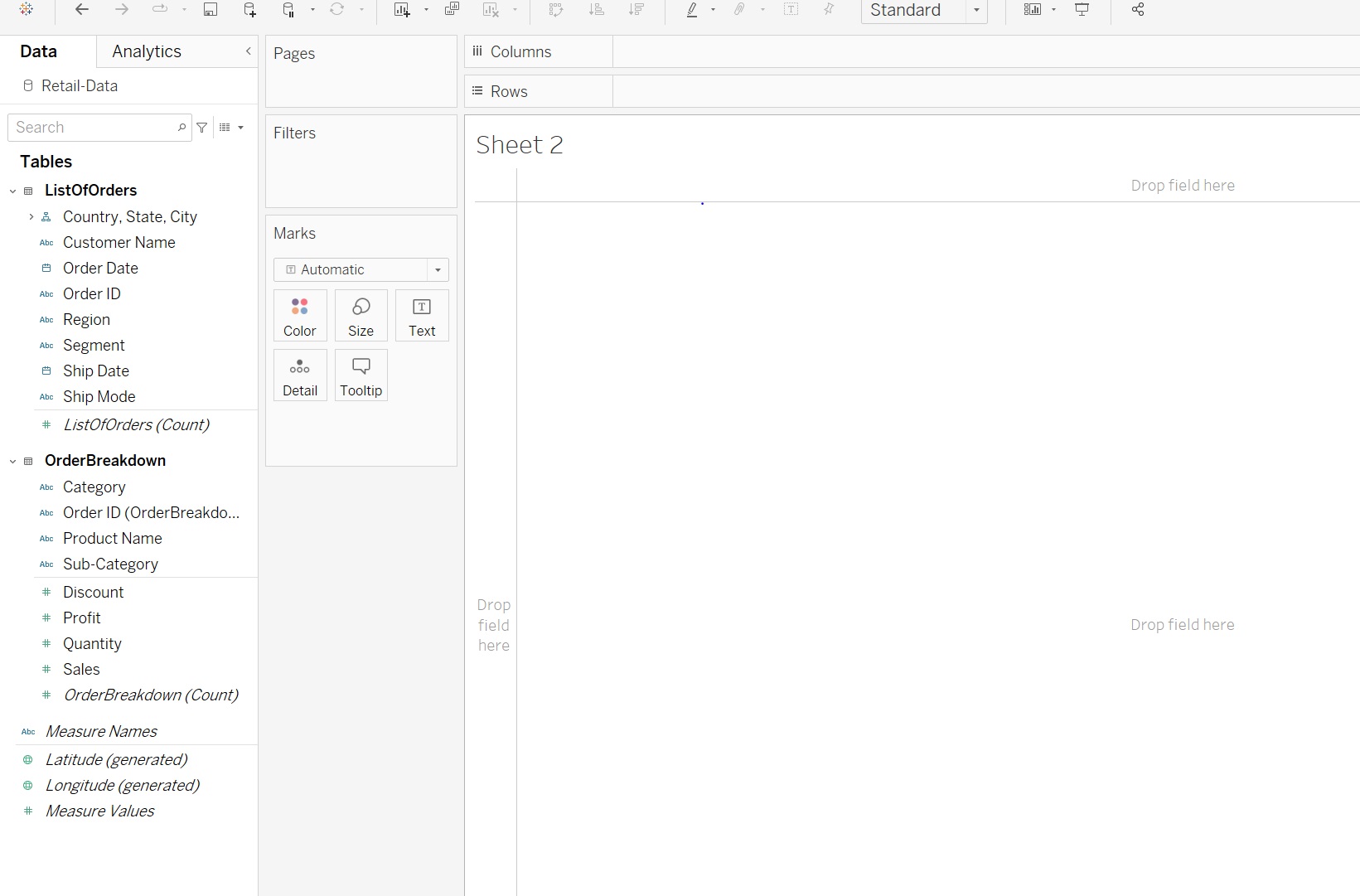
Display the overall profit per product category and product subcategory. This visualization allows the user to expand or collapse the product category level. Create a Horizontal Bar Chart to filter the data based on Order Year.
Perform an analysis of customers' profitability sales vs profit while considering the effect of average discount use a scatterplot
create a Map chart displaying Profit per Country using the geographic data. Apply a filter on a region use a filled map
Create a dashboard that consists of the above three charts. The dashboard should be fully interactive. Add filters on the Year, Category, and Region fields. Choose the generic desktop size for viewing the dashboard.
As the stakeholders will be accessing the dashboard through company issued tablets, ensure that the dashboard is tabletfriendly iPad
Publish the dashboard on Tableau online and provide users access to the selected regions.
Step by Step Solution
There are 3 Steps involved in it
1 Expert Approved Answer
Step: 1 Unlock

Question Has Been Solved by an Expert!
Get step-by-step solutions from verified subject matter experts
Step: 2 Unlock
Step: 3 Unlock
 Study Help